A customer has one item in the cart. You would love them to take three. The cleanest way to nudge that is not a pop-up or a promotional email. It is a simple promise printed right next to the price: buy three and each one costs less. That is a volume discount, and done right it lifts your average order value without touching your ad spend.
The catch is that Shopify makes this harder than it should be. Native quantity breaks are limited, the price table is invisible to shoppers, and there is a notorious bug where buying more can cost more. This guide walks through what these discounts are, why they work, and how to set up shopify volume discount tiers that hold from the product page all the way through checkout.
🎯 Quick Summary
- Volume, quantity, and tiered pricing all mean the same thing: buy more units, pay less per unit.
- They lift average order value because shoppers round up to hit the next saving, instead of you discounting the whole cart.
- Shopify's native quantity breaks are limited and hide the deal until checkout; a Functions-based app fixes both.
- Watch the tier-cascade bug, where the price reverts to full above your top tier. The highest tier should always win.
- TierNova runs on Shopify's native Discount Function, works on every paid plan, and shows the price table on the product page.
📦 What Volume and Quantity Discounts Are
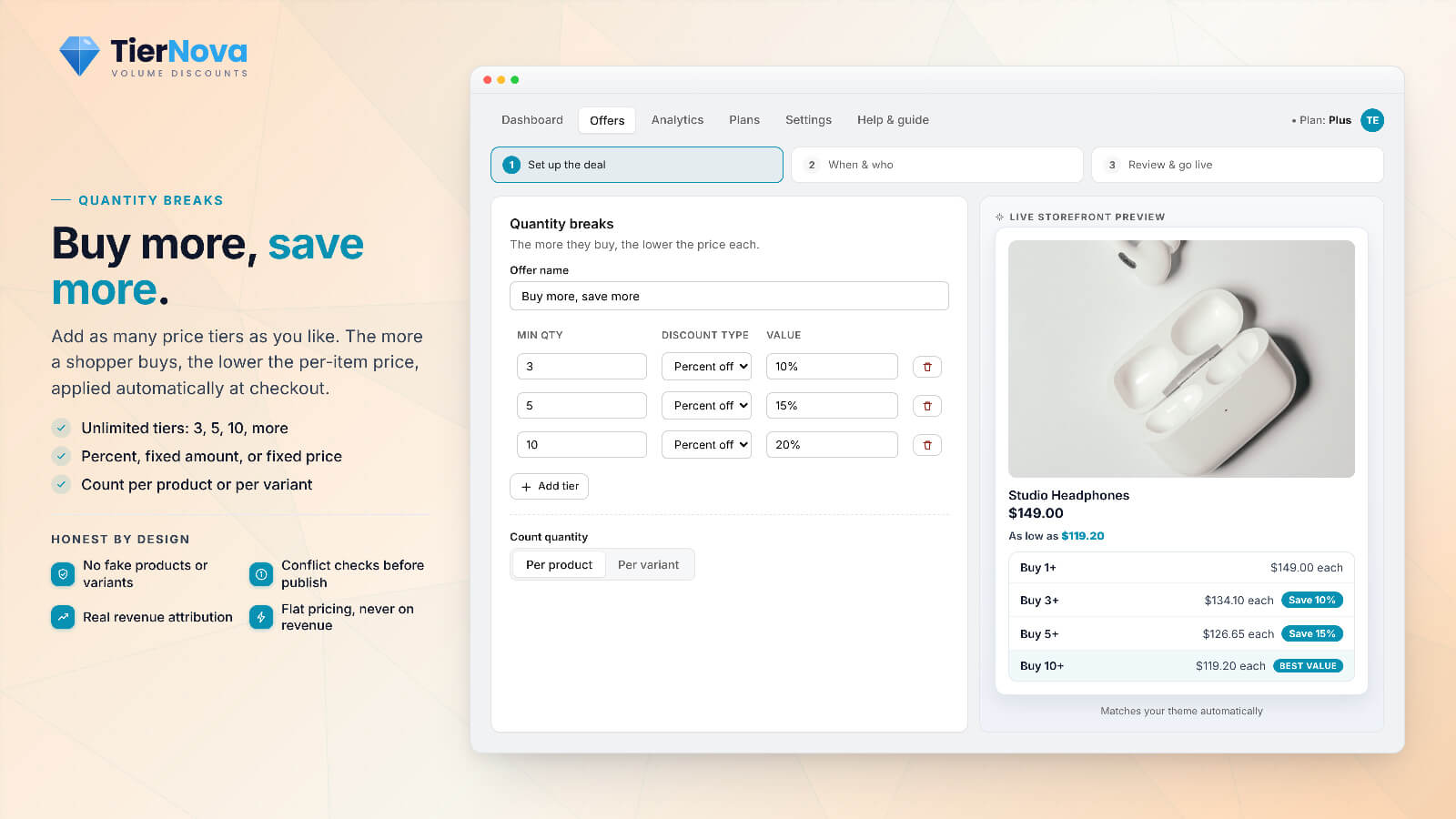
Volume discount, quantity discount, tiered pricing shopify, quantity breaks shopify, bulk discount: these are all names for one mechanic. You set bands of quantity, and each band gets a better per-unit deal. A typical ladder looks like this:
| Quantity | Discount | Per-unit price | You save |
|---|---|---|---|
| 1 to 2 | None | $20.00 | $0 |
| 3 to 5 | 10% off | $18.00 | $2 each |
| 6 to 9 | 15% off | $17.00 | $3 each |
| 10 or more | 20% off | $16.00 | $4 each |
The numbers above are just an example on a $20 product. The point is the shape: the more units a shopper adds, the lower the per-unit price drops. This is the heart of buy more save more shopify pricing, and it works for almost any catalog, from consumables and supplements to apparel multipacks and B2B reorders.
There are three ways to express each break, and TierNova supports all of them:
- Percentage off (for example 15% off at 6 units), the most common and the safest for multi-currency stores.
- Fixed amount off (for example $3 off each unit at this tier).
- Fixed price per tier (for example "$16 each when you buy 10+"), which reads very cleanly to shoppers.
📈 Why They Raise Average Order Value
A flat sitewide coupon discounts every order, including the ones that were going to happen anyway. A volume ladder only pays out when the shopper does what you want: buys more. That is the difference between giving margin away and buying extra units with it.
The behaviour you are tapping into is simple. A shopper holding two units sees that a third drops the price of all three. Rounding up feels like winning, not spending. You are not lowering your price floor, you are raising the order. Done across a catalog, that nudge compounds into a meaningfully higher bulk discount shopify AOV without a single extra visitor.
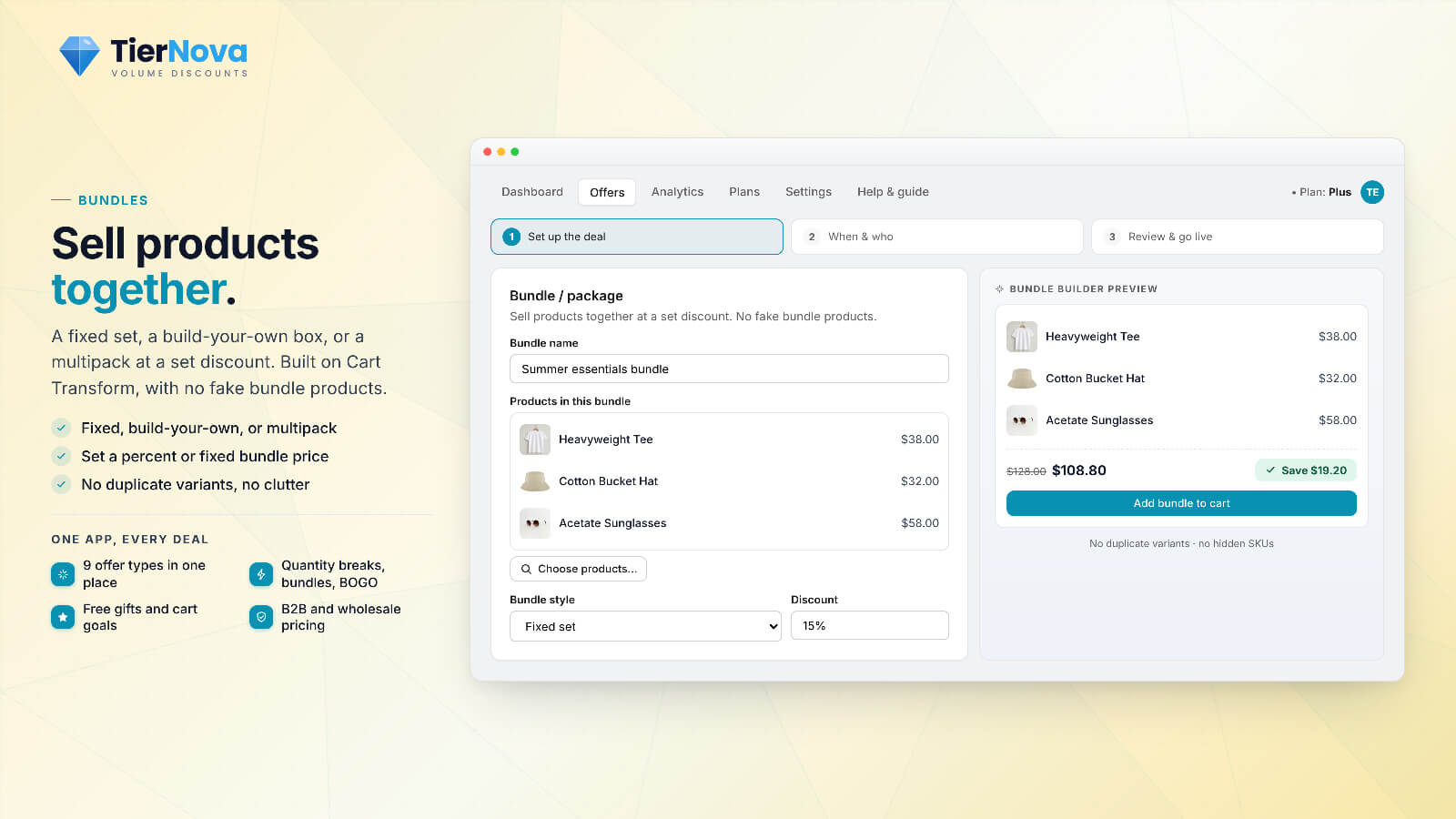
Volume pricing also pairs neatly with other offers. If you also sell sets, our guide to Shopify product bundles without fake products or duplicate variants covers when a bundle beats a quantity break (short version: bundles are for mixing different products, volume breaks are for stacking up the same one).
🛠️ How to Set Them Up on Shopify: Native vs an App
Shopify does have native quantity-based discounts, and for a single simple rule they can be enough. But merchants hit the same walls quickly: the deal is invisible on the product page, the rules are rigid, automatic-discount slots are capped, and the per-unit math does not always behave the way shoppers expect. None of that is a bug you can fix in settings. It is a gap.
A shopify volume pricing app built on Shopify Functions fills the gap while working with the platform's native engine. Here is how TierNova approaches it:
Native engine, not a hack. TierNova runs on Shopify's unified Discount Function, the same engine Shopify uses itself. There are no cart-page price overrides and no theme code surgery. Because Functions run on all paid plans for public App Store apps, your volume tiers work on Basic, Shopify, Advanced, and Plus alike. No Plus required.
Automatic, so it survives checkout. The discounts are automatic, not codes. They apply in the cart, at checkout, in Shop Pay, and on express buttons like Apple Pay, Google Pay, and PayPal. There is no empty code box and no "where do I enter the deal?" moment. If discounts vanishing at the last step sounds familiar, our breakdown of why Shopify discounts fail at checkout explains exactly why codes and front-end tricks break where Functions do not.
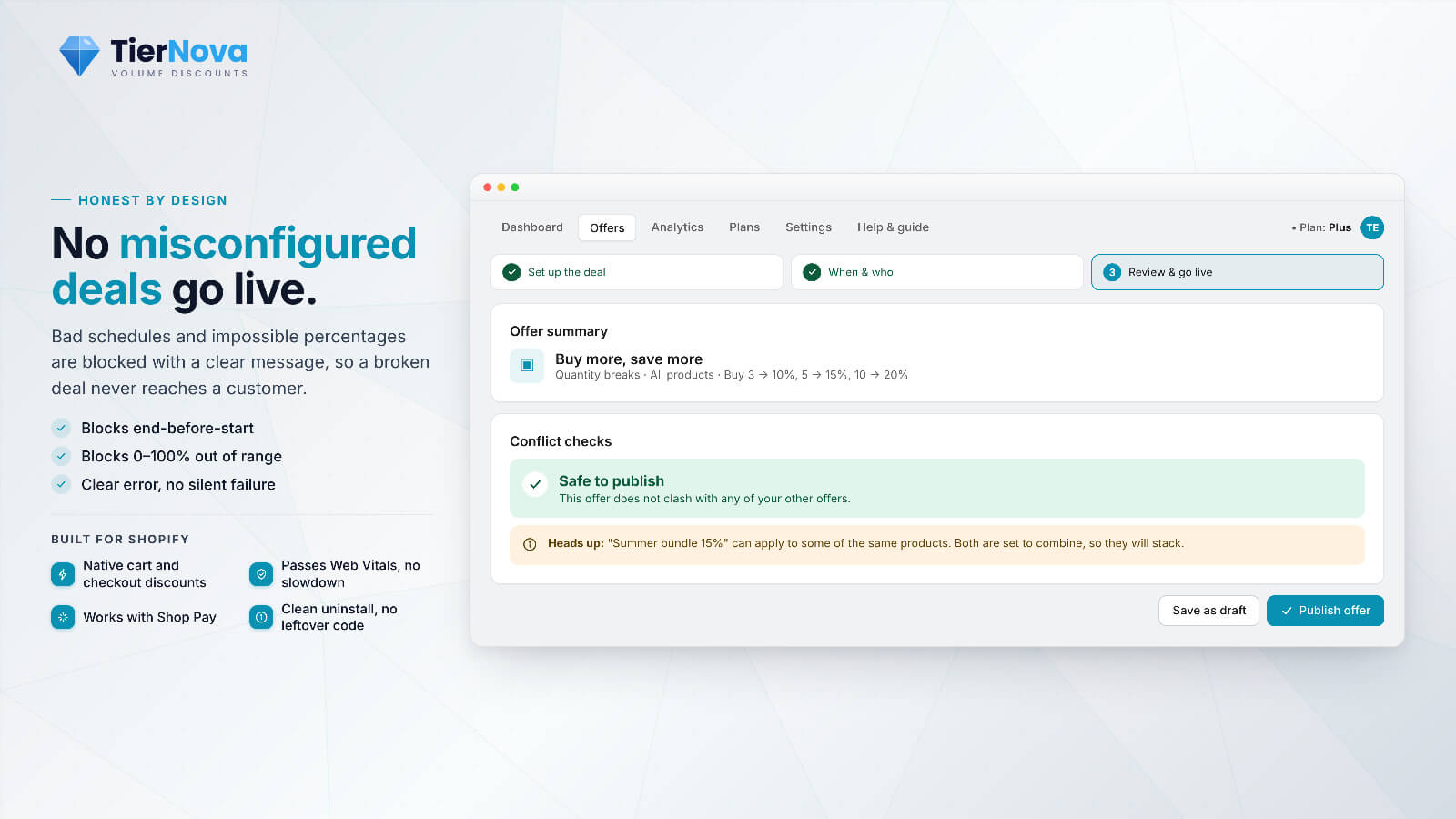
One slot, many offers. Shopify caps you at 25 active automatic discounts. TierNova consolidates many offers into a small number of Functions, so a full ladder of quantity breaks does not eat your whole budget of discount slots.
A guided wizard. You build a tier ladder from a template, pick percentage, fixed amount, or fixed price per tier, and preview it before it goes live. There is also a plain-language combinability panel so you can see exactly how this offer stacks (or does not) with your other promotions, instead of guessing.
How to launch a volume discount
Pick the product
Choose the item (or collection) that earns the quantity break and open the wizard.
Build the tiers
Set your bands and choose percentage, fixed amount, or fixed price per tier.
Show the table
Drop the volume price table on the product page so shoppers see the deal.
It applies itself
The right tier is applied automatically in cart, checkout, and Shop Pay.

Volume pricing that actually holds
TierNova builds your quantity breaks on Shopify's native engine, shows them on the product page, and applies the right tier at every checkout. Available from the Starter plan.
⚠️ The Tier-Cascade Bug to Avoid
This is a common failure mode that can increase costs for merchants. You set three tiers: 6 units at 15% off, and 10 or more at 20% off. A customer adds 7 units, expecting at least the 15% deal. Instead the price snaps back to the single-unit price, because the rule only fired exactly at 6 and there was nothing covering 7, 8, and 9. Buying more cost more. The shopper notices, which can reduce trust.
This is the "buy 7 reverts to full price" problem, and it comes from tiers that are treated as exact triggers instead of ranges that cascade. The fix is a system where the highest applicable tier always applies. TierNova cascades correctly: above your top tier the price never reverts to single-unit pricing, every quantity in between lands on the right band, and the discount always comes off the current or sale price rather than the original. The cart recalculates cleanly every time the quantity changes.
💡 Pro tip: Before you launch, add a unit count that sits between two tiers (like 7 in the example above) and watch the cart. If the per-unit price ever goes up as you add units, your tiers are not cascading. This simple test catches one of the most costly volume-pricing errors.
👀 Show the Deal on the Product Page
A volume discount that shoppers cannot see has limited impact. If the only place the saving appears is the cart, you are relying on people to add extra units on faith and then discover the reward. Many shoppers will not. The fix is to print the ladder where the buying decision happens: the product page.
TierNova's volume price table is a theme app block you drop onto the product template. It shows each quantity break and the per-unit price directly below the buy button, helping shoppers understand the value of buying a larger quantity. Because it is a theme app block, it matches your theme, it is removed cleanly if you ever uninstall, and it is built to stay fast and layout-stable so it does not shove your page around as it loads. It uses semantic HTML and never adds a second H1, so it stays SEO-safe.
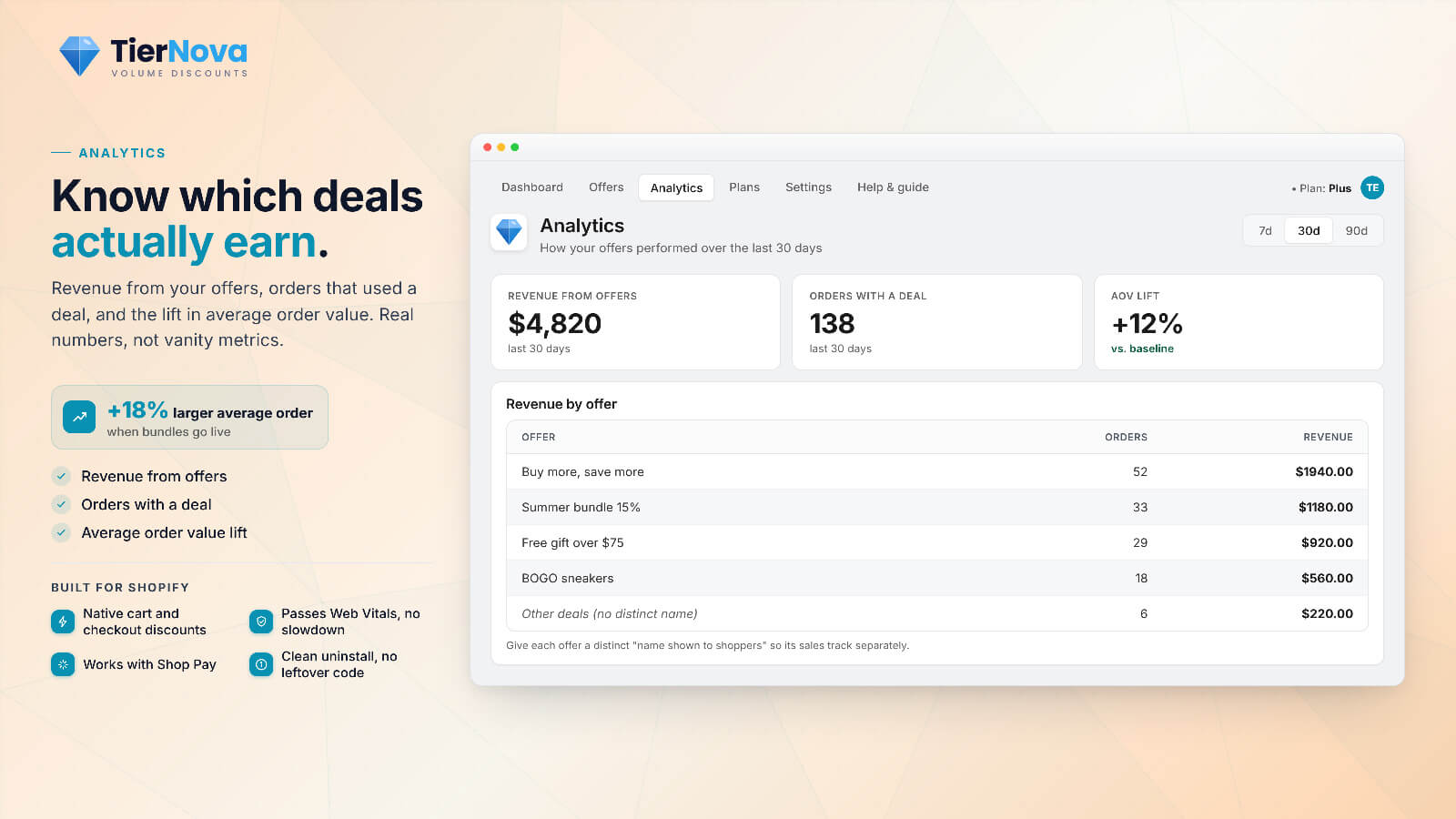
The same widget family includes savings badges, a cart-goal progress bar, and a countdown timer. Showing these elements before checkout makes the quantity offer easier to understand and more likely to influence the purchase.
💸 What It Costs
TierNova is priced on features, not on your revenue, and every tier includes unlimited orders. Your fee does not increase when sales grow.
- Free, $0: 1 live offer, order discounts and free shipping, with live preview, conflict checks, and a subtle "Powered by TierNova" badge. Volume and quantity breaks begin on the Starter plan.
- Starter, $14.99/mo: up to 5 live offers including volume and quantity breaks, badge removed, email support.
- Growth, $34.99/mo: up to 15 live offers, analytics, and the ability to test an offer and catch conflicts before you publish.
- Plus, $74.99/mo: everything in Growth, unlimited offers, plus tag-based wholesale and B2B pricing and priority support.
Paid plans come with a 7-day free trial, and annual billing is pay for 10 months, get 12. If you run B2B alongside retail, the wholesale tier means you do not need Shopify Plus to do customer-group pricing; our guide to Shopify wholesale and B2B pricing without Shopify Plus covers that in detail. And if you would rather have someone set the whole thing up for you, the CartWorks services page explains how a full store optimization engagement works.
Start with the free plan, create a clear volume ladder for a best-selling product, add the price table to the product page, and monitor the effect on average order value.