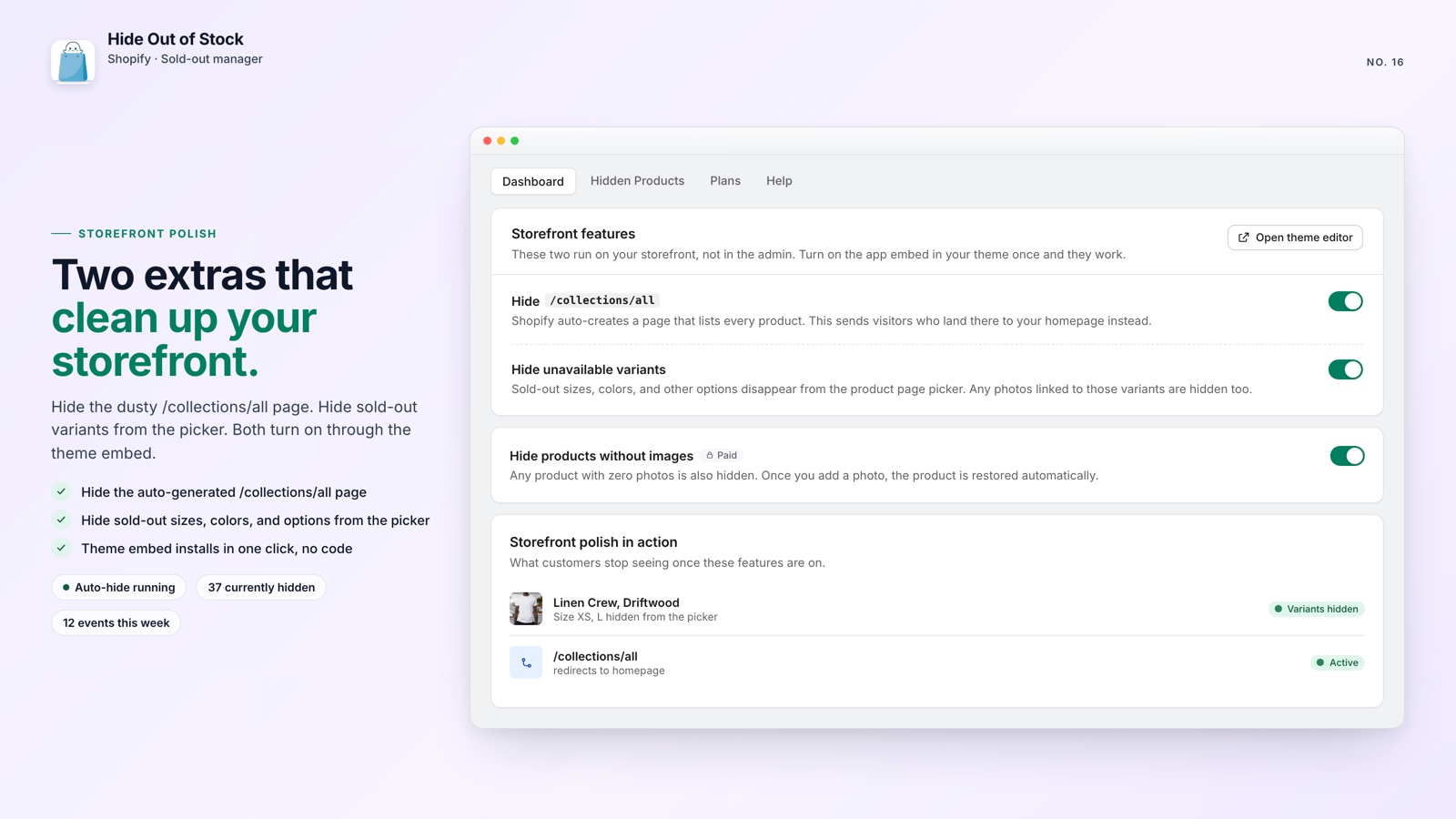
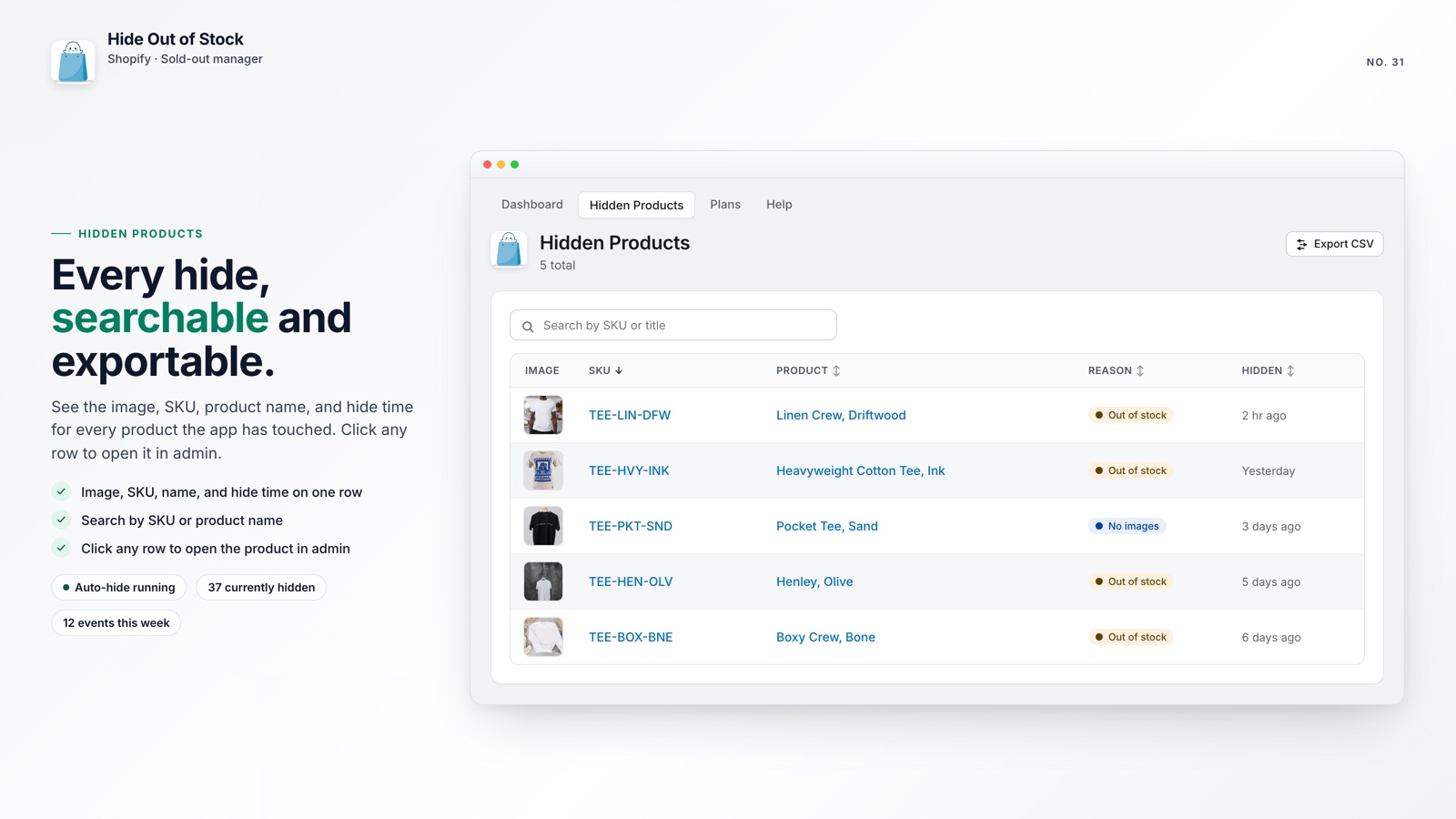
Your best-selling jacket sells out, so you move it to Draft. Three weeks later, inventory arrives, but the product is still hidden because nothing is configured to publish it again.
Every day that product stays in Draft is a missed opportunity to sell. If you invested in the product page’s search visibility, leaving it hidden can also put months of SEO work at risk. A better workflow takes about four minutes to set up.
🎯 Quick Summary
- Shopify does not include a native “auto-republish when restocked” setting
- A restocked product left in Draft cannot bring in storefront traffic or sales
- Hide Out of Stock returns a product to Active as soon as any variant has stock
- The dashboard and activity feed show every hide and restore event
🔄 Restore Products to Active When Stock Returns
By default, hiding a Shopify product does not create a return path. The product moves to Draft and stays there until someone changes its status manually, an easy task to miss while the team is handling everything else.
That gap has a real cost. Google can remove hidden products from its index, so republishing after a restock may mean rebuilding visibility from scratch. For seasonal or limited products that cycle in and out, the lost momentum can repeat every time. See the full picture of how hidden products affect Shopify SEO for the technical details.
The manual approach requires two Shopify Flow workflows: one to set a product to Draft when inventory reaches zero, and another to set it back to Active when a variant is restocked. It can work, but the second workflow is easy to forget. That is why many merchants hide products successfully yet never see them return.
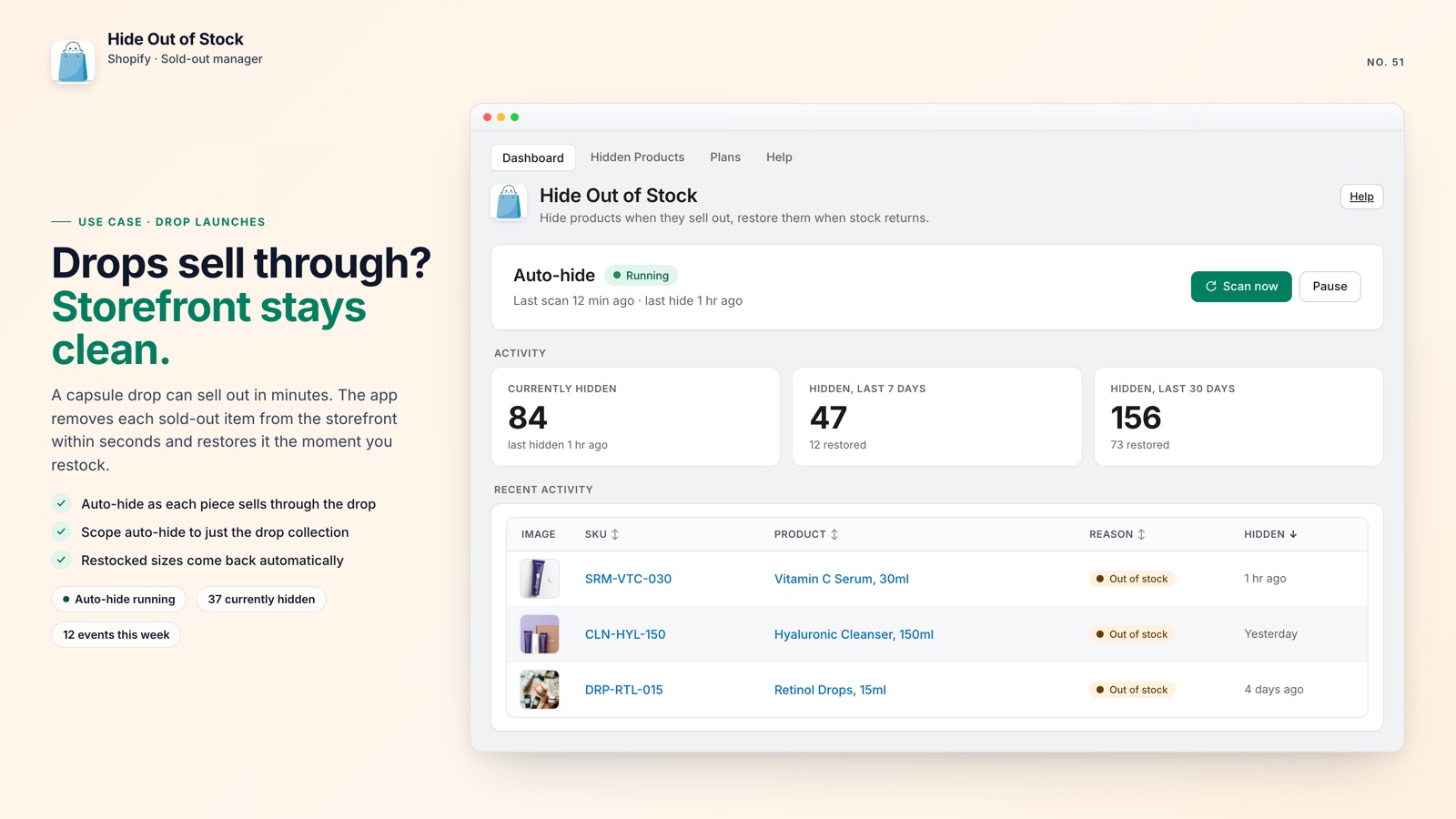
Hide Out of Stock handles both sides of the process. It listens to Shopify inventory webhooks in real time, moves a product to Draft when every variant reaches zero inventory, and changes it back to Active as soon as any variant is restocked. You do not need separate workflows or a republishing spreadsheet.
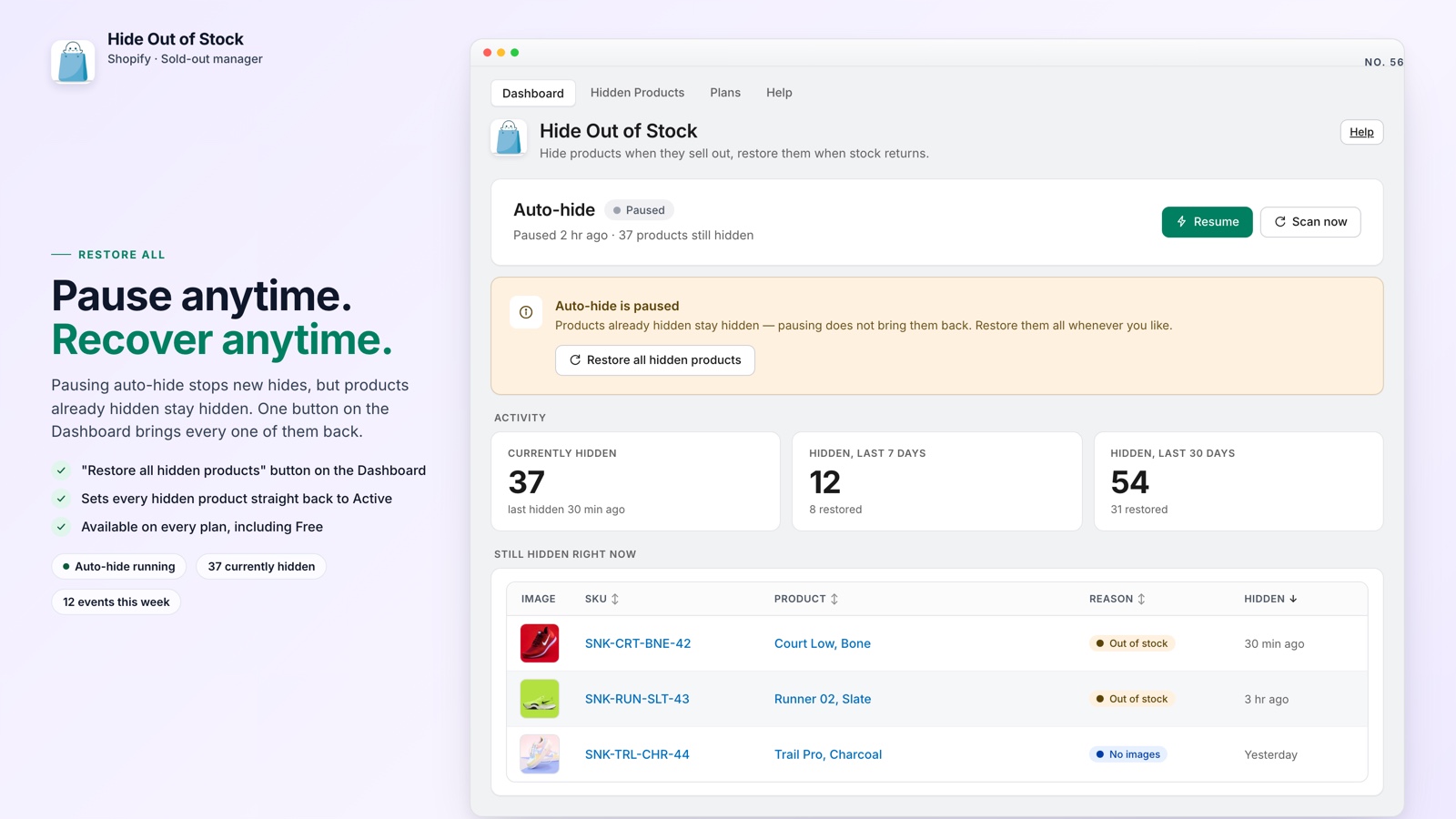
💡 Pro tip: Add a tag such as pre-order, coming-soon, or nohide to products that should stay visible. Hide Out of Stock will skip them regardless of inventory, so their pages can remain indexed while you prepare for launch. See how to keep pre-order and coming-soon products visible while hiding sold-outs.
📊 See Every Change in the Dashboard and Activity Feed
Automation is more useful when you can verify what it did. With many hide-and-restore workflows, it is difficult to tell whether a product was hidden, restored, or missed after a restock.
Hide Out of Stock includes an embedded dashboard in Shopify admin. It shows how many products are hidden now, how many were restored in the last 7 or 30 days, and a live activity feed with a timestamp for every event. If a restock arrives at 2 a.m., you can see it in the record.
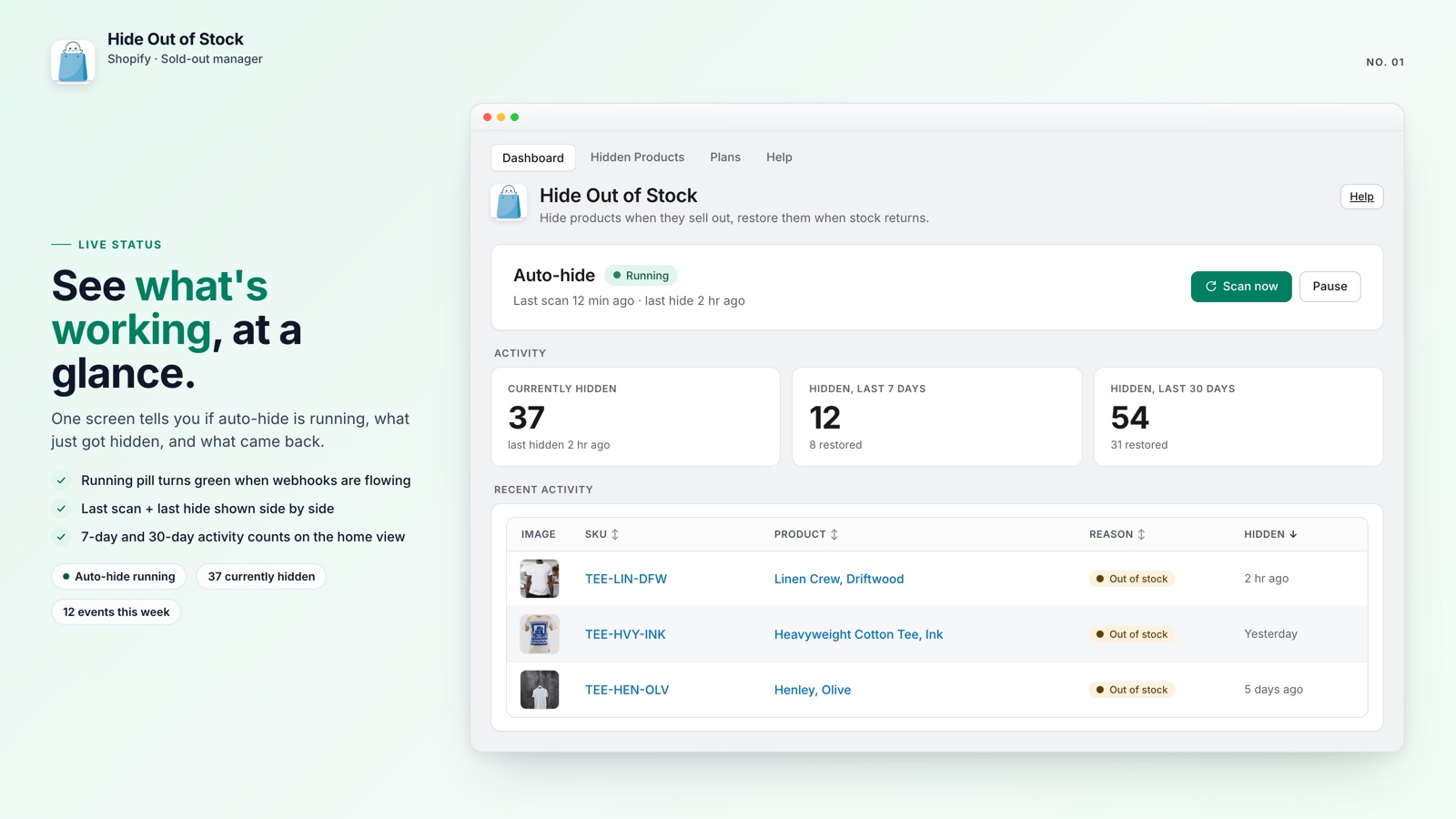
You can also export a CSV of every product currently in Draft. Use it for warehouse audits, supplier updates, or a quick review of products that need attention.
A daily scheduled task re-checks hidden products in case a webhook is delayed or missed. It adds a dependable safety net to the real-time workflow.

Keep restocks from getting lost
Hide Out of Stock hides, restores, and records product changes automatically. A Free plan is available for stores with up to 100 products.
Here is what you get:
- Hides a product within seconds when every variant reaches zero stock
- Restores the product to Active as soon as any variant has stock
- Scans the catalog with one click and hides products that were already out of stock
- Uses tag exclusions to keep pre-order and coming-soon products visible
- Adds SEO-safe 301 redirects while products are hidden (Pro plan)
- Runs a daily safety-net check for missed webhooks
- Offers a Free plan for stores with up to 100 products; paid plans start at $7.99
🚀 Why Automatic Restoration Matters
Leaving restocked products in Draft creates an operational gap that can reduce revenue month after month. The inventory is ready to sell, but customers cannot find it.
The impact compounds. A product that cycles in and out of stock three times a year can lose visibility three times. By month six, it may have to rebuild the trust and traffic of a page launched yesterday.
A four-minute install and one catalog scan are all it takes. After that, your store can handle restocks on its own. If you also want sold-out items out of the top of your collection pages, keeping out-of-stock products out of your top collection spots pairs well with automatic restoration.
You avoid a growing backlog of forgotten Draft products and keep your catalog ready for customers.