A shopper lands on your best collection, sees a "Sold Out" badge in the first row, and leaves. Your ad spend just paid for a visit to a product nobody can buy. Out-of-stock products at the top of a collection lower your conversion rate, and Shopify does not reorder them for you.
🎯 Quick Summary
- Shopify has no native way to auto-push sold-out products to the bottom of a collection.
- Leaving them at the top frustrates shoppers and can result in lost sales.
- Sortello's Pro plan pushes them down automatically in real time, then moves them back up when they restock.
- The Free plan gives you a one-click manual push whenever needed.
⚡ Real-Time Auto-Push: Move Sold-Out Products Away from the Top
In the default Shopify experience, a product remains in its existing position after it sells out. If it remains at the top, it can displace in-stock products. Shopify does not provide a native option to sort products by inventory quantity.
The manual fix is to drag it down in the editor. Shopify's drag-and-drop only works within the page you are viewing, so in a collection of 200+ items, moving a product from near the top to near the bottom means paging through the whole list one screen at a time. It does not hold up as a routine you run every time something sells out.
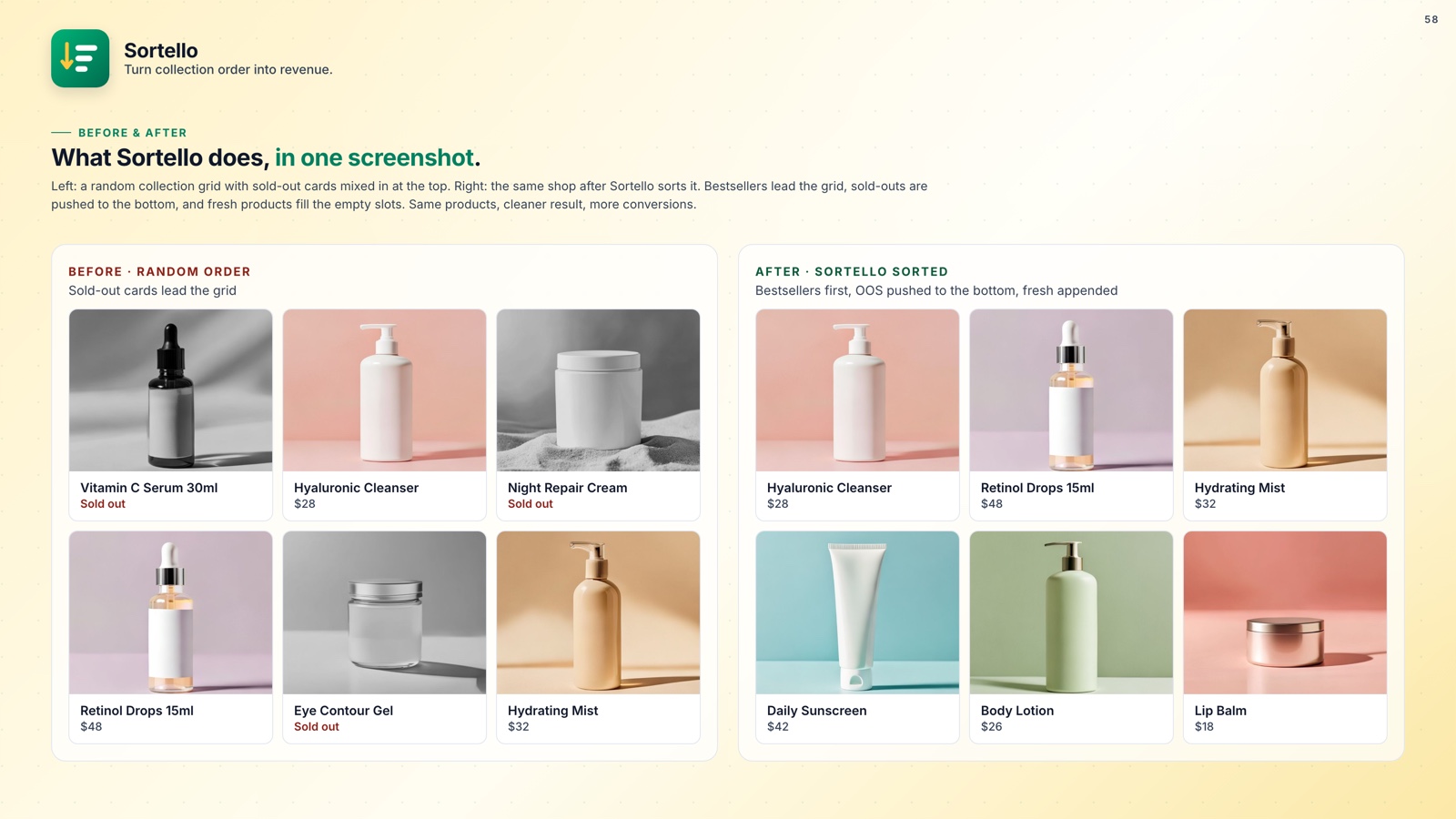
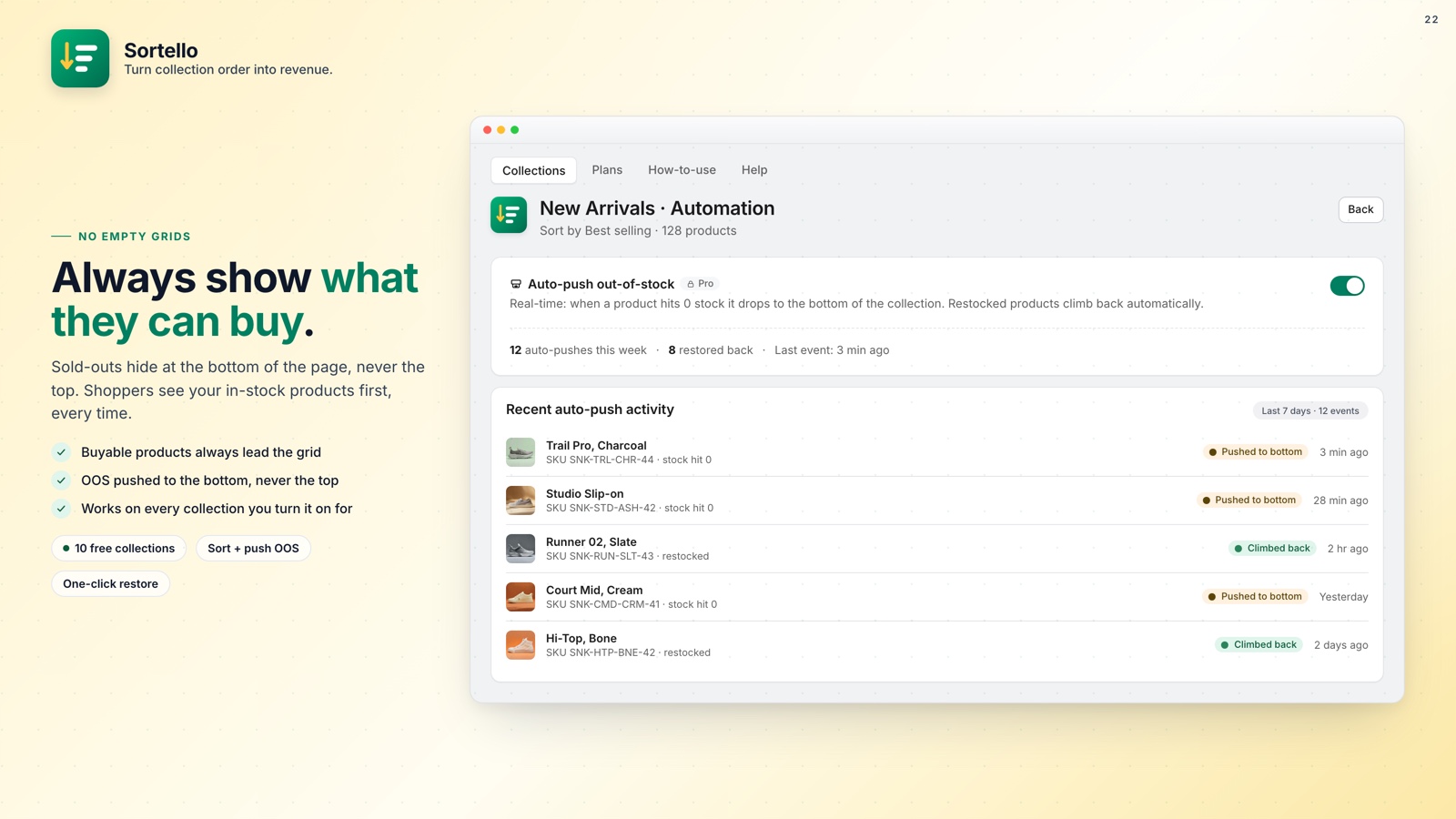
Sortello's Pro plan watches your inventory in real time. When a product hits zero stock, it moves to the bottom of the collection within seconds. No manual drag, no paging through the list.
This matters because collection order directly affects how much of your inventory shoppers see. Shoppers rarely scroll past the first row on mobile. If that row is full of "Sold Out" badges, fewer shoppers will reach products they can purchase.
🔄 Auto-Restore: Restore Products When Stock Returns
A complete solution also needs to restore products when inventory returns. Without automatic restoration, a restocked product remains at the bottom of the collection or must be moved manually through Shopify's editor.
When stock returns, Sortello re-sorts the collection so the product moves back to its proper place: its spot in your manual order if you arrange collections by hand, or its rank under whatever sort rule you use. Either way, it does not stay stranded at the bottom, and you do not touch it.
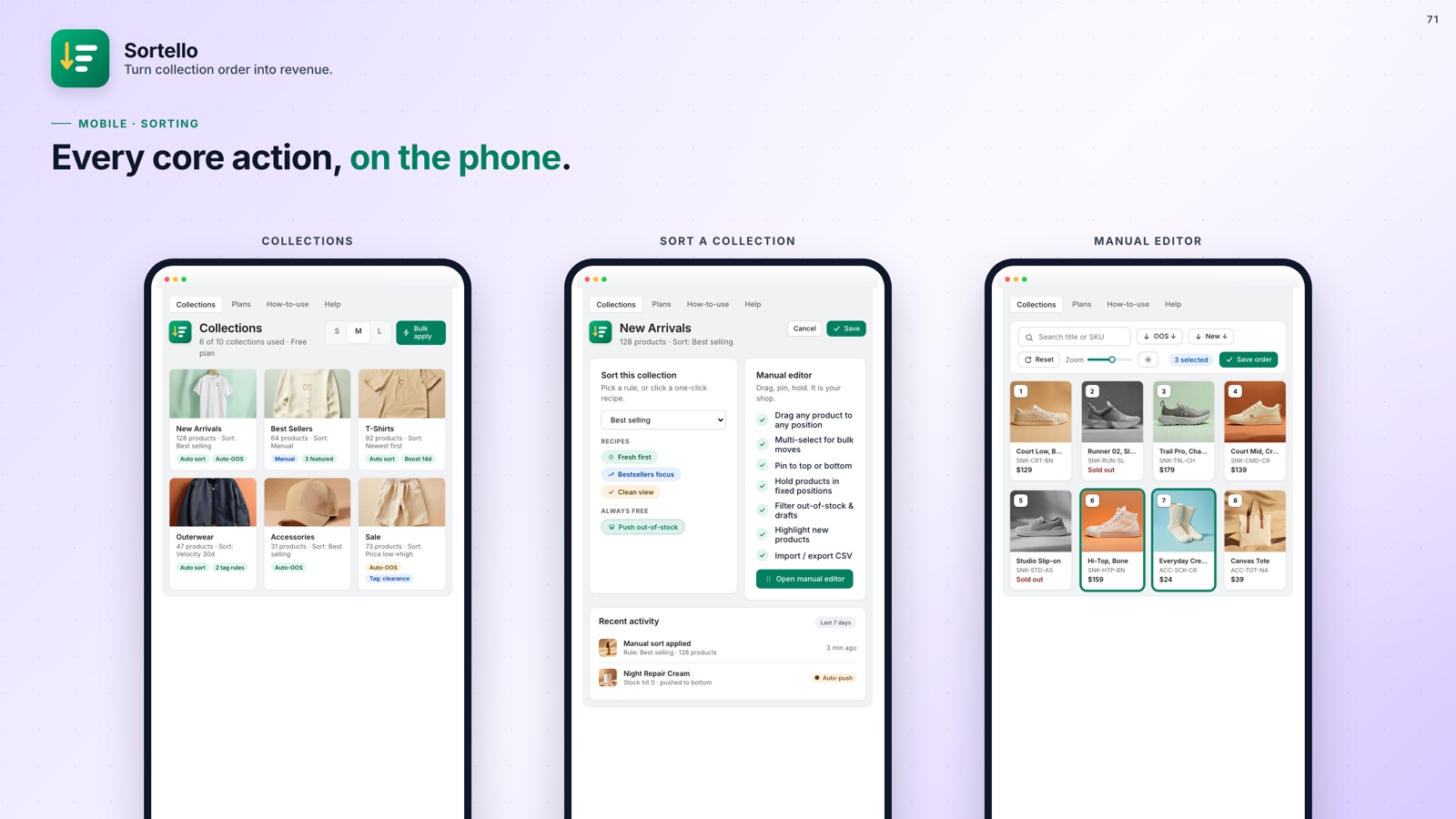
This is especially useful if you run automated sort rules across your collections. Pair auto-push and auto-restore with a best-seller sort by recent sales velocity, and your collections show the right products in the right order on their own.
💡 Pro tip: Combine auto-push with Sortello's tag-based pins (Pro) to keep your hero products locked at the top while everything else sorts itself.
How Sortello works
Product sells out
Inventory hits zero in your Shopify store.
Auto-pushed down
Sortello moves it to the bottom in real time. No clicks needed.
Restocked
Stock comes back in and the product moves back into the sort order automatically.
Always clean
Shoppers only see in-stock products first. Every time.

Keep Sold-Out Products Out of Valuable Positions
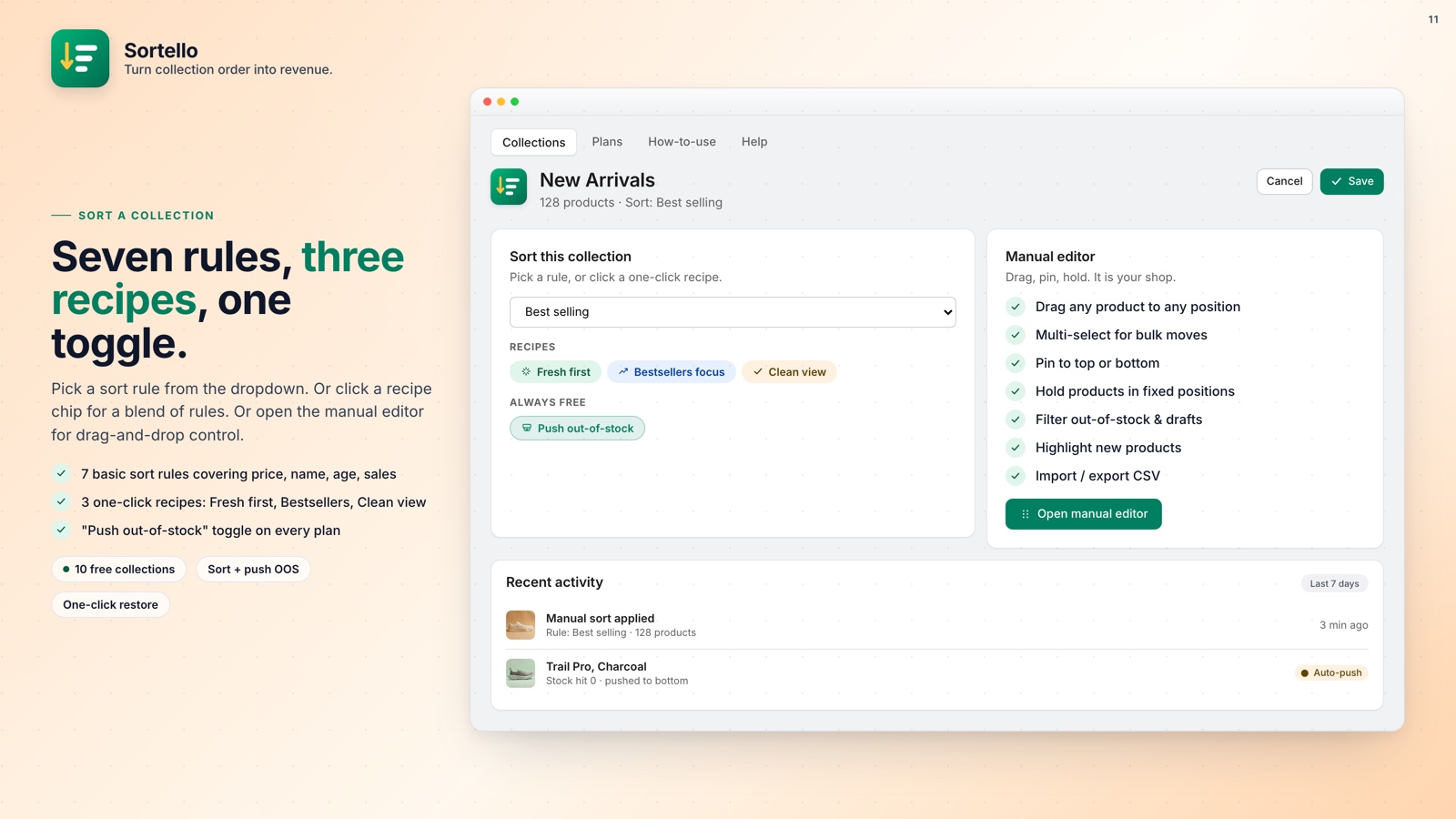
Sortello auto-pushes out-of-stock products to the bottom and restores them when they're back. No code or manual dragging is required.
- Real-time push of sold-out products to the bottom (Pro)
- Automatic move back into the sort order when restocked (Pro)
- One-click manual push for the whole collection, on every plan including Free
- Shopify's seven built-in sort rules plus a random shuffle on every plan; stock-level, revenue and vendor sorts on Pro
- Best-seller sort by sales velocity over the last 7, 30, or 60 days (Pro)
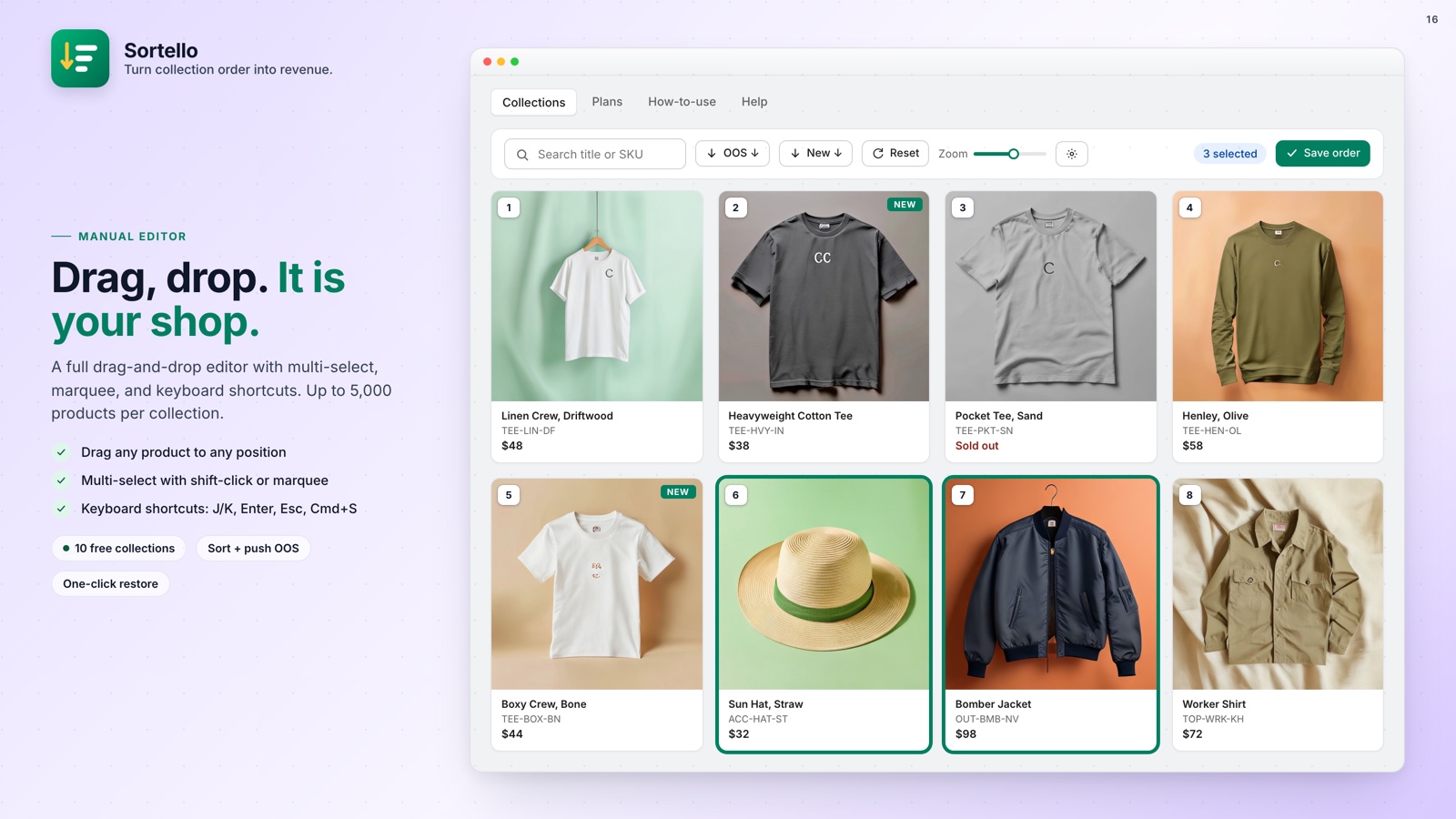
- Drag-and-drop editor for up to 5,000 products per collection (all plans)
- Sort history: the last 20 versions of each collection, one-click undo (all plans)
- No theme code, changes publish to the live storefront
🚀 Why Every Store Should Fix This
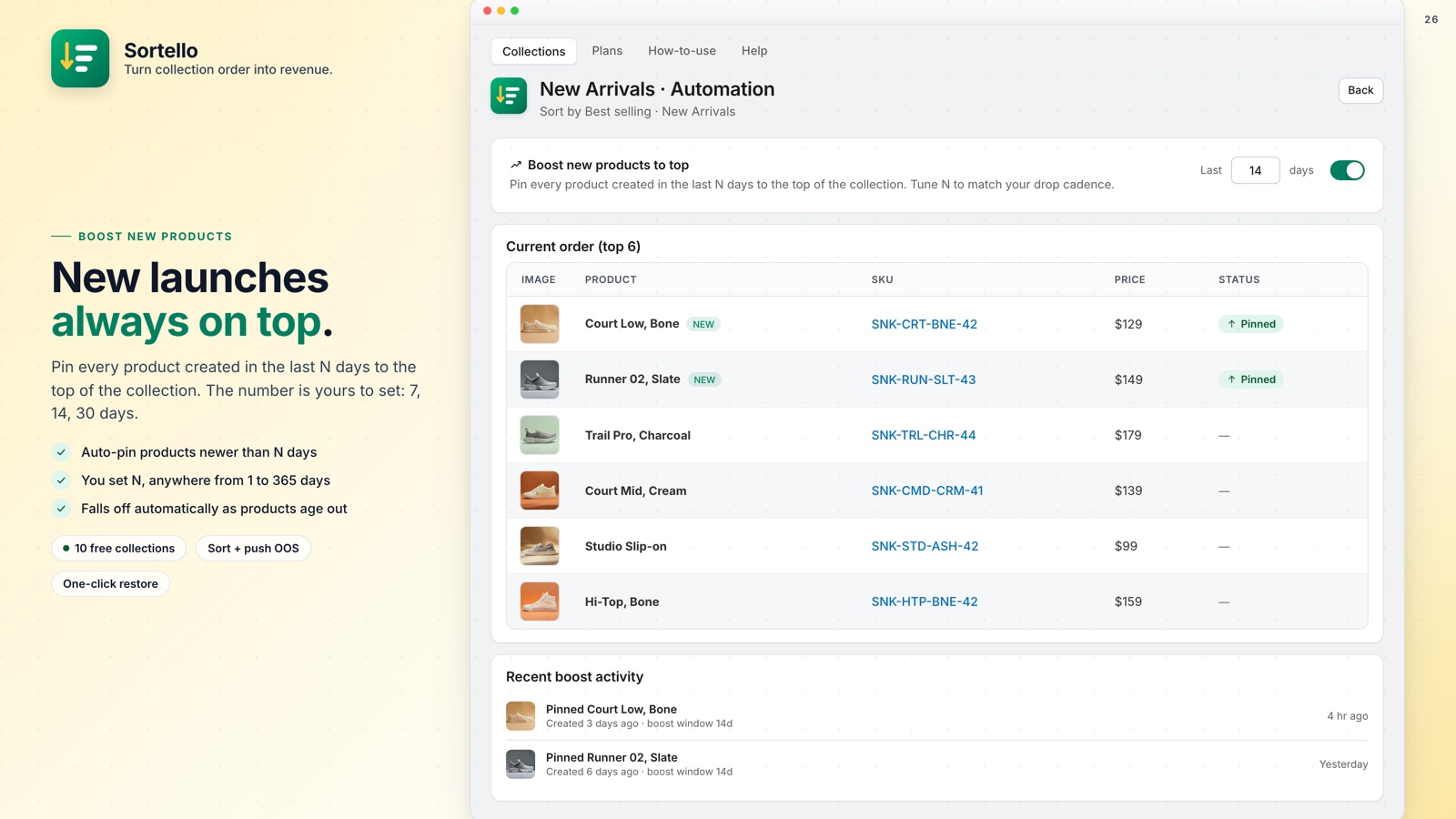
Sold-out products at the top of your collection are more than a presentation issue. They represent real money: shoppers who landed, saw something unavailable, and left. If you've been thinking about how to handle out-of-stock products on Shopify, fixing their collection position is the first and cheapest thing you can do.
Shopify will not sort by stock status on its own. The Free plan gives you a one-click manual push whenever you need it. Pro is $9.99 a month, makes it automatic, and moves products back up on restock. Paid plans include a 7-day free trial.