A shopper searches for your product, clicks the result, and lands on a 404. The sale is lost, along with some of the SEO value that URL built over time. On Shopify, hiding out-of-stock products requires more than removing a listing from the storefront.
A reliable setup needs two parts: hide products as soon as they sell out, then restore them when inventory returns.
🎯 Quick Summary
- Auto-hide products within seconds of selling out and restore them when stock returns.
- Run one catalog scan to hide products that were already sold out after installation.
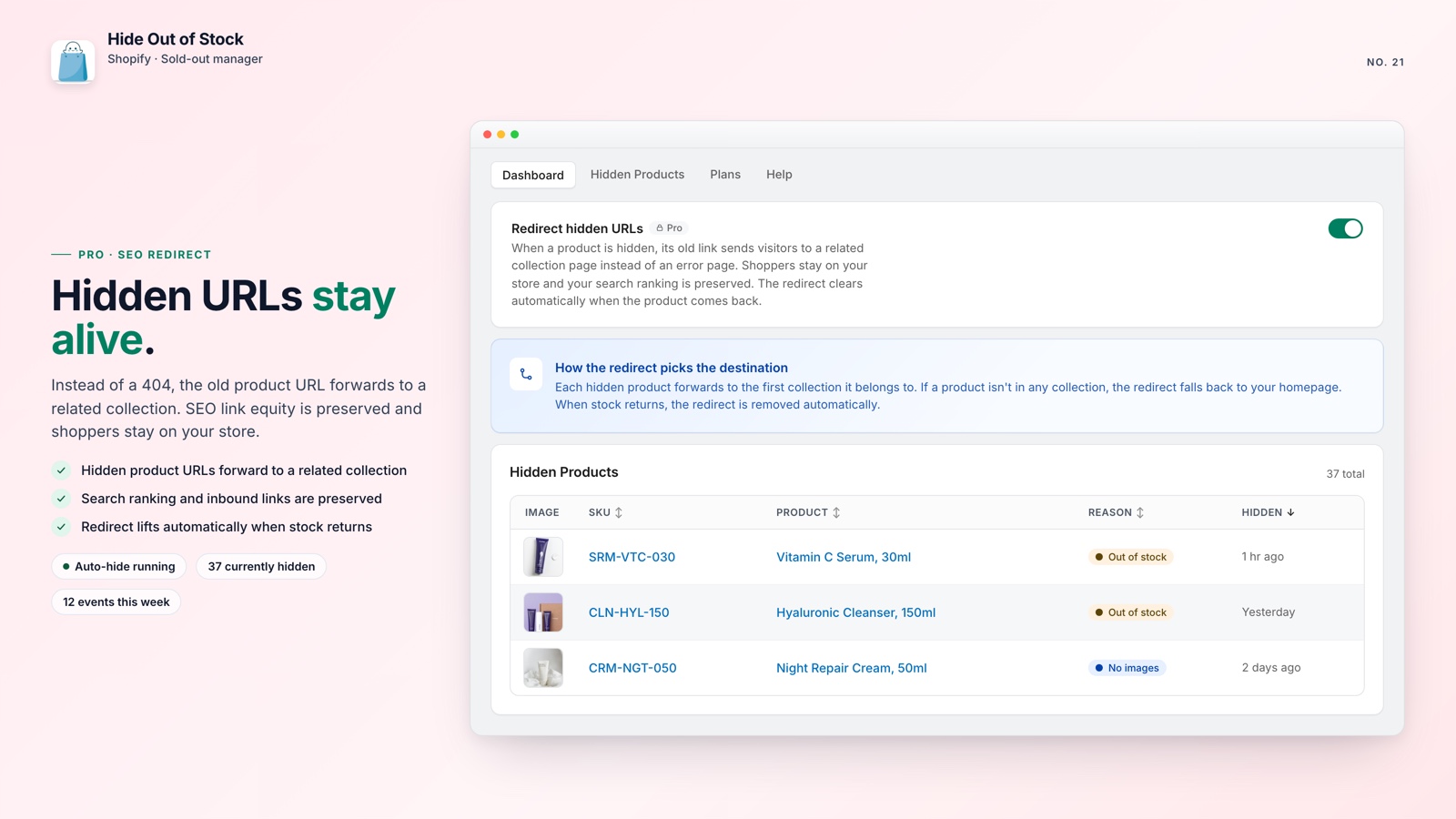
- 301 redirects (Pro plan) keep old product URLs from becoming 404s.
- The free plan covers stores with up to 100 products, with no credit card required to start.
⚡ Auto-hide Shopify out-of-stock products in real time
When the last unit sells, the product should leave your storefront within seconds, not after someone notices and updates it manually.
Every sold-out product left in a collection can frustrate shoppers and reduce trust. If you unpublish it manually without a redirect, your Shopify SEO can also suffer when the URL starts returning a 404.
Shopify Flow can handle this, but it requires two separate workflows: one to unpublish at zero inventory and another to republish when stock returns. It is common to build only the first half, leaving restocked products hidden.
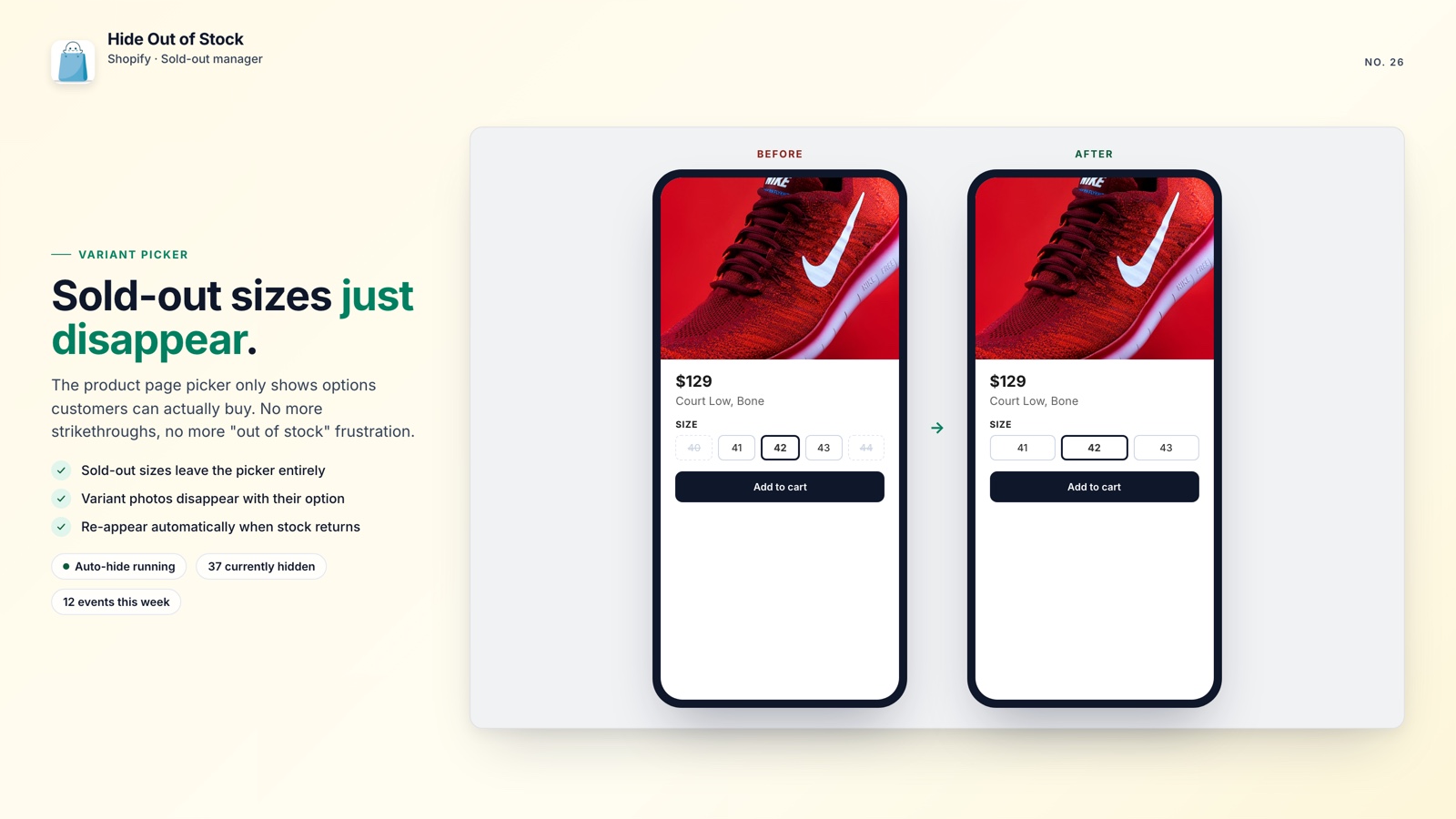
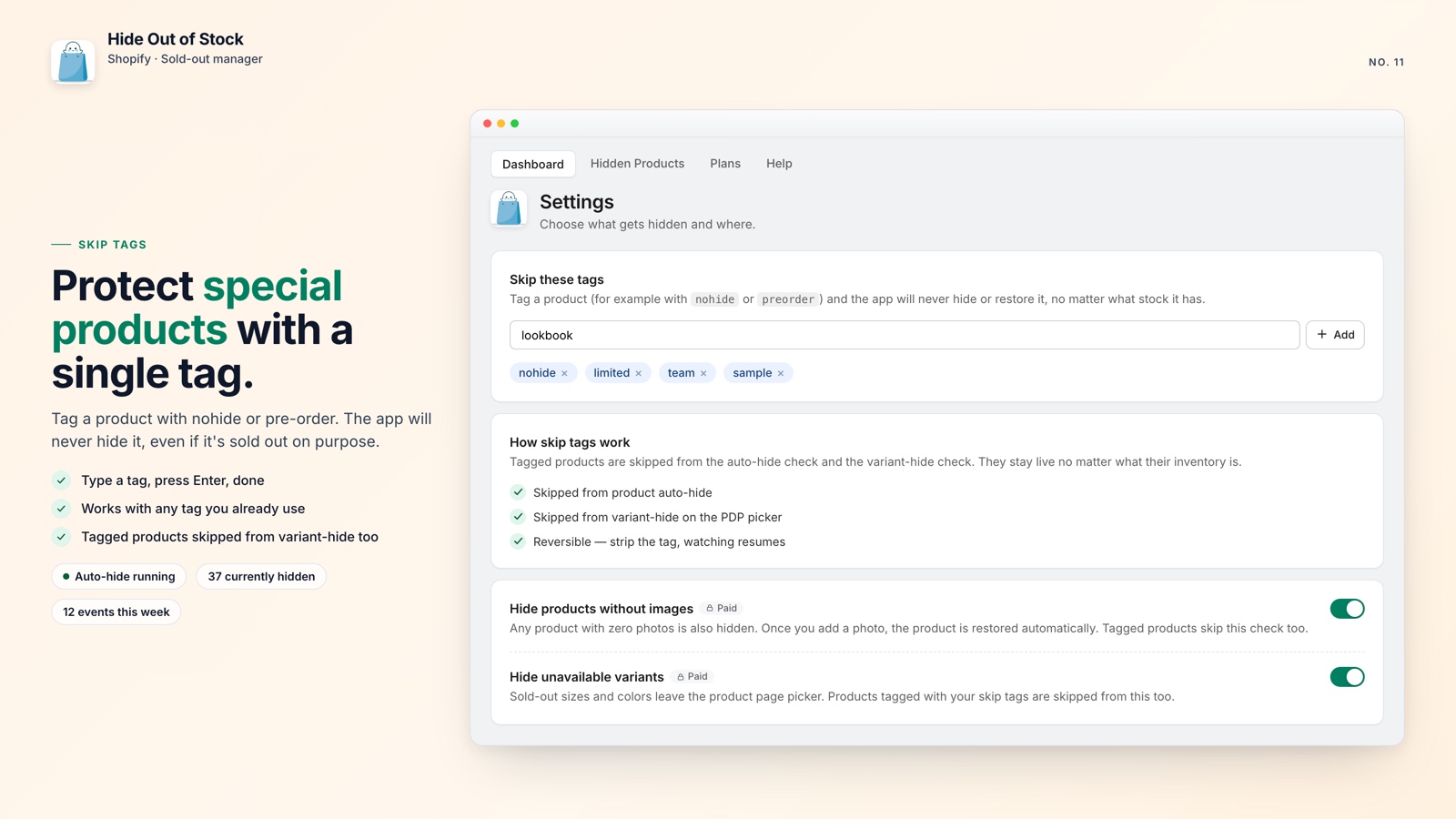
Hide Out of Stock connects both halves from day one. It listens to Shopify inventory and product webhooks in real time: when every variant reaches zero, the product is set to Draft; when any variant has stock again, it returns to Active. Products tagged "pre-order" or "coming-soon" are excluded automatically, so your pre-order products stay visible while everything else is handled on cue.

🔍 Clean up existing sellouts with one catalog scan
Real-time monitoring handles new sellouts, but your catalog may already contain products that sold out last week, last month, or last season. Those listings remain visible until someone cleans them up.
After installation, run the full catalog scan. The app checks the entire product list and hides everything currently out of stock, so you do not have to wait for another sale or review products one by one.
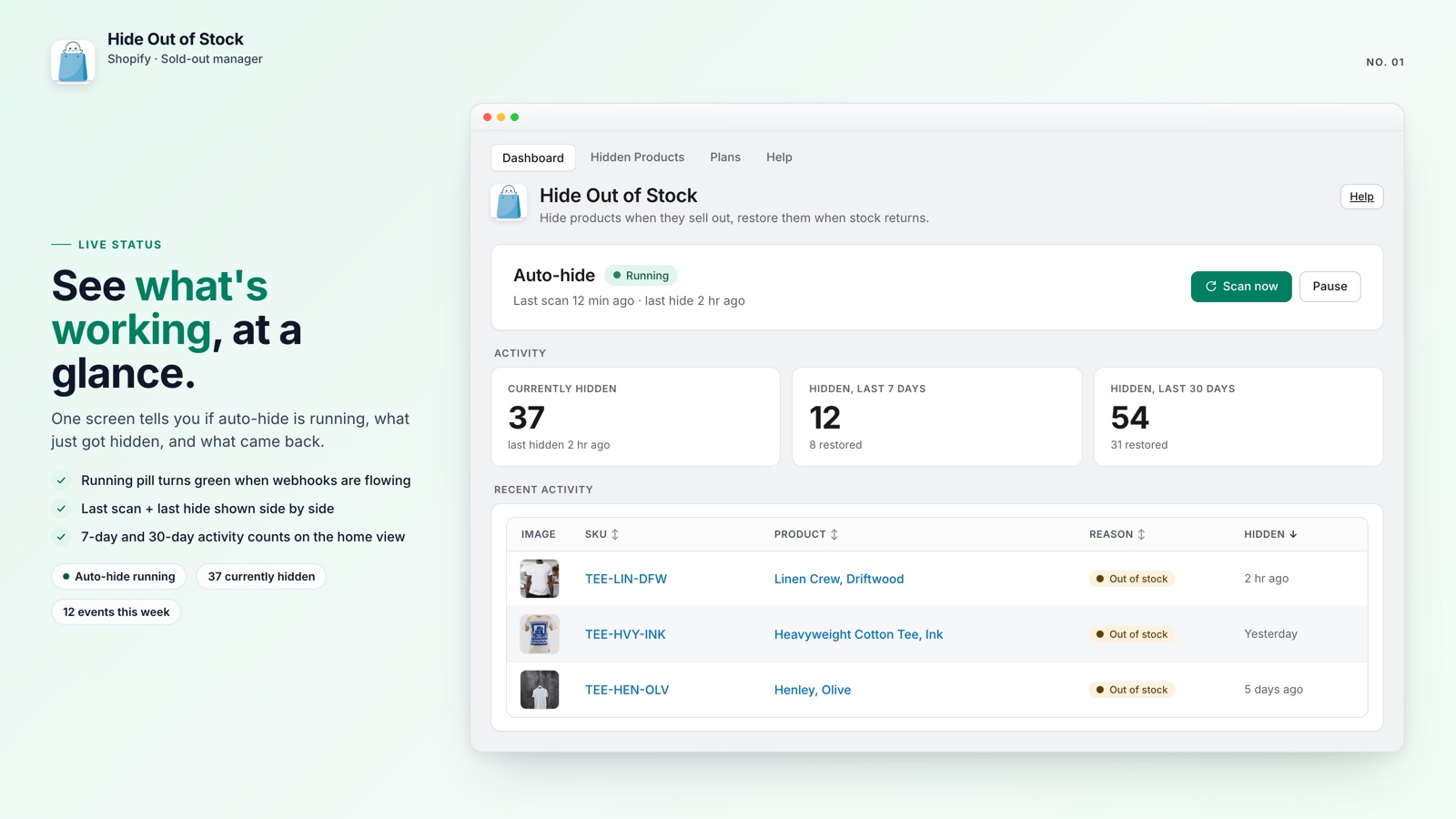
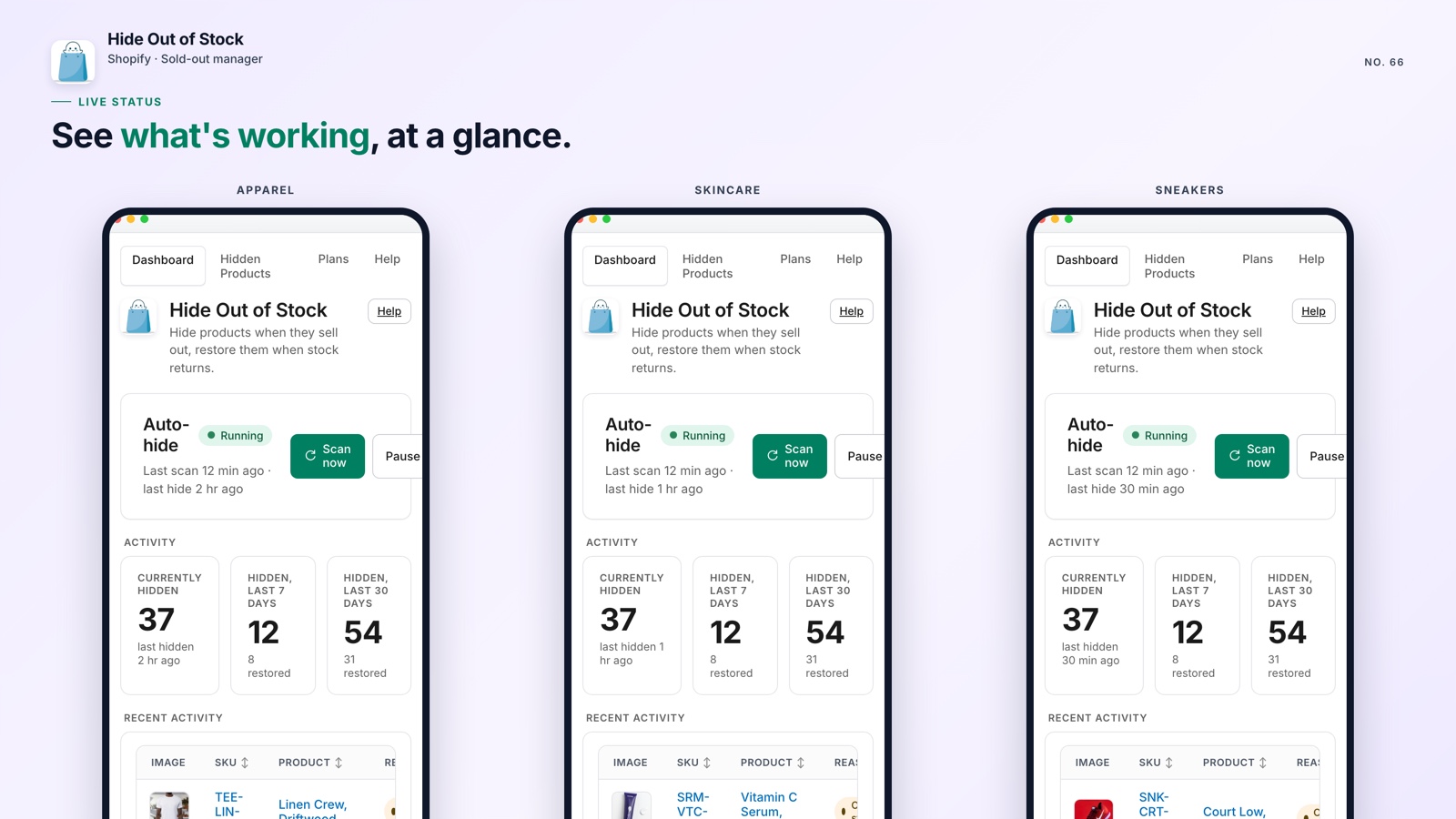
The dashboard shows a live activity feed with 7-day and 30-day counts, and you can export a CSV of everything currently hidden. If you also want to stop sold-out products from floating to the top of your collections, learn how to stop out-of-stock products appearing at the top of a Shopify collection.
How Hide Out of Stock works
First scan
One click checks the full catalog and hides everything already out of stock.
Webhooks fire
Real-time inventory listeners catch each sellout within seconds.
Auto-restore
When stock returns, the product goes Active again without a manual step.
Daily safety net
A scheduled job re-checks every hidden product once a day in case a webhook was missed.

Put sold-out products on autopilot
Get real-time auto-hide, instant restoration when stock returns, and a one-click catalog scan to clean up your store. Free for up to 100 products.
Everything included, at a glance:
- Hides products within seconds of the last variant selling out
- Restores them when any variant comes back in stock
- One-click catalog scan cleans up existing sellouts
- 301 redirects (Pro) keep product URLs from returning 404s
- Tag exclusions protect pre-order and coming-soon products
- Apply the workflow to specific collections or the whole store
- Only touches products it hid; manually drafted products stay unchanged
- CSV export shows exactly what is currently hidden
🚀 Why the full cycle matters
Every sold-out product without a redirect can return a 404 and put months of SEO work at risk. Every restocked product that never returns to the storefront is a missed sales opportunity. Both problems are common in Shopify stores.
To hide out-of-stock products without losing search visibility, you need either two coordinated Shopify Flow workflows or a dedicated app that handles the full cycle. The important part is not just hiding the product; it is restoring it correctly when inventory returns.
Hide Out of Stock is free for up to 100 products and does not require a credit card to start. It hides unavailable products, keeps redirects in place on the Pro plan, and brings products back when they have inventory again.
For a manual process, that is a lot to remember, even when the workflow itself is free.