Your Shopify collection page conversion rate is affected by product order. Prices, product photos, and ad spend matter, but shoppers also respond to which products appear first.
Shopify's default "manual" sort sounds fine in theory. In practice, an older or lower-priority product may appear first while your top-selling products appear on page three. This can reduce engagement and sales.
🎯 Quick Summary
- The products a shopper sees first are the products they buy. Collection order is a merchandising decision, not a technicality.
- Shopify's native tools have real limits: manual sort reverts randomly, drag-and-drop breaks across pages, and sold-out items stay put.
- Fix it with smart sort rules, pinned hero slots, and automatic out-of-stock push.
- Sortello handles all of it without touching a line of theme code.
🚀 Why Product Order Affects Conversion Rate
Shoppers don't scroll to page three. The products at the top of your collection page receive a larger share of clicks and purchases. If the first product is not relevant, the shopper may leave before seeing better options.
Shopify's native sort options each have a catch. "Best selling" ranks by all-time order count, so an item you sold heavily in 2021 can outrank a newer product for years. "Manual" order can revert to alphabetical after you edit the collection. And in a large collection, the drag-and-drop editor only works a page at a time, which makes it hard to reorder products across pages.
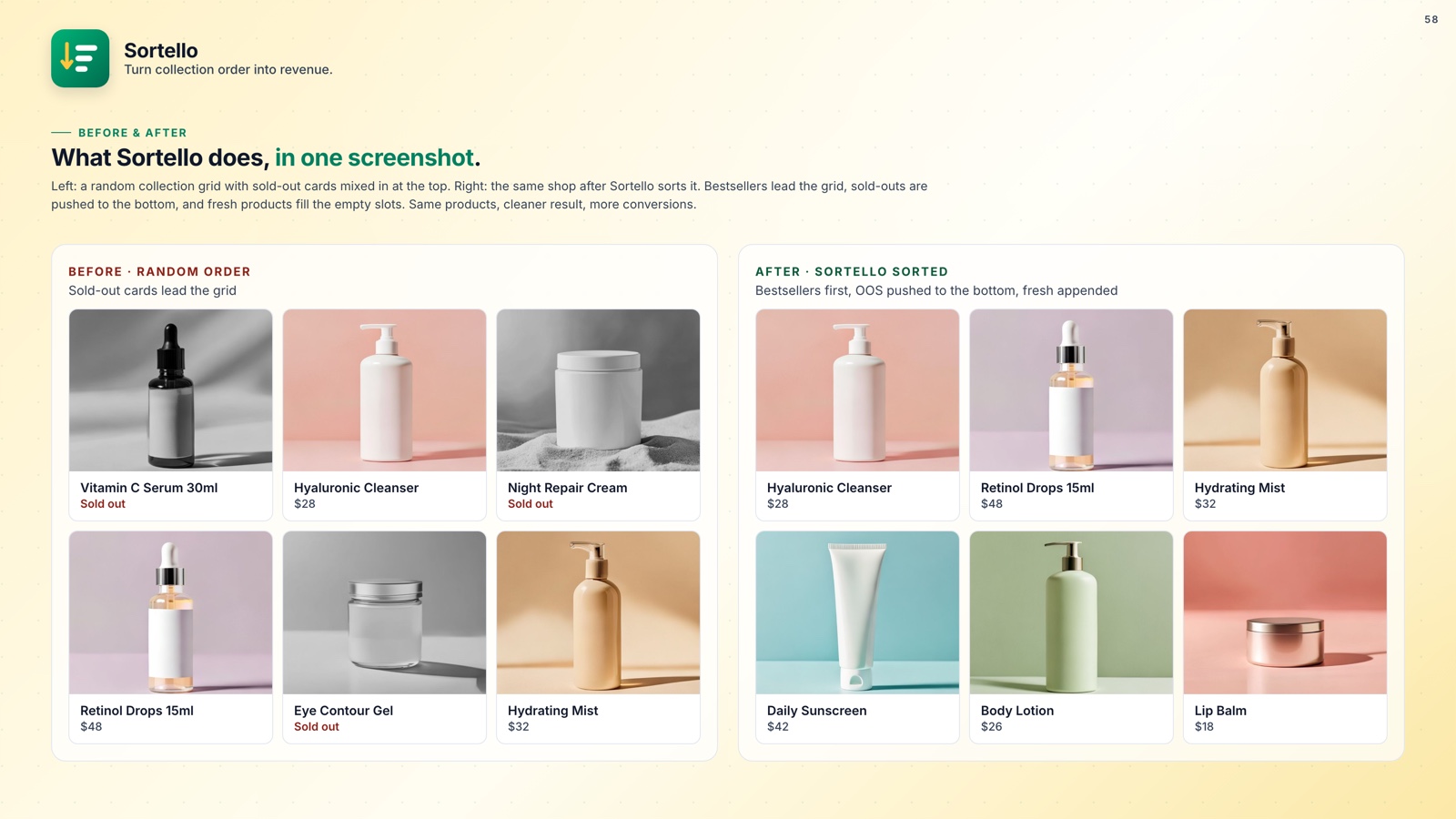
The cost isn't hypothetical. Every percentage point of Shopify collection page conversion you leave on the table is real revenue missing from your account. If sold-out items are cluttering your top positions on top of this, this guide covers stopping out-of-stock products from showing at the top of your collection.
📌 How to Merchandise Collections for Better Conversions
Good collection merchandising has three moving parts: a sort rule for the bulk of your catalog, pinned slots for your hero products, and automatic handling for anything sold out.
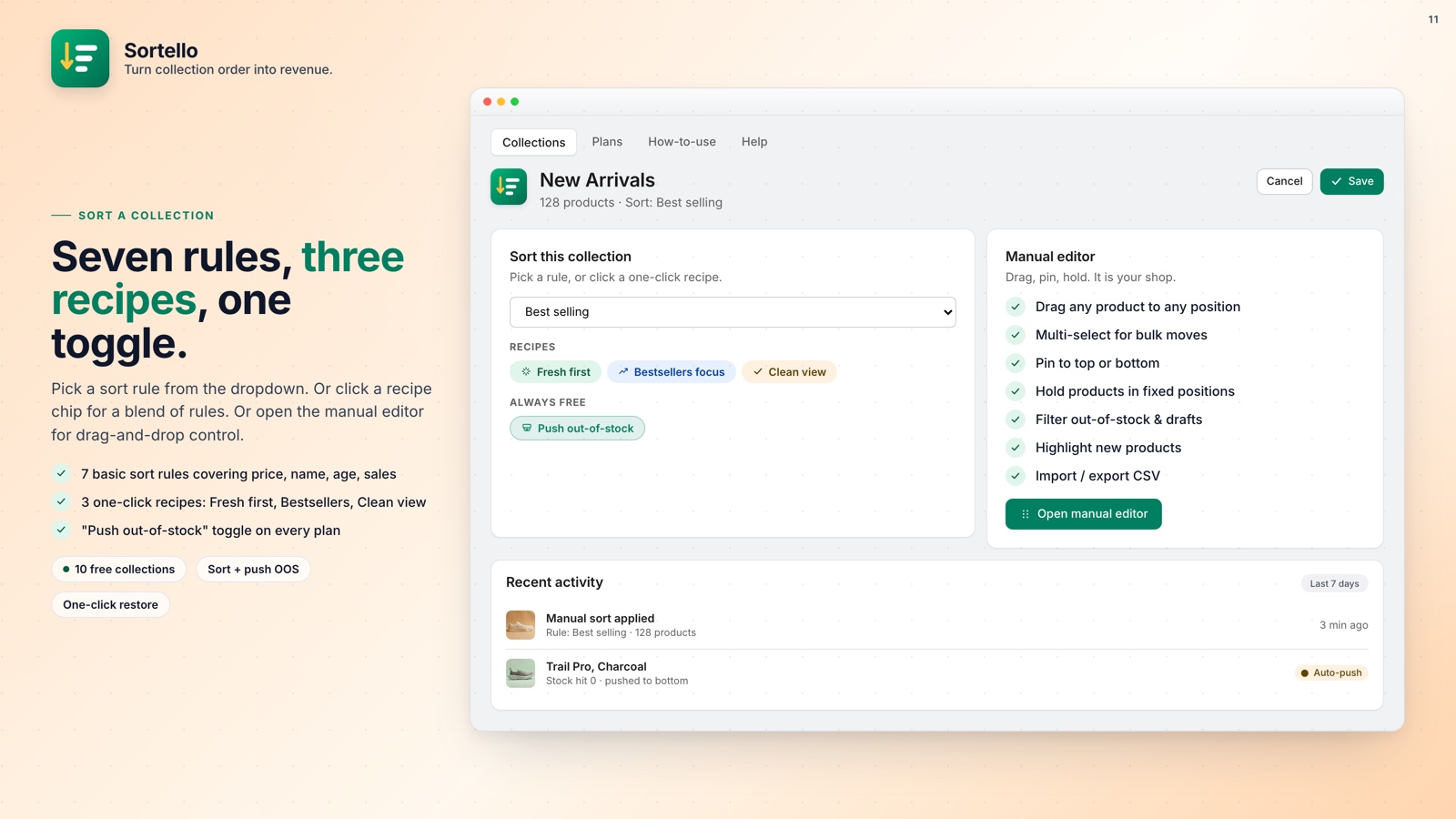
Sort rules. Every plan gets Shopify's seven built-in sorts (best selling, newest, oldest, name A to Z and Z to A, price low to high and high to low) plus a random shuffle. Pro adds sales-velocity, revenue, stock-level, discount and vendor sorts. The velocity sort ranks by real sales over the last 7, 30, or 60 days, so a product trending now rises to the top. You can also schedule automatic re-sorts, from every 6 hours to weekly, on Pro.
Featured slots. Need your hero bundle in position 1 and your gift set in position 3, regardless of what the sort rule does to everything else? Featured slots (Pro) lock specific products to exact storefront positions 1 through 12. Everything else sorts freely below them.
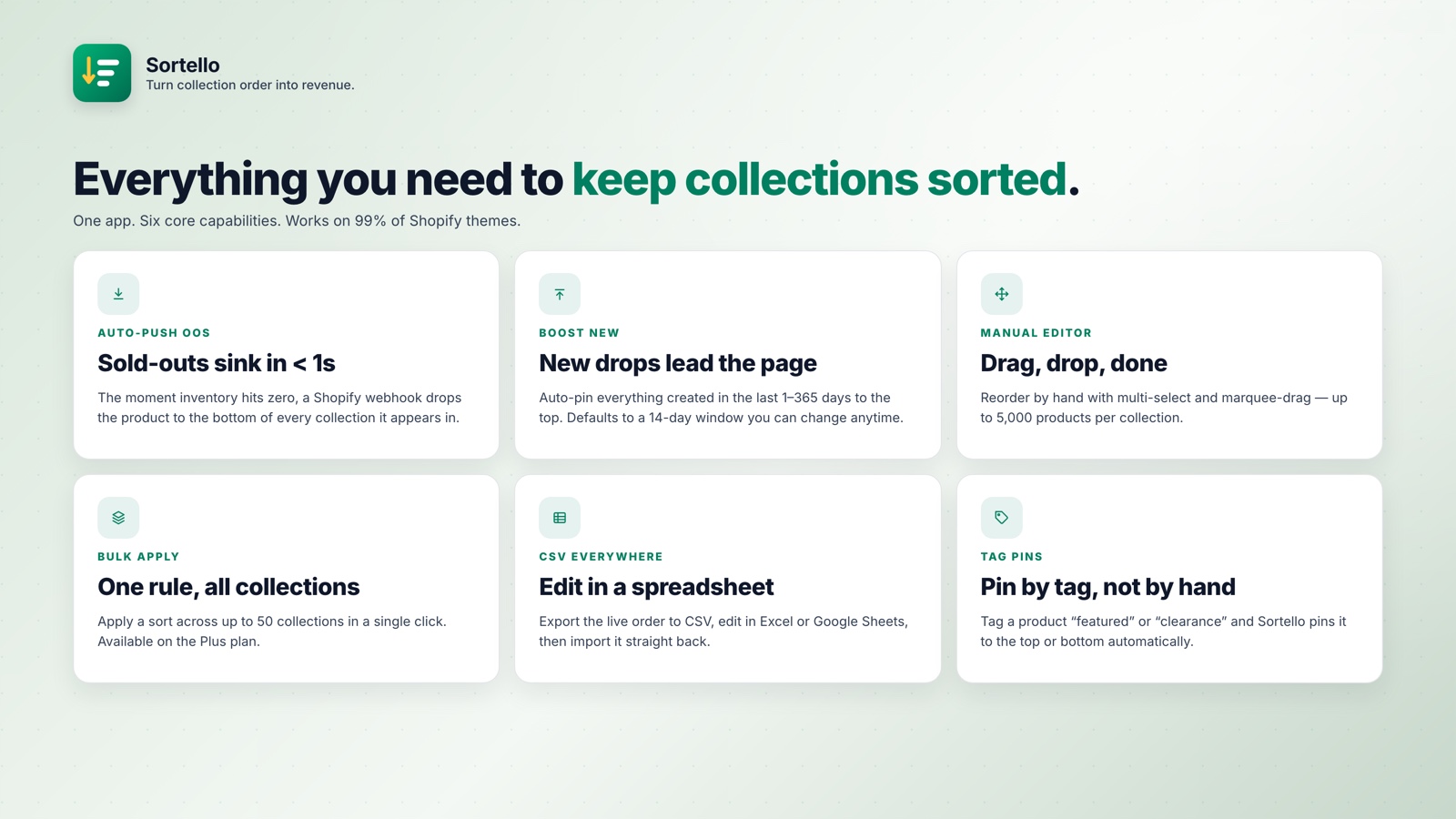
Auto-push sold-out products (Pro). When something sells out, Sortello pushes it to the bottom automatically. When it restocks, the collection re-sorts so it returns to its place in the order.
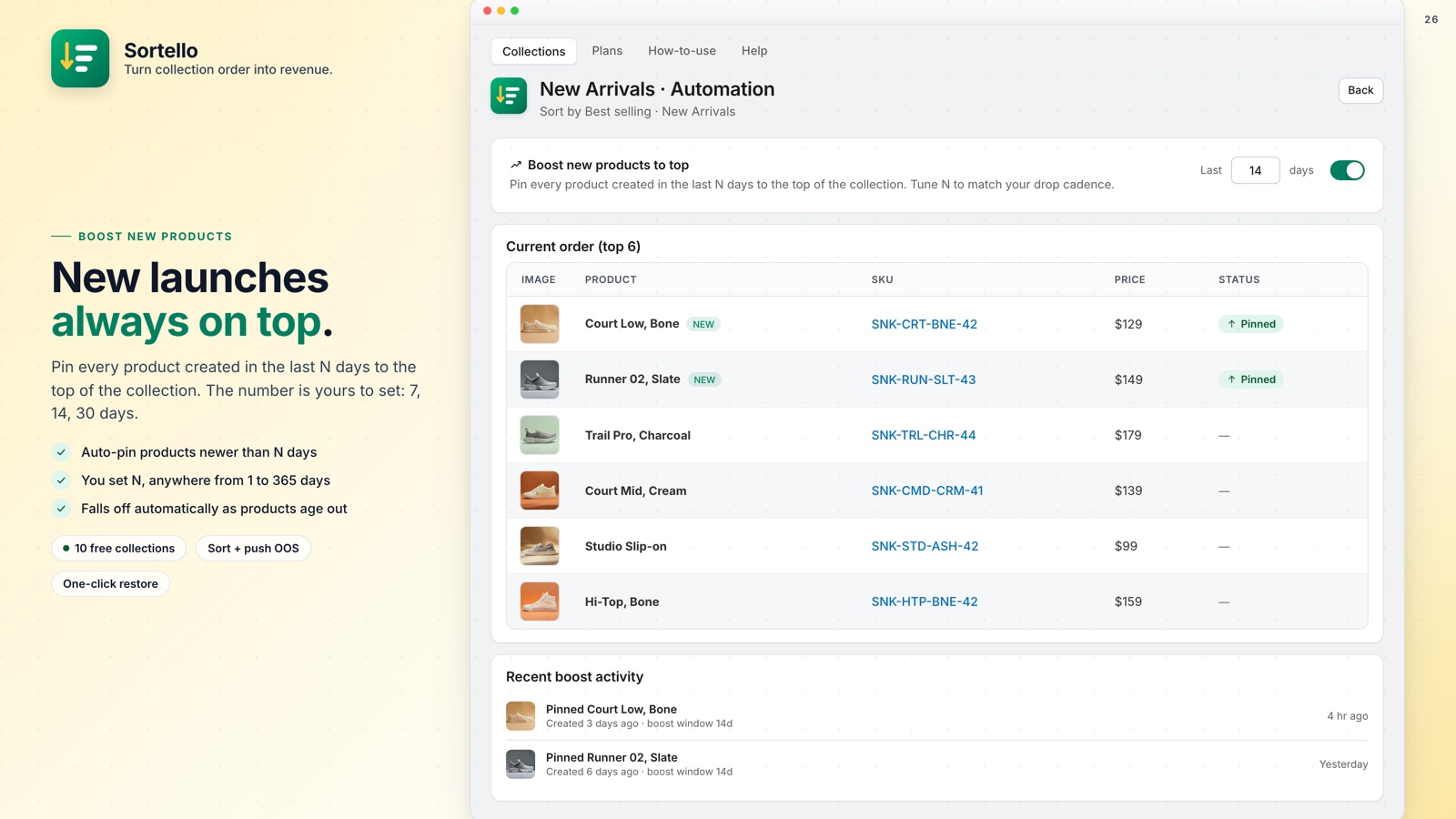
Tag-based pins (Pro) take things further: tag a product "featured" in Shopify and Sortello automatically promotes it to the top. New products uploaded as drafts losing their arrival position? Auto-pin new arrivals for however many days you choose.
How Sortello works
Pick a collection
Open any collection. All products load at once, not a page at a time.
Apply a rule or recipe
One click sets the sort. Pin your heroes. Auto-push sold-outs to the bottom.
Schedule and forget
Re-sort from every 6 hours to weekly. Fresh order, no effort.
Watch conversions climb
The right products in front of the right shoppers.
Stop letting random order cost you sales
Sortello is a Shopify merchandising automation app that sorts, pins, and auto-pushes your collections so your best products are always prominently displayed. Free plan available, no theme code needed.
Everything you get, at a glance:
- Shopify's seven built-in sort rules plus a random shuffle (all plans)
- Sales-velocity, revenue, stock-level, discount and vendor sorts, plus two recipes (Pro)
- Real-time push of out-of-stock products to the bottom (Pro)
- Products move back into the sort order when restocked (Pro)
- Best-seller sort by sales velocity over the last 7, 30, or 60 days (Pro)
- Featured slots: lock products to exact storefront positions 1 to 12 (Pro)
- Tag-based pins: auto-promote products using your existing Shopify tags (Pro)
- Scheduled re-sorts from every 6 hours to weekly (Pro)
- Auto-pin new arrivals to the top for a set number of days (Pro)
- Drag-and-drop editor with multi-select, up to 5,000 products per collection (all plans)
- Sort history: the last 20 versions of each collection, one-click undo (all plans)
- Free plan covers up to 10 collections, no theme code
💰 Fix Your Collection Page Conversion Before It Costs Another Sale
Collection order is the kind of thing that's easy to ignore because the damage is invisible. Nobody files a support ticket saying "I left because product 47 was in position 2." They leave without engaging further.
The Free plan is useful for a store of any size, and the setup takes about five minutes. Your shoppers should see your most relevant products first.