You set up a straightforward 20% off promotion. The cart shows it. You announce it, the orders come in, and a week later you notice the math is off: customers paid full price, or the discount was right for some carts and wrong for others. Welcome to the single most common complaint about Shopify discounts, and one of the most expensive.
If you have searched for "shopify discount not applying at checkout" or "discount disappears at checkout," this guide explains the likely causes and the practical fixes.
🎯 Quick Summary
- A discount that shows in the cart but not at checkout usually means the price was never really discounted, just visually faked on the cart page.
- Discount codes cannot apply at express checkout (Shop Pay, Apple Pay, Google Pay, PayPal) because the shopper never types them there.
- The reliable fix is automatic discounts computed by Shopify Functions, so the real lower price appears everywhere natively.
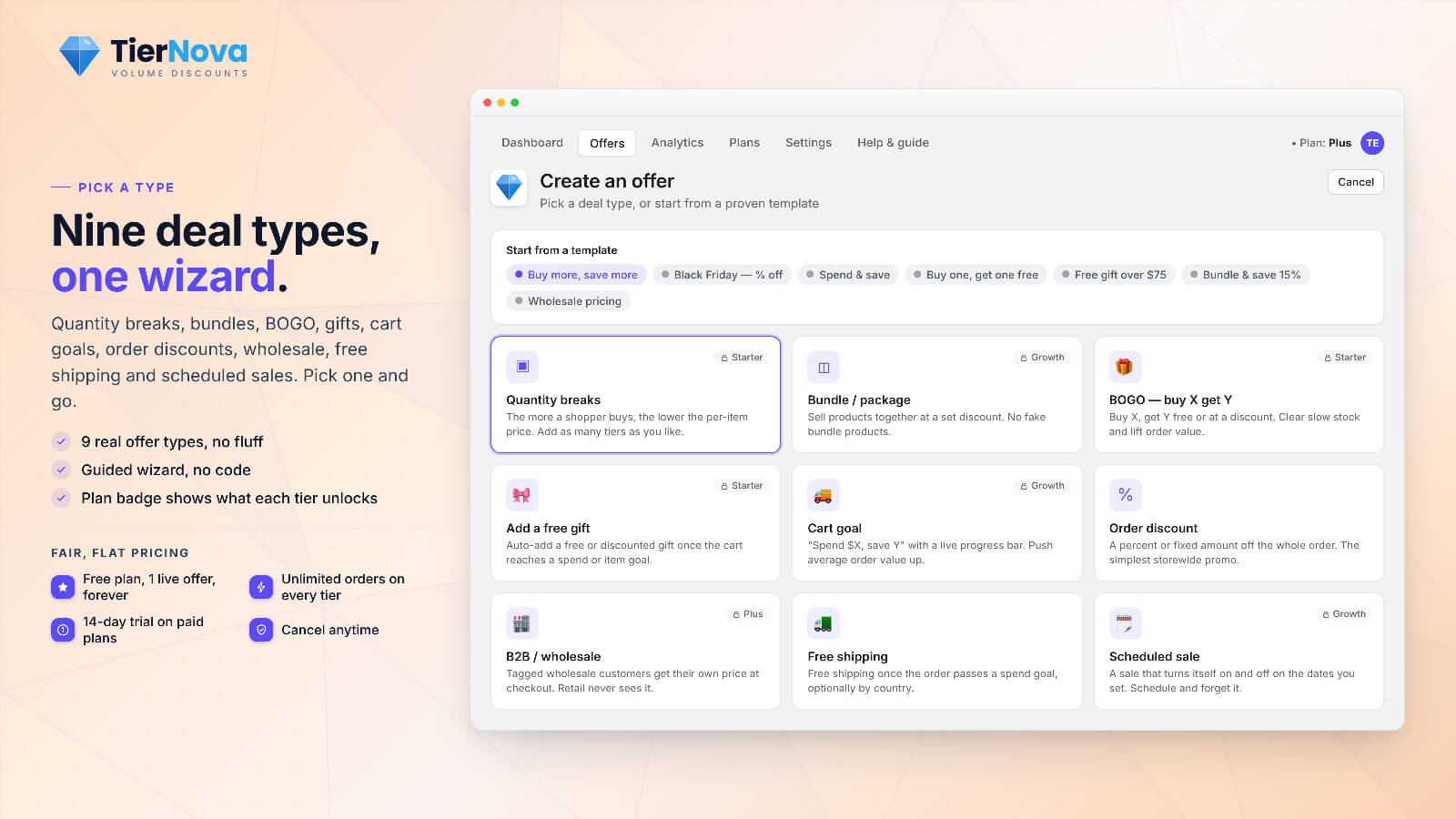
- TierNova is built entirely on Shopify's native Discount Function, with a combinability panel, conflict analyzer, preview mode, and a wrong-price alert.
🔍 The Symptom: Right in Cart, Wrong at Checkout
The pattern is always the same. The cart page shows the discounted total. The shopper proceeds to checkout, where the price may increase or a different amount may appear. Some shoppers notice and abandon. Others pay full price without noticing and contact you after reviewing the receipt.
This is confusing because the cart appears correct, leading merchants to assume Shopify lost the discount between the cart and checkout. In reality, the checkout amount reflects the price that was actually calculated. The issue is how the discount was applied in the first place.
⚡ Why It Happens: The Real Root Causes
There are four root causes behind almost every "shopify discount code not working" or wrong-price story. Knowing which one you have tells you exactly how to fix it.
1. Cart-page price hacks. This is the most common cause. Some older discount apps, and many cart-drawer workarounds, use JavaScript that rewrites the price you see on the cart page. It looks discounted. But that script only edits the display. The real price Shopify carries into checkout was never changed, so checkout charges full price. Anything based on faking the displayed number is fragile by design, and a theme update can break it overnight.
2. Missing or contradictory combinability flags. Every Shopify discount has stacking rules: whether it can combine with product, order, or shipping discounts, and with codes. If those flags are off, or two offers contradict each other, one discount can cancel the other at checkout. The cart may show one; checkout honors a different one.
3. Threshold and condition bugs. "Spend $100, get 15% off" sounds simple, but if the threshold is checked against the wrong subtotal (before or after another discount, with or without shipping) the offer qualifies in the cart and fails at checkout, or vice versa. A similar issue occurs with tiered offers: tiers that stop calculating after the top tier, causing larger carts to receive a smaller discount.
4. Discounting the wrong base price. If an offer applies to the original price instead of the current sale price, or a free-gift / BOGO bonus is not removed when the trigger item leaves the cart, the final number drifts away from what you intended. Customers either overpay or you over-discount.
If your pain is specifically tiered or quantity pricing behaving oddly, our complete guide to volume and quantity discounts on Shopify walks through how tiers should cascade. And if your discounts are bundle-based, fake "bundle products" can cause incorrect prices, covered in building Shopify bundles without fake products or duplicate variants.
🚪 The Express-Checkout Trap
This issue can affect even careful merchants. You build a discount code, test it by typing it into the cart, and it works perfectly. Then a big chunk of shoppers click the Shop Pay, Apple Pay, Google Pay, or PayPal button instead, and the code never applies.
Why? A code has to be typed into a field. Express buttons skip the cart and the code box completely and jump straight to payment. There is no moment for the shopper to enter the code, so it cannot apply. This is not a Shopify bug. It is just how codes versus express checkout work. If a noticeable share of your sales come through express buttons (and these days, a lot do), a code-based promotion will not apply to those orders.
💡 The key insight: a discount code is something the shopper has to enter. An automatic discount is something Shopify applies the instant the cart qualifies. Only the automatic kind survives express checkout, because there is nothing to type.
🛠️ How to Fix It for Good
The durable fix is to stop relying on display-only changes and codes, and let Shopify calculate the discount. That is exactly what automatic discounts computed by Shopify Functions do: the price is lowered server-side, so the correct number is real in the cart, at checkout, in Shop Pay, and at every express button, with nothing for the shopper to enter.
TierNova is built 100% on Shopify's native engine: the unified Discount Function (product, order, and shipping) plus Cart Transform for merging and expanding bundles. There are no cart-page price hacks and no theme edits, which is the core reason its discounts apply reliably where others fail. That engine is supported by features that address the root causes directly:
- Combinability panel. A plain-language view of exactly how an offer combines with codes and other offers, so stacking is something you can see, not guess.
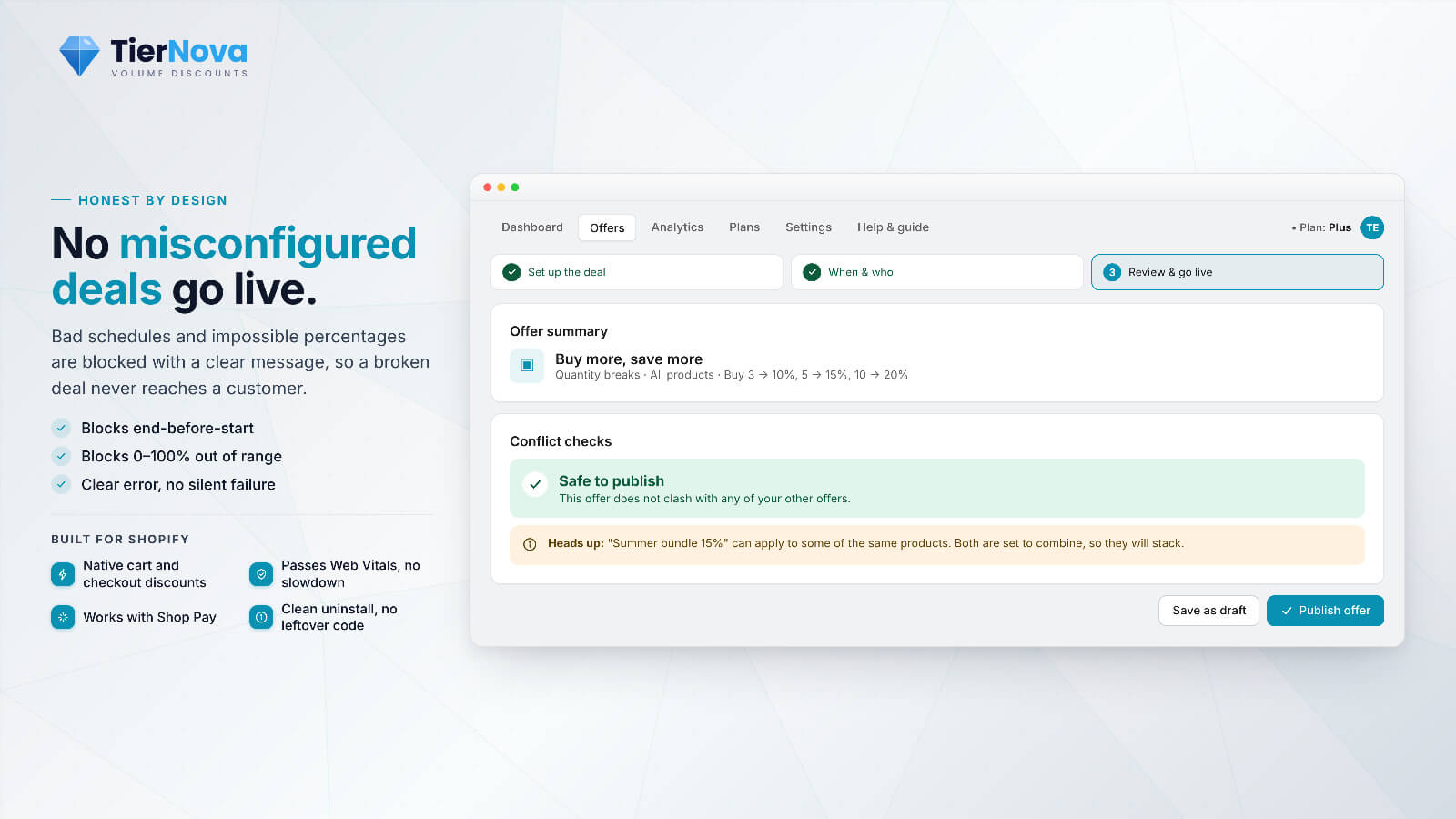
- Conflict analyzer. Warns about contradictory or overlapping offers before you launch, so conflicting promotions do not cancel each other at checkout.
- Preview and test mode. Simulate a cart and see exactly what applies and at what final price, before a single real customer touches it.
- Wrong-price guardrail and alert. TierNova verifies the discounted price actually landed, and alerts you if any order is placed at the wrong price.
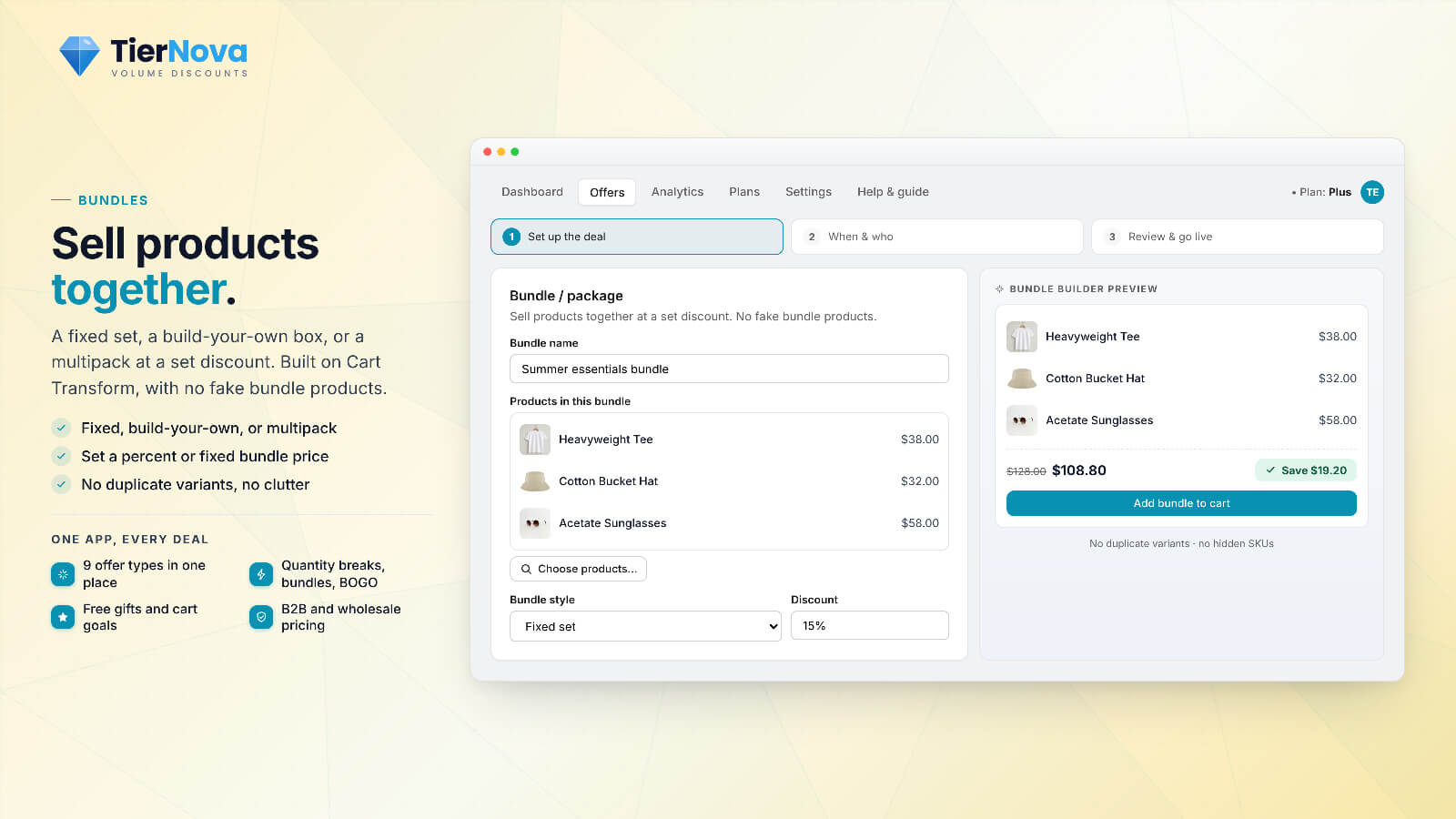
- Correct math by default. Tiers cascade past the top tier, discounts always come off the current/sale price (never the original), and the cart recalculates when a trigger item is removed so a free gift or BOGO bonus does not over-discount.
Because Shopify Functions run on every paid plan for public App Store apps, this works without Shopify Plus. The familiar problem of a discount not applying at express checkout is specific to discount codes; automatic discounts avoid it.
How an automatic discount travels with the shopper
Cart
The cart qualifies. Shopify computes the discount server-side, no script editing the price.
Checkout
The same real price carries through. Nothing to re-apply, nothing to lose.
Shop Pay / Express
Apple Pay, Google Pay, and PayPal all show the correct lower price, no code typed.
Verified
TierNova checks the price actually landed and alerts you if any order is wrong.

Make the cart price the checkout price.
TierNova builds your offers on Shopify's native Discount Function, so the right price shows up in the cart, at checkout, and at every express button.
| What you need | Cart-page hack | Functions-based automatic discount (TierNova) |
|---|---|---|
| Price correct at checkout | No (display only) | Yes (real, server-side) |
| Works at Shop Pay / express buttons | No | Yes |
| Survives theme updates | Fragile | Yes (no theme edits) |
| Shows stacking / combinability clearly | Rarely | Yes (combinability panel) |
| Warns of conflicts before launch | No | Yes (conflict analyzer) |
| Test before going live | No | Yes (preview / test mode) |
| Alerts on a wrong price | No | Yes (wrong-price guardrail) |
| Needs Shopify Plus | n/a | No (every paid plan) |
🚀 A Pre-Launch Checklist
Before you activate a promotion, run through this checklist. It takes five minutes and helps you avoid discovering full-price orders after launch.
✅ Pre-launch checklist:
1. Is this an automatic discount, not a code? (Codes miss express checkout.)
2. Did you preview a real cart and confirm the final price, not just the cart display?
3. Are the combinability flags set the way you actually want it to stack?
4. Did the conflict analyzer flag any overlapping offers? Resolve them first.
5. For tiers, does the biggest cart get the biggest discount (no stall at the top tier)?
6. Is the discount coming off the current/sale price, not the original?
7. Is a wrong-price alert switched on so you hear about mistakes immediately?
One more timing note worth knowing: Shopify Scripts stopped running on June 30, 2026, so any promo logic still living in Scripts needs a supported replacement. If that is you, read our Shopify Scripts migration guide, because moving to Functions-based automatic discounts also happens to fix most of the checkout failures in this article. If you would rather have someone configure and verify the setup, the CartWorks services page explains how a full store engagement works.
Discounts should increase revenue, not reduce it through checkout errors. Get the price computed by Shopify, see how it stacks before you launch, and monitor the resulting orders. That is the essential requirement.