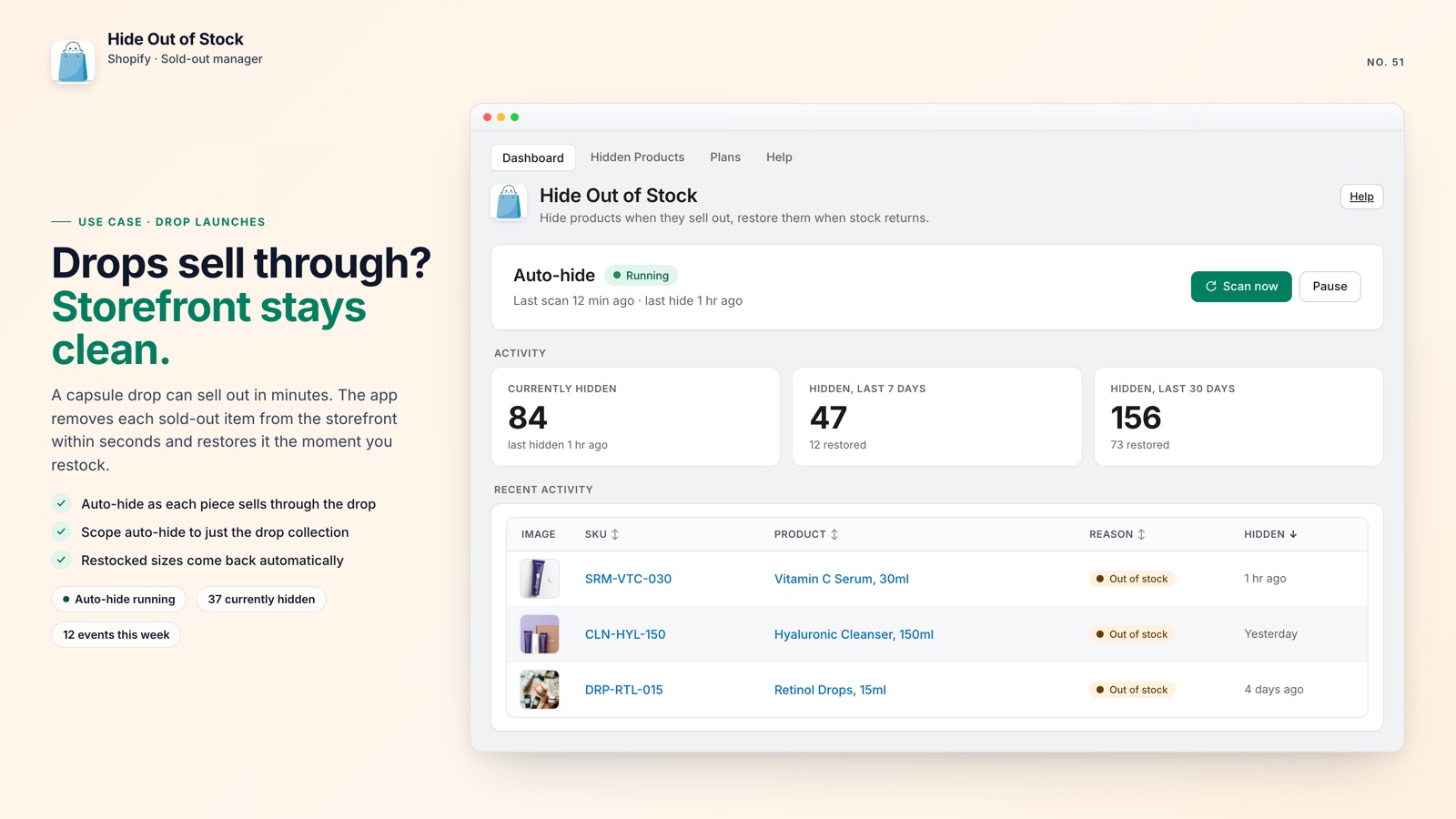
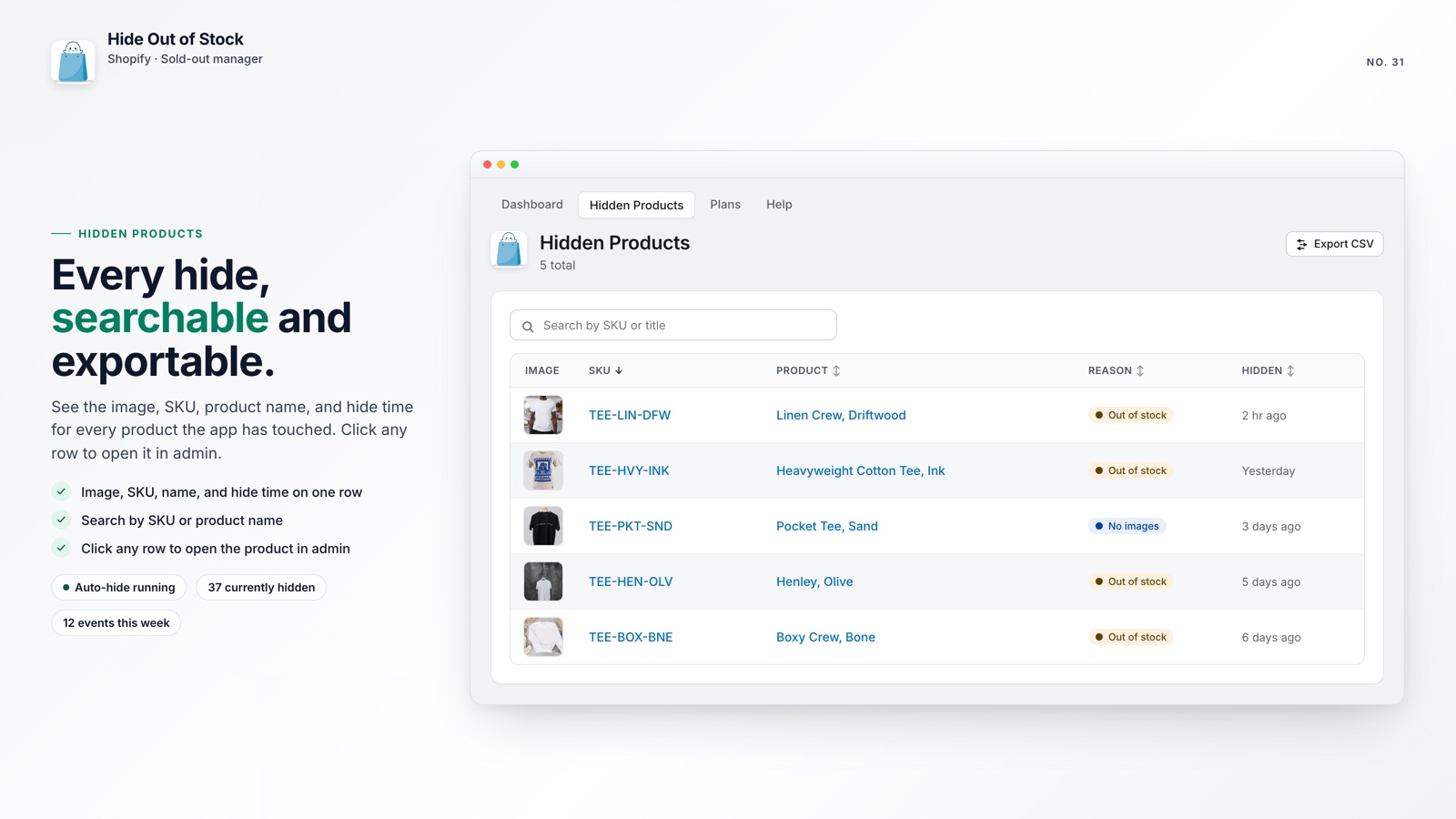
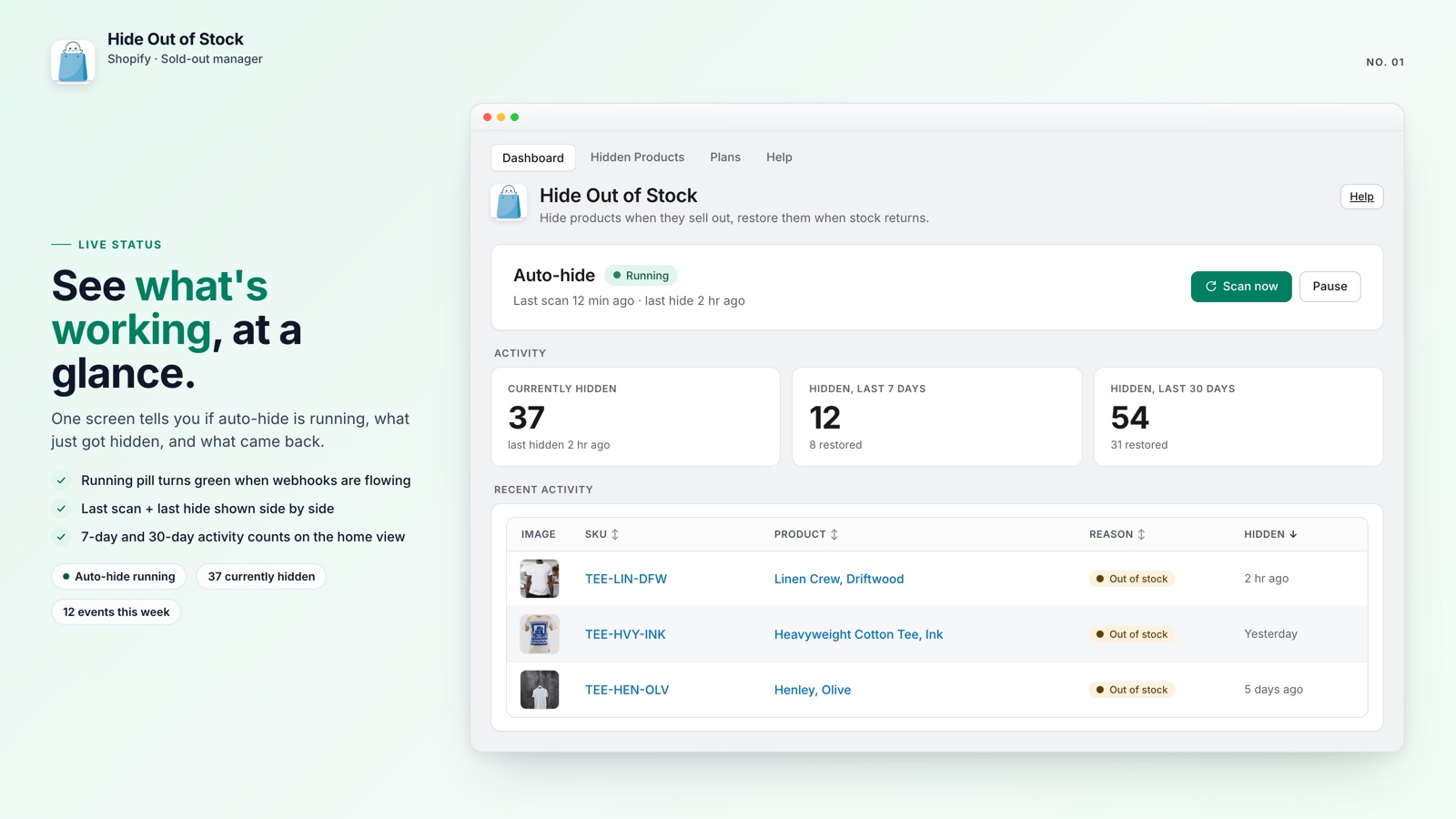
Shopify's /collections/all page is a single, unfiltered list of published products. It may expose items you would rather not feature, including products that have already sold out.
Shopify creates the page automatically, and you cannot delete it from the platform. You can, however, redirect it and make the rest of the storefront more useful.
🎯 Quick Summary
- /collections/all cannot be deleted natively, but it can be redirected to your homepage.
- Sold-out sizes and colors make product pages harder to understand and shop.
- Hide Out of Stock handles both tasks on Starter and Pro without theme code.
- The setup takes about 10 minutes, with changes visible the same day.
🔀 Redirect /collections/all to Your Homepage
Every Shopify store has a /collections/all URL that renders every published product in one large list. It does not reflect the way you organize featured collections, seasonal ranges, or in-stock products.
Customers may reach it through a theme link, a third-party app, or a menu configured differently than intended. The result can feel disconnected from the rest of your storefront.
The manual way: Go to Shopify Admin > Online Store > Navigation > URL Redirects. Add a redirect from /collections/all to / (your homepage). It takes about 90 seconds.
Collection URLs do not always behave like product URLs, and theme or app behavior can affect how a native redirect is handled. If you need the page redirected consistently, use a solution that manages the route directly.
The cleaner fix: Hide Out of Stock includes a /collections/all redirect on its Starter and Pro plans. It needs a one-time setup: turn on the app's embed in your theme editor (Online Store > Themes > Customize > App embeds), then flip the redirect toggle in the app dashboard. After that the page sends visitors to your homepage automatically, with no redirect rules to maintain.
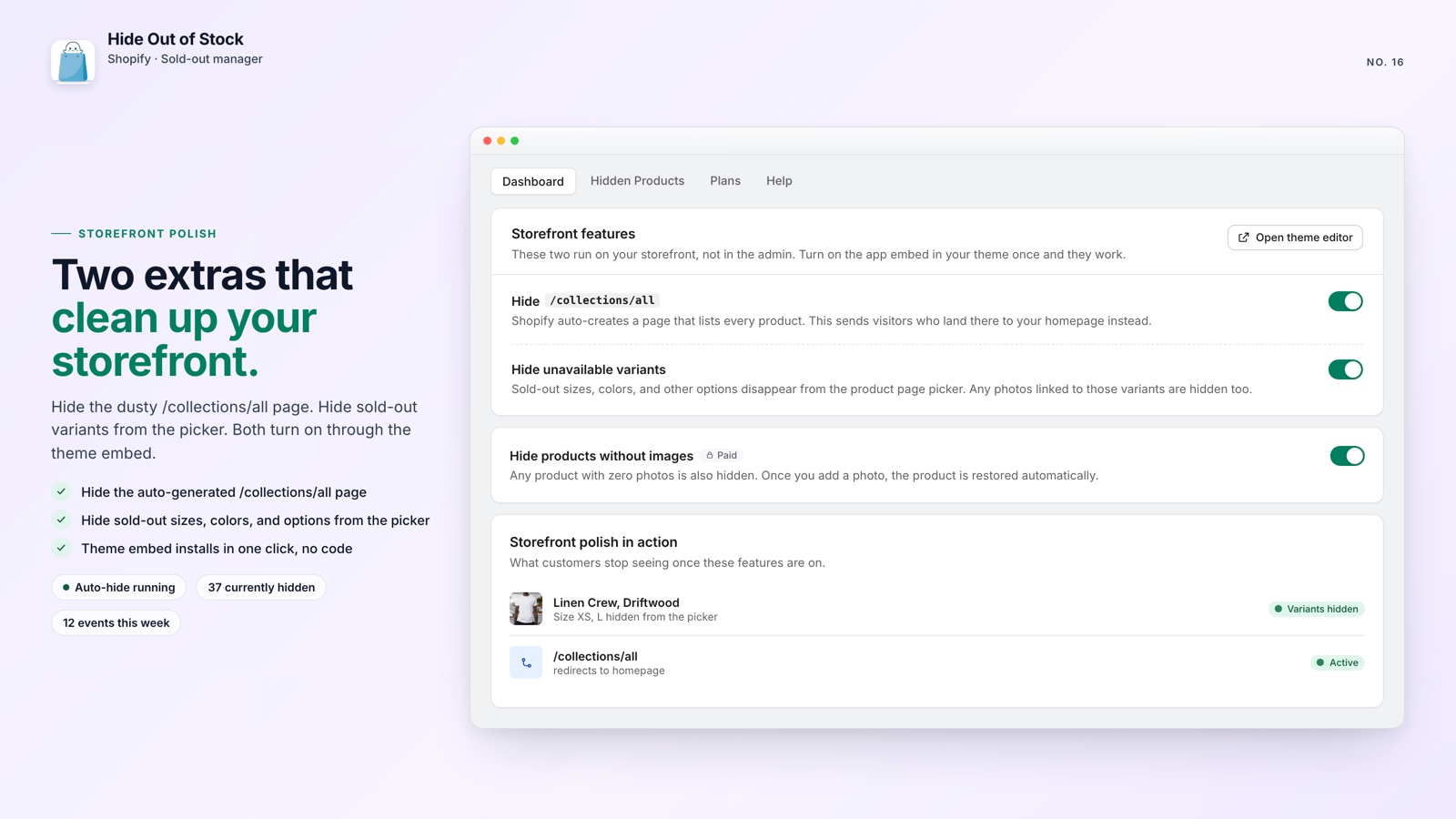
If you are already automatically hiding out-of-stock products, this redirect completes the setup: fewer products remain visible, and the catch-all page no longer exposes products that were not hidden.
🎨 Hide Sold-Out Variants for a Cleaner Product Page
When a shopper opens a product and sees half the size or color options disabled, the page can feel unavailable. Shopify's default behavior keeps sold-out variants visible this way even though the page is working as designed.
Greyed-out options add uncertainty. A shopper may not know which combinations can be purchased, may assume the product is being phased out, and may leave before choosing an available option.
The manual way: Write custom Liquid code to hide variants conditionally. This can work for a small number of products, but theme updates add maintenance and the approach becomes difficult to scale across a large catalog.
The better way: Hide Out of Stock's variant-hiding feature on Starter and Pro removes sold-out sizes, colors, and options from the product-page picker. Their variant photos disappear too. Shoppers see a cleaner page with the options they can actually add to cart.
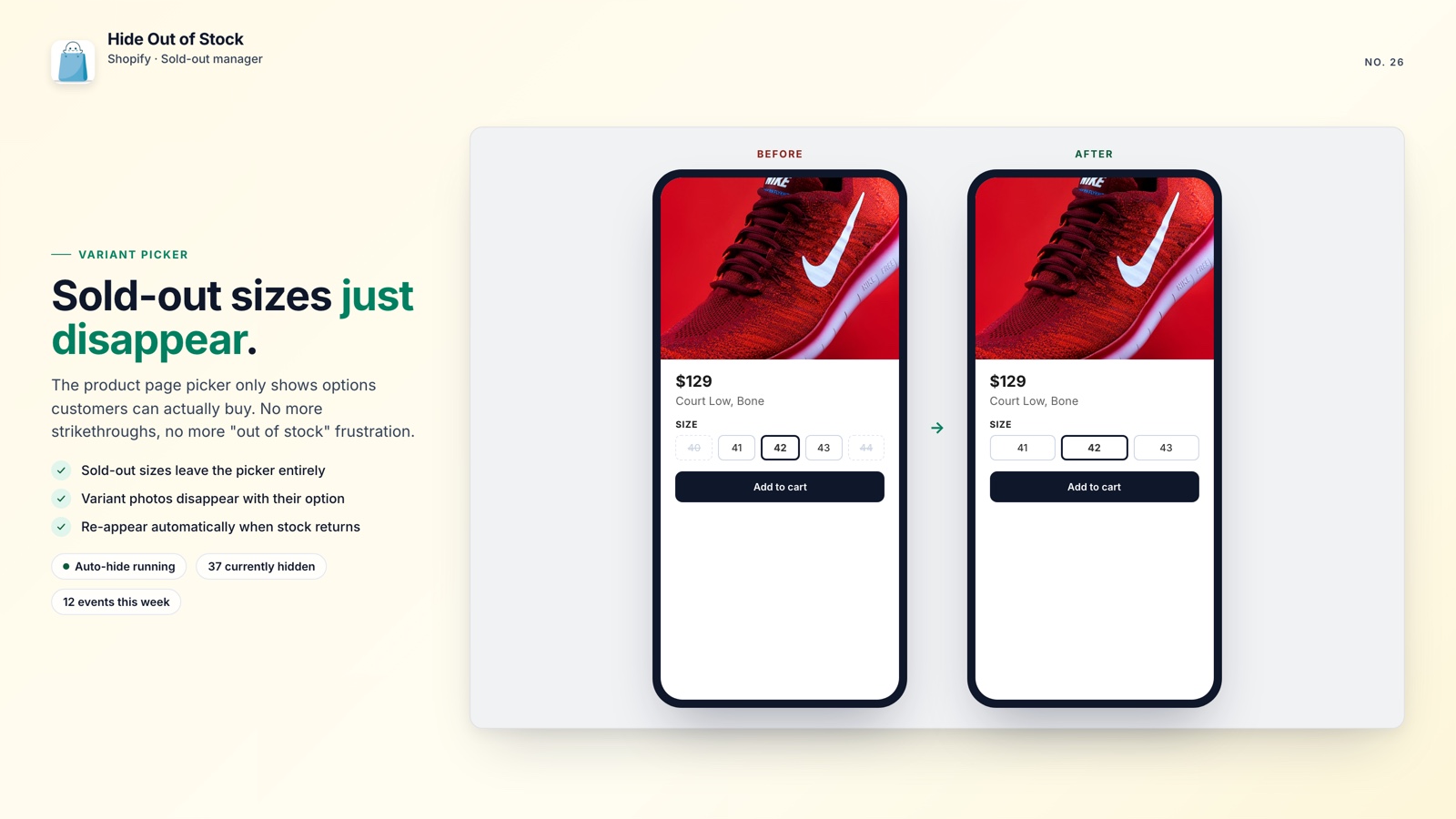
This also matters for SEO. A product page that clearly presents available options is easier for shoppers to understand and gives search visitors a better experience.
💡 Pro tip: Tag pre-order or coming-soon products, such aspre-orderornohide, so the app skips them and keeps those pages live and indexable.

Make your storefront easier to shop
Hide Out of Stock hides sold-out products and variants, redirects /collections/all, and restores products when inventory returns.
✅ What the App Handles
- Hides products when every variant reaches zero stock
- Restores products when any variant comes back in stock
- Scans the full catalog in one click to catch products that sold out before installation
- Hides sold-out variants and their photos from the product page (Starter & Pro)
- Redirects /collections/all to your homepage (Starter & Pro)
- Adds SEO-safe 301 redirects when a product is hidden and removes them on restore (Pro)
- Uses tag exclusions to keep pre-order and coming-soon products visible
- Only manages products it hid; your manual Draft products stay as they are
- Offers a free plan, with paid plans from $7.99/month and a 7-day free trial
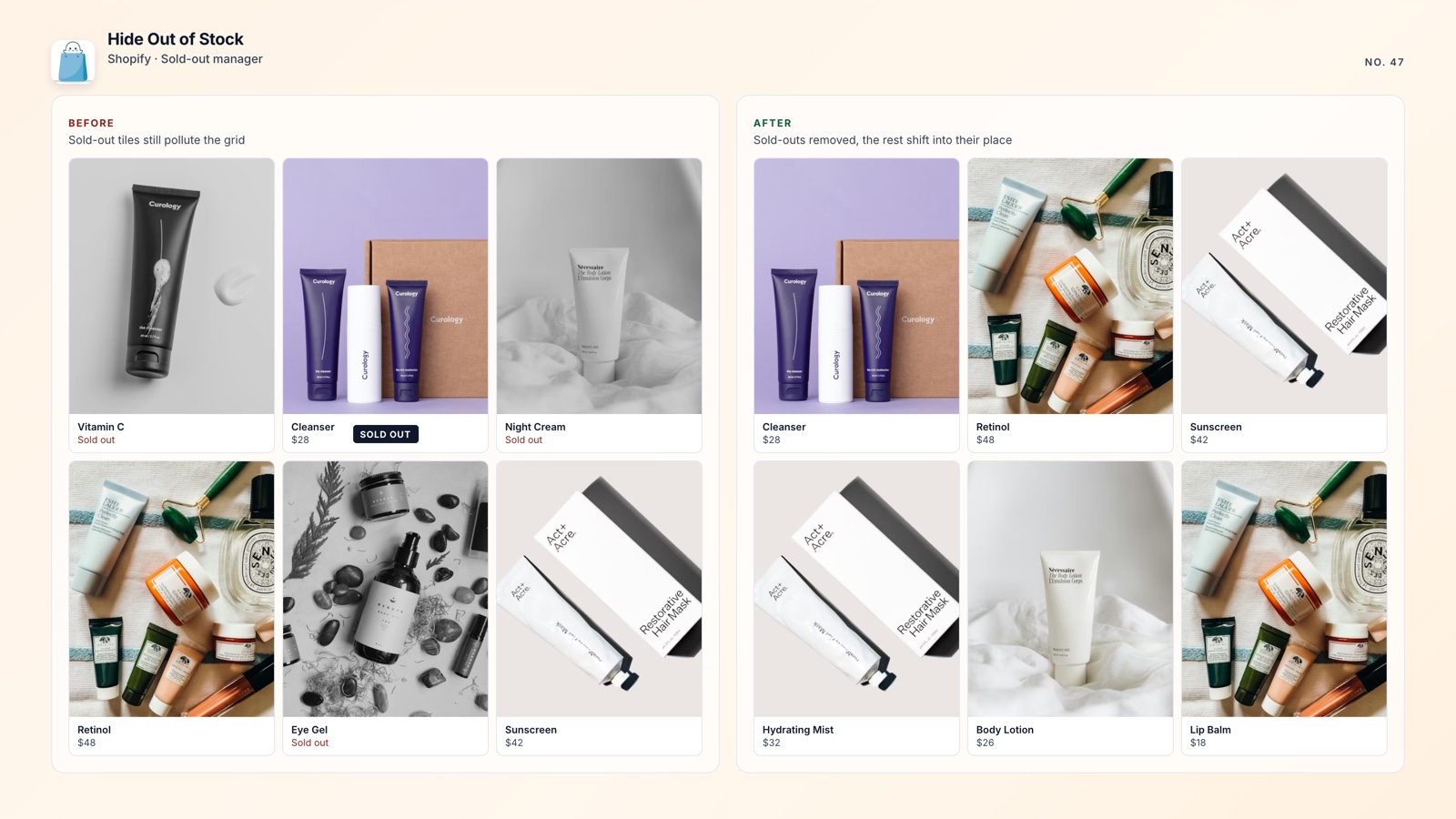
🚀 Why Fix Both Issues
The /collections/all page and greyed-out variants are two common ways a Shopify store can feel less finished than it is. They may not trigger an error, but they add friction when shoppers are trying to find something available.
Fixing both takes about 10 minutes. If out-of-stock products are still floating to the top of your collections, that is a separate cleanup worth making at the same time.
The free plan handles auto-hide and auto-restore. The /collections/all redirect and variant hiding are available on the Starter plan at $7.99/month, with a 7-day free trial. That gives you a practical way to improve the storefront without maintaining custom theme code.