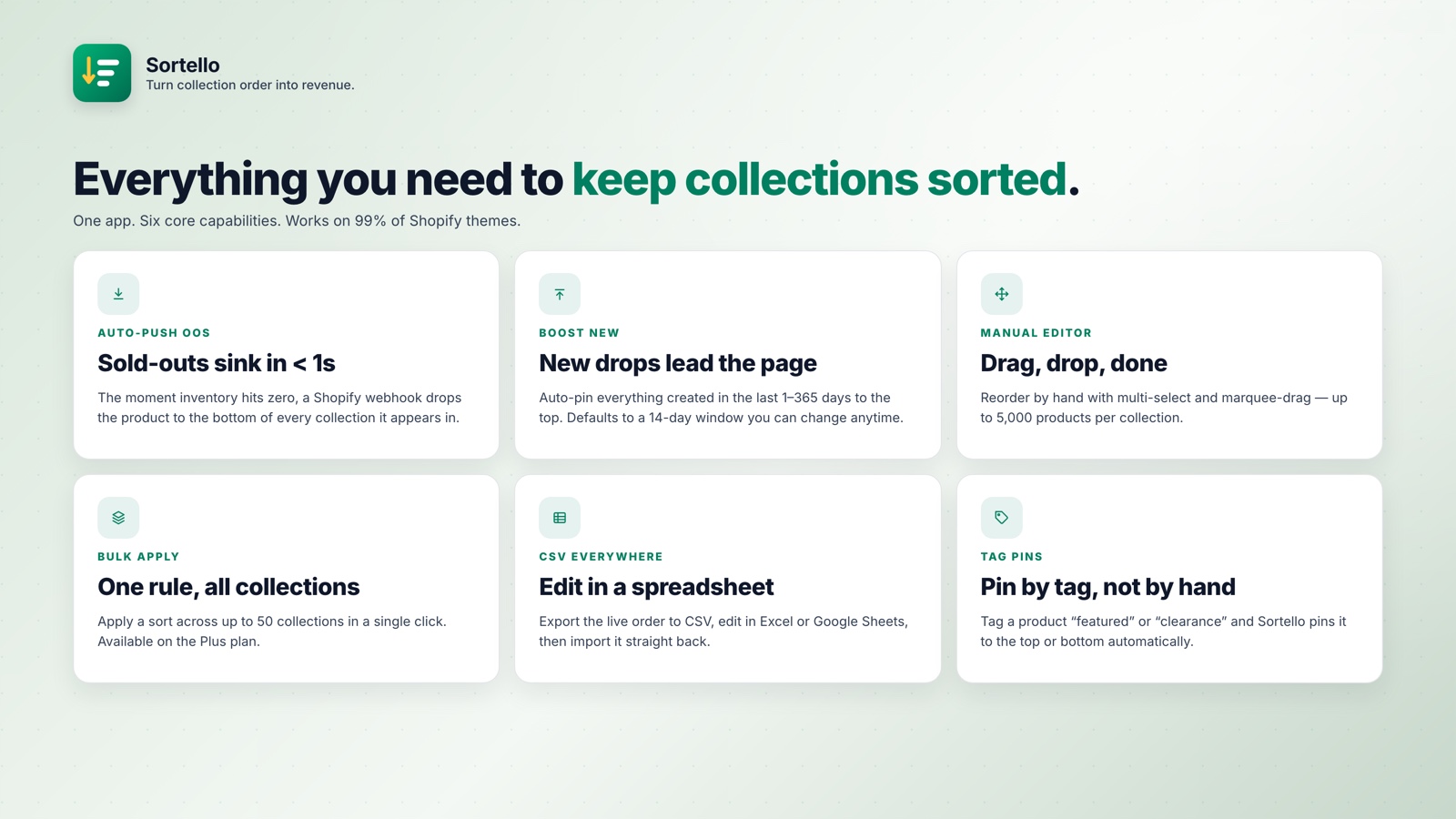
Shopify makes you sort collections one at a time. There is no native way to apply one sort rule across all of them at once, so on a large catalog you either leave collections inconsistently ordered or spend real time updating each one by hand.
🎯 Quick Summary
- Shopify has no built-in way to apply one sort rule across all collections at once.
- Sortello's Plus plan bulk-sorts every collection in a single click.
- Sort history keeps the last 20 versions of each collection, each restorable in one click (all plans).
- Free plan available. Plus is $29/mo for unlimited collections.
📦 Bulk Sort All Your Shopify Collections in One Click
Every promotion, restock, or merchandising pass means updating your collection sort orders. On a 10-collection store that is a small chore. On 50 or 100 collections it is a recurring job, and inconsistent sorting leaves the storefront uneven: one page alphabetical, another on a two-year-old manual order, another on all-time best sellers from 2022.
The native method is to open Collections, pick one, change the sort order, save, go back, and repeat for every other collection. Budget 20 to 30 minutes for a 50-collection store, every time anything changes.
Sortello's Plus plan includes bulk apply. Pick one sort rule, hit apply, and every collection updates at once. A catalog-wide change that took 30 minutes takes about 10 seconds.
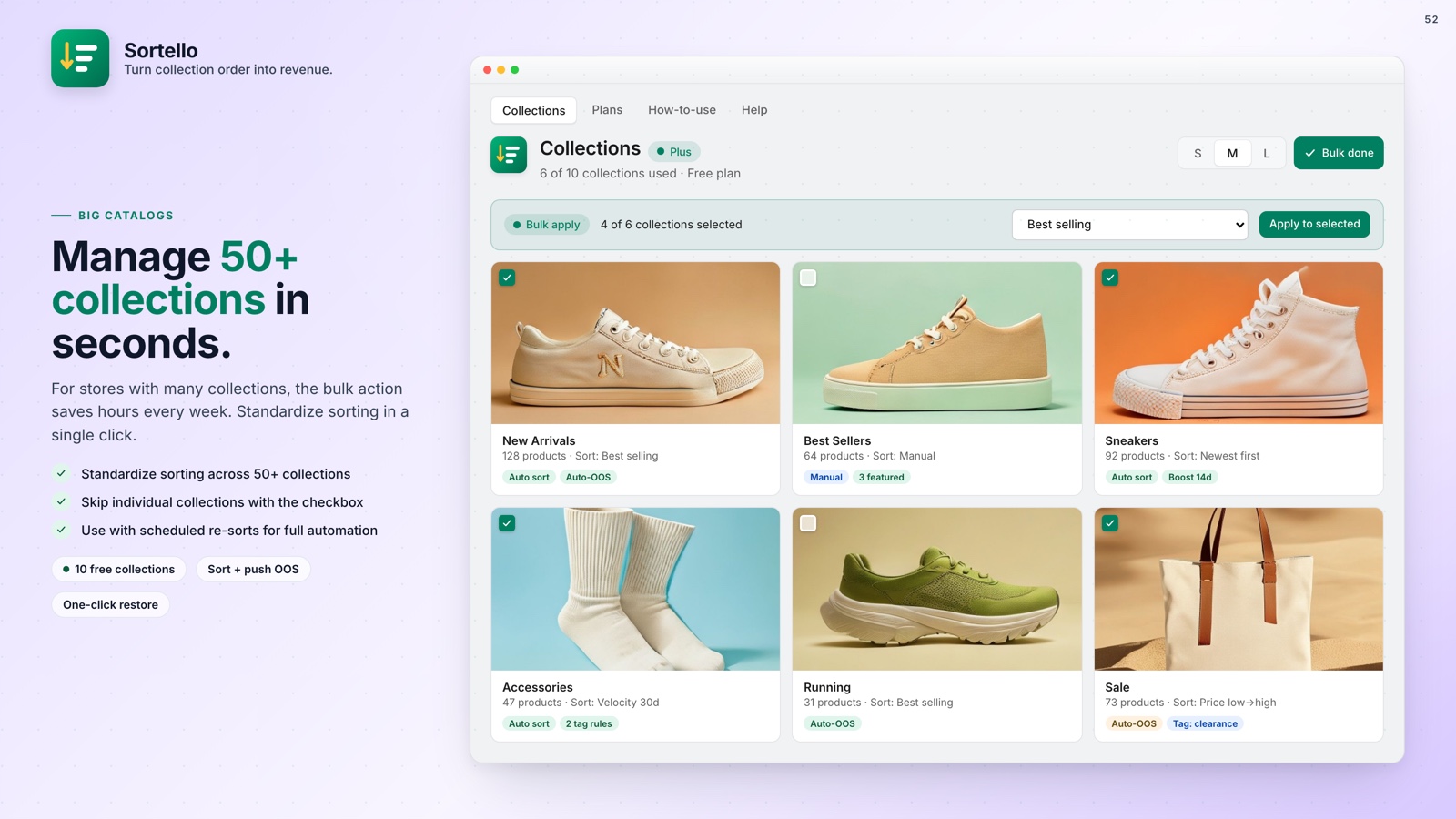
The rule you bulk-apply can be any of Sortello's sorts: Shopify's seven built-in options and a random shuffle on every plan, or the sales-velocity, revenue, stock-level, discount and vendor sorts on Pro. Two recipes on Pro combine several rules into one. How to Sort Shopify Collections Automatically covers each option.
🛡️ Sort History: One-Click Undo for Any Mistake
You apply a bulk sort before a launch, then remember your flagship collection had a hand-curated order you spent an hour on. Shopify has no undo for collection sort orders, so rebuilding it is manual.
Sortello keeps the last 20 versions of each collection. Every sort saves the previous state automatically. Click restore and the collection returns to that order, products in the same positions, no rebuild.
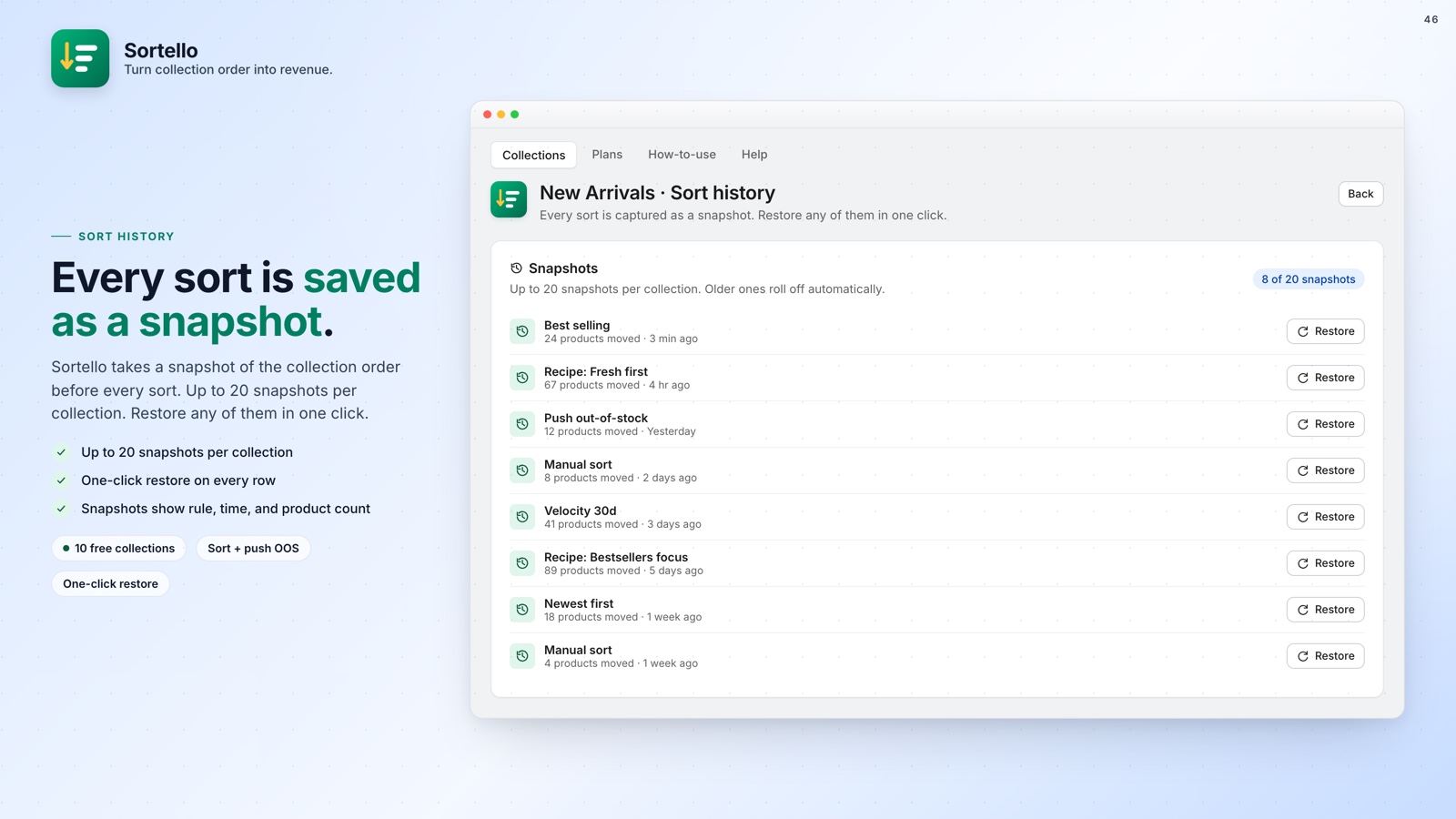
Sort history is on every plan, including Free. If your collection sort reverts after a theme update, you have a clean restore point.

Stop updating 50 collections individually
Sortello bulk-sorts every collection in one click and saves every previous sort so you can undo in seconds. Free plan included, no theme code needed.
Everything you get, at a glance:
- Bulk apply one sort rule to all collections at once (Plus)
- The last 20 versions of each collection, one-click restore (all plans)
- Shopify's seven built-in sort rules plus a random shuffle (all plans)
- Sales-velocity, revenue, stock-level, discount and vendor sorts, plus two recipes (Pro)
- Sales velocity over the last 7, 30, or 60 days (Pro)
- Real-time out-of-stock push to the bottom, automatic restore on restock (Pro)
- Scheduled re-sorts from every 6 hours to weekly (Pro)
- Drag-and-drop editor for up to 5,000 products per collection (all plans)
- No theme code, changes publish to the live storefront
🚀 Why This Is Worth Your Attention
Your collection sort order is more than a presentation detail. It is the first thing shoppers see when they land on a collection page, and it directly determines how fast they find something worth buying. A best-selling product that appears too low in the collection is a missed sale. Multiply that across 50 collections and you have a significant revenue problem.
For a deeper look at exactly how sort order affects conversions, How Collection Order Affects Your Shopify Sales is worth the 5-minute read.
Bulk apply and sort history are the features you reach for constantly. One removes the repetitive clicking; the other lets you recover from a mistake.
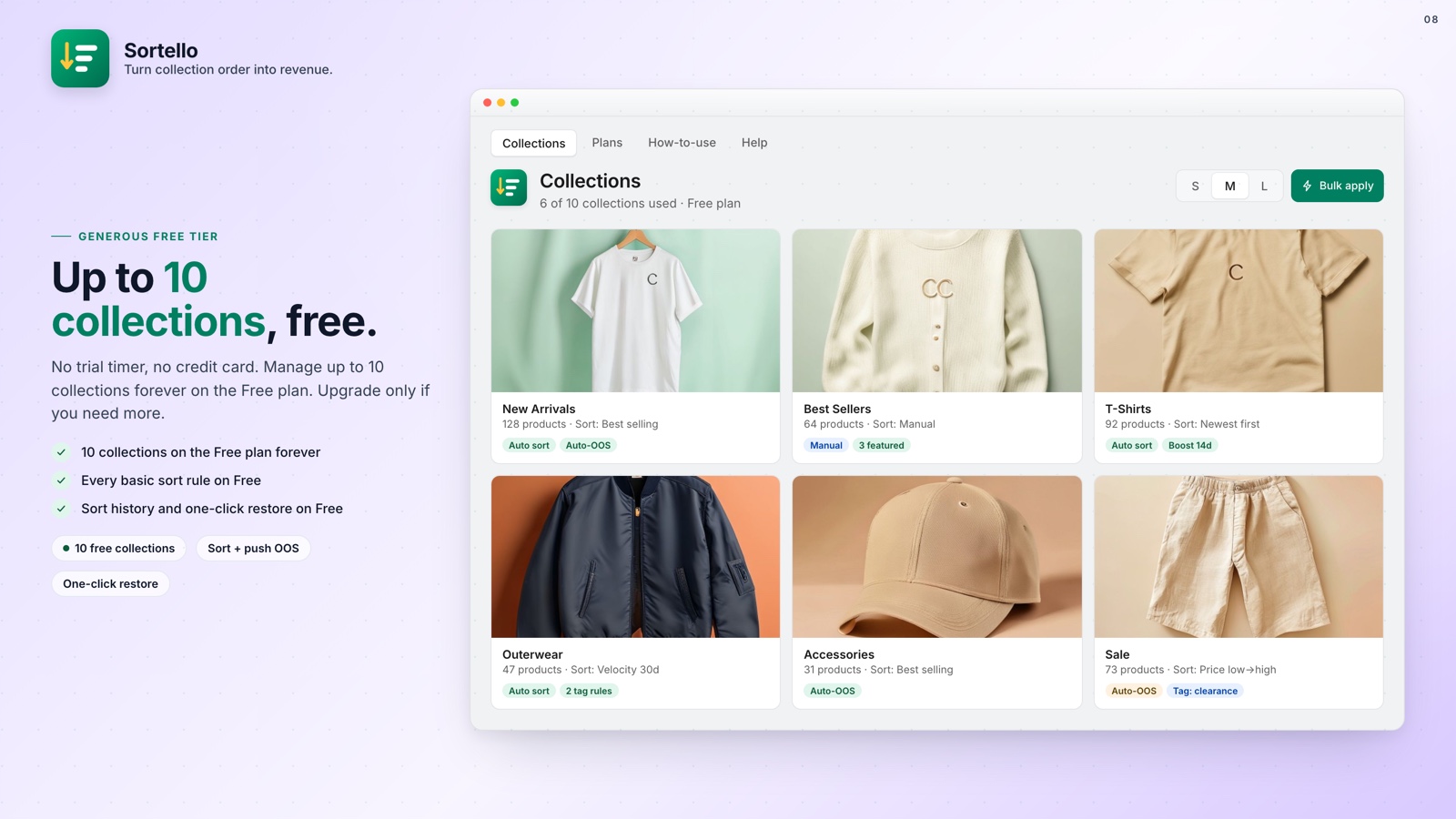
The Free plan covers 10 collections with sort history, the built-in rules and the manual editor. Plus is $29 a month for unlimited collections with bulk apply, or $24.65 a month billed yearly. Paid plans include a 7-day free trial. If out-of-stock products also clutter your collections, Stop Out-of-Stock Products Showing at the Top of a Shopify Collection pairs with this one.