You spent months building visibility for a product page. It sold out, so you moved it to Draft. Now the URL can return a 404, while valuable inbound links point to a page customers cannot reach. That can erase hard-won SEO value.
Choosing the best app to hide out-of-stock products on Shopify is not just a cleanup decision. The right workflow protects the customer experience, reduces manual work, and helps preserve search visibility. Here is what to compare.
🎯 Quick Summary
- Real-time webhooks can hide products in seconds rather than hours
- 301 redirects help protect SEO while a product is unavailable
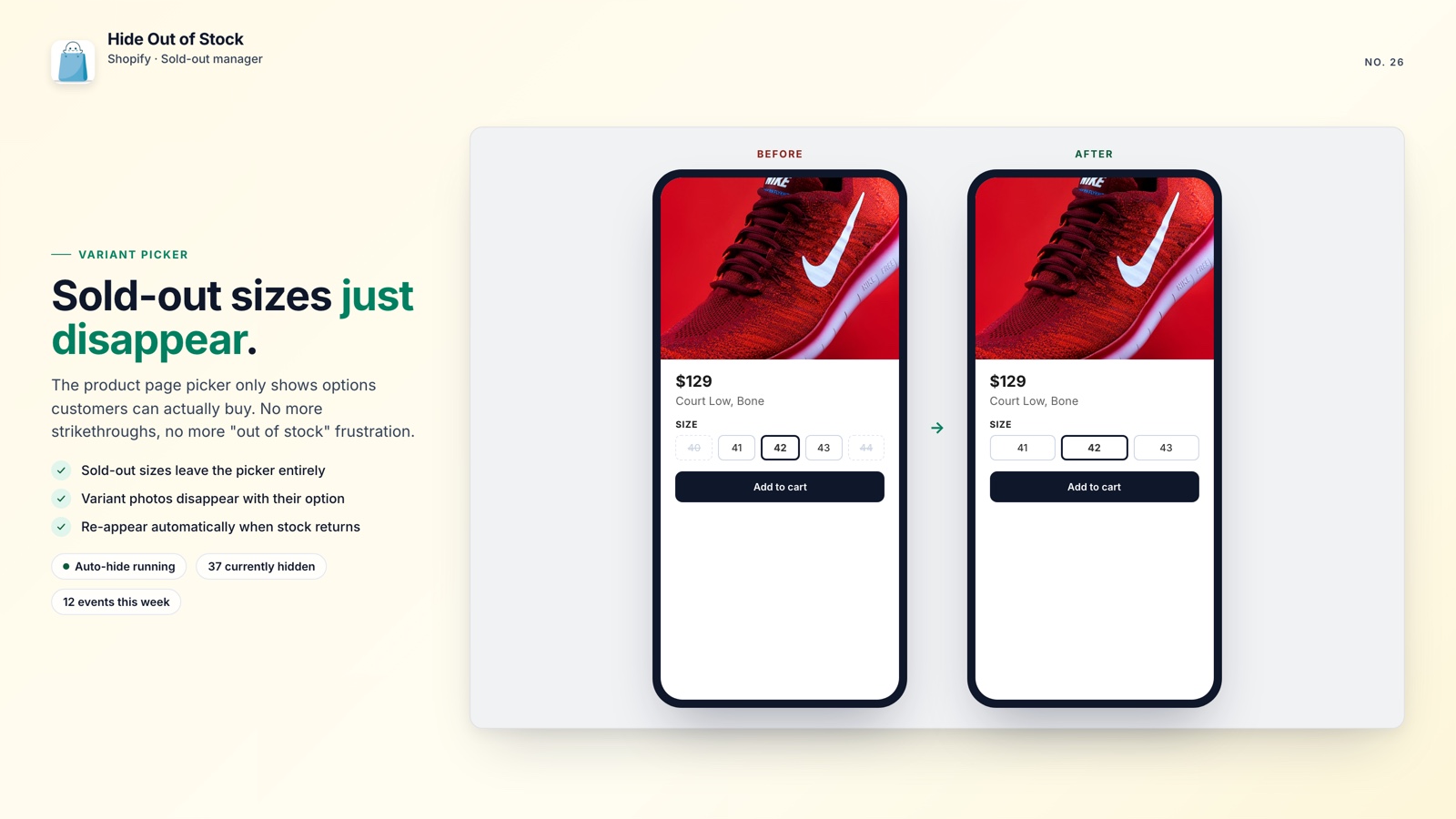
- Sold-out sizes and colors can be removed from the product-page selector
- Tag exclusions keep pre-order and coming-soon products visible
🔍 What to look for in an out-of-stock app
Many merchants start by moving a product to Draft and getting on with other work. When inventory returns, the product remains hidden because nobody republished it. That delays orders and creates another task for the team.
Shopify Flow can automate the hide step, but you need two separate workflows: one to unpublish at zero stock and one to republish when inventory returns. If the second workflow is missing, products stay hidden. Flow also does not create 301 redirects, so a hidden URL can still return a 404 in Google and lose the link equity it built over time.
A capable app should cover the following:
- Listens to real-time inventory webhooks instead of relying only on scheduled polling
- Restores the product as soon as any variant is back in stock
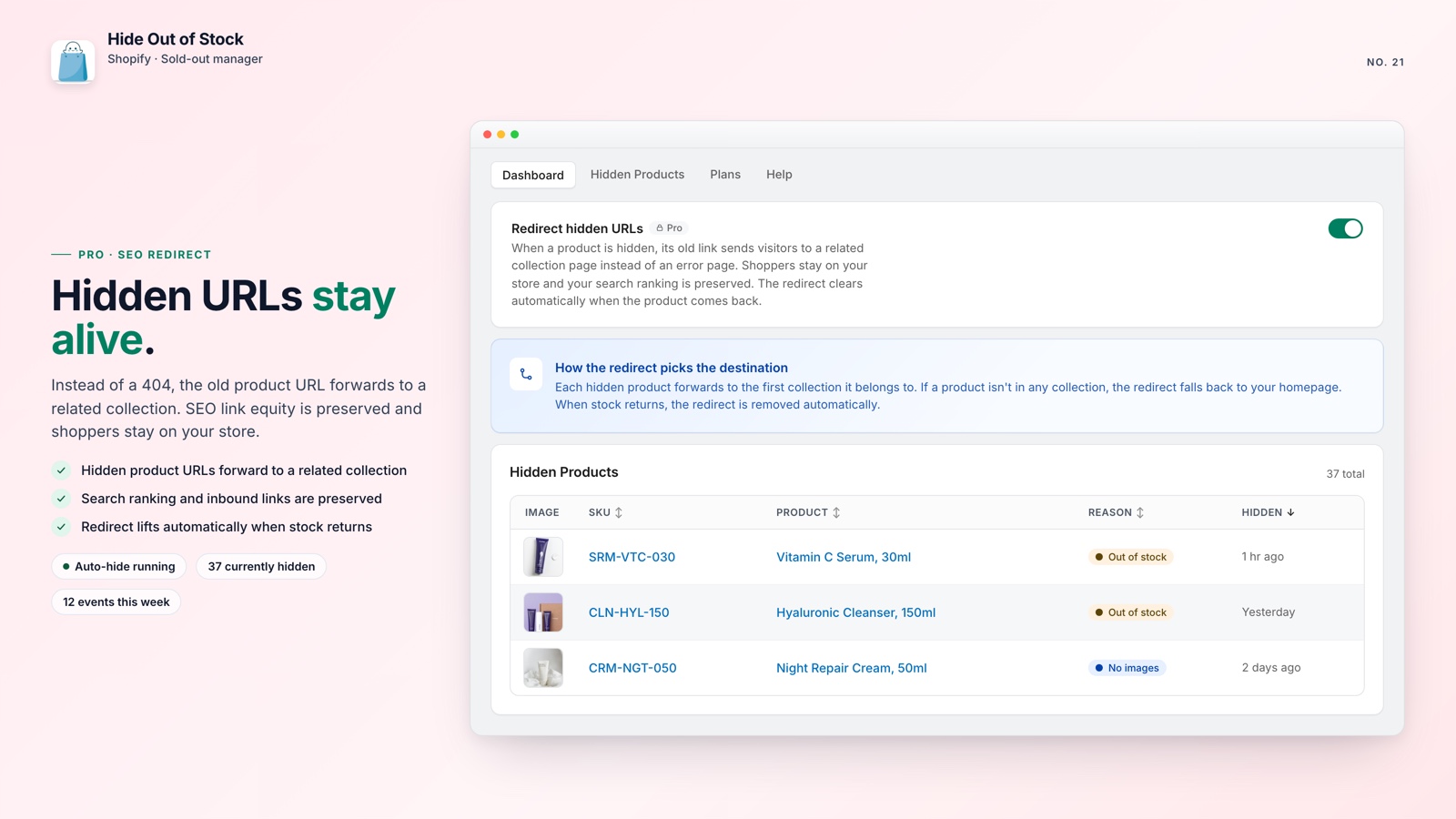
- Creates a 301 redirect when hiding so the URL does not become a 404
- Hides sold-out colors and sizes on the product page
- Respects tag exclusions so pre-order and coming-soon products stay live
- Shows a live dashboard of products currently hidden
The last point matters because hidden products are easy to forget. A dashboard gives your team one place to review status and history. Tracking every hidden product in one place makes a growing catalog easier to manage.
⚡ How Hide Out of Stock compares
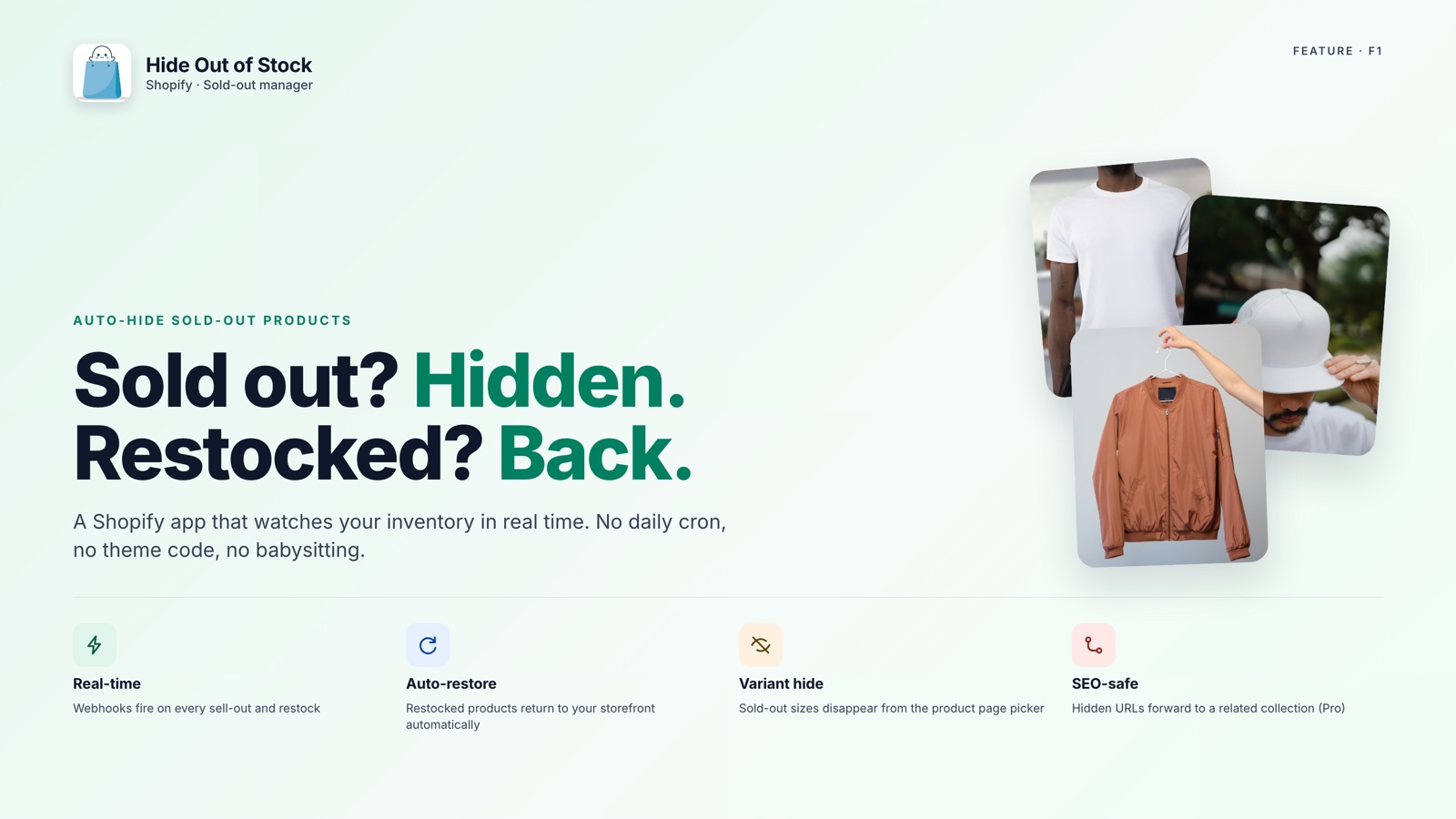
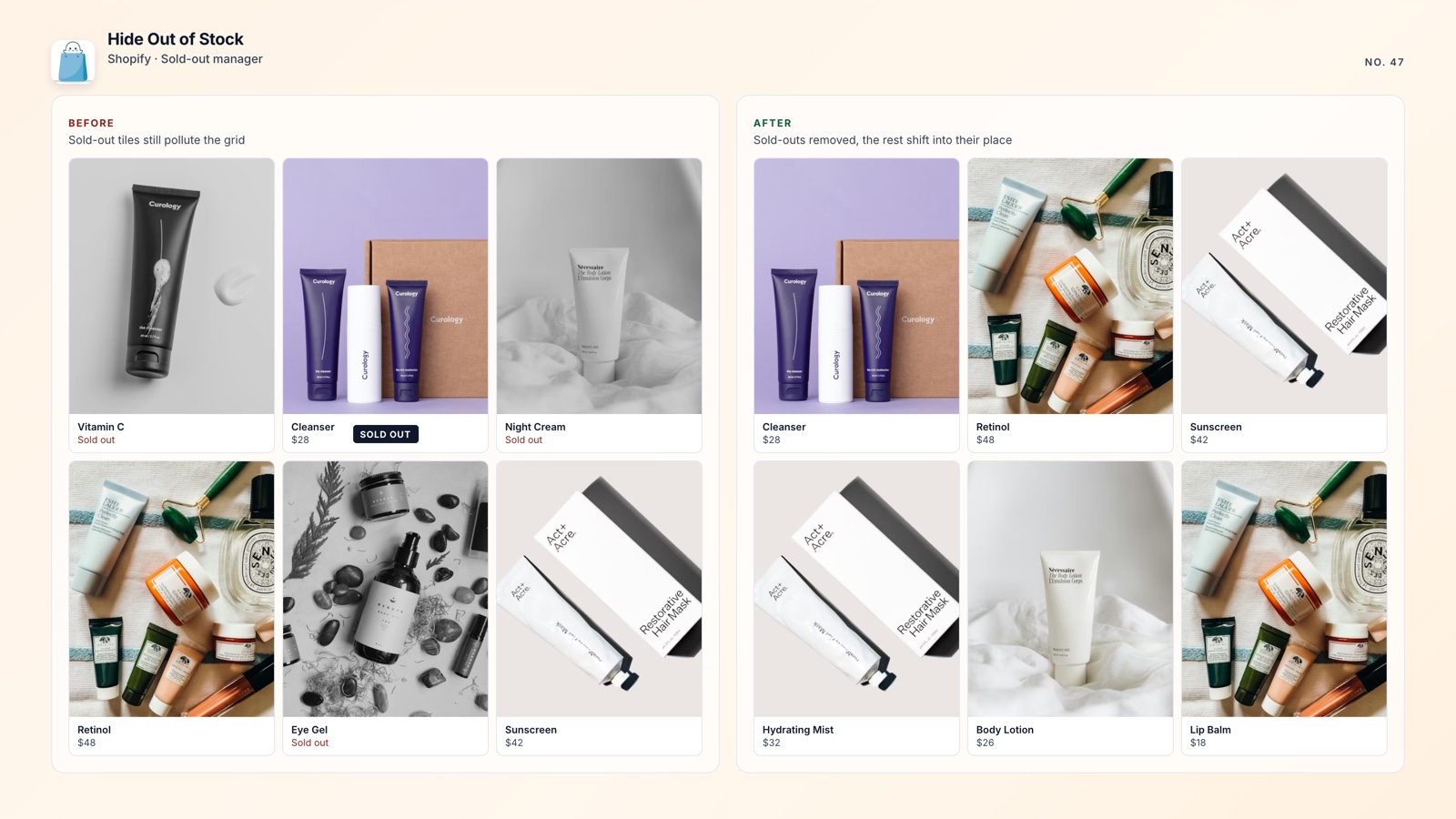
Hide Out of Stock listens to Shopify inventory and product webhooks in real time. When every variant reaches zero, the product is set to Draft. When any variant comes back in stock, it returns to Active automatically. The result is a workflow measured in seconds, not several hours.
After installation, a one-click catalog scan checks the full catalog and hides products that are already out of stock. There is no need to wait for another inventory change or find products one by one.
On Starter and Pro plans, sold-out size and color variants disappear from the product-page selector, along with their variant images. Customers see only options they can purchase, so the page does not feel broken or cluttered with unavailable choices. This is especially useful for apparel and footwear stores.
The Pro plan adds SEO-safe 301 redirects. When a product is hidden, the app creates a redirect to its first collection; when the product is restored, the redirect is removed. That helps your Google visibility survive the downtime instead of resetting after every stockout. For seasonal or limited-run products, the difference adds up quickly.
💡 Pro tip: Tag products withpre-order,coming-soon, ornohidewhen they should stay visible. Hide Out of Stock will exclude them regardless of inventory.
A daily scheduled task re-checks hidden products every 24 hours in case a webhook is delayed or missed. Scope rules let you apply the workflow to the full catalog or limit it to selected collections.
How Hide Out of Stock works
Stock reaches zero
Shopify sends an inventory webhook when the last unit sells.
Product is hidden
It moves to Draft in seconds. A 301 redirect is added automatically (Pro).
Stock returns
The product returns to Active when inventory is updated, and the redirect is removed.
Dashboard records it
The activity feed shows every hide and restore. CSV export is available.

Protect your store when products sell out
Hide Out of Stock hides, restores, and protects product-page SEO with 301 redirects. Set it up in under five minutes.
| Capability | Manual / Flow | Other apps | Hide Out of Stock |
|---|---|---|---|
| Real-time auto-hide (webhooks) | No | Most, yes | Yes |
| Auto-restore on restock | Second Flow needed | Some | Yes |
| SEO-safe 301 redirects | No | Rarely | Yes (Pro) |
| Variant-level hiding | No | Some | Yes (Starter+) |
| Tag exclusions | No | Some | Yes |
| /collections/all redirect | No | Rarely | Yes (Starter+) |
| Dashboard + CSV export | No | Some | Yes |
| Daily safety-net re-check | No | Rarely | Yes |
🚀 Why the choice matters
Every day a sold-out product remains visible, customers can spend time on something they cannot buy. A product left in Draft can also turn valuable inbound links into 404 errors. Both outcomes create avoidable friction.
The practical answer is one workflow that hides, redirects, and restores products without repeated manual checks. If you are considering pushing sold-out products to the bottom of your collections, hiding them entirely when every variant reaches zero is the cleaner option when nothing is available. It is also worth learning how collection order affects Shopify sales.
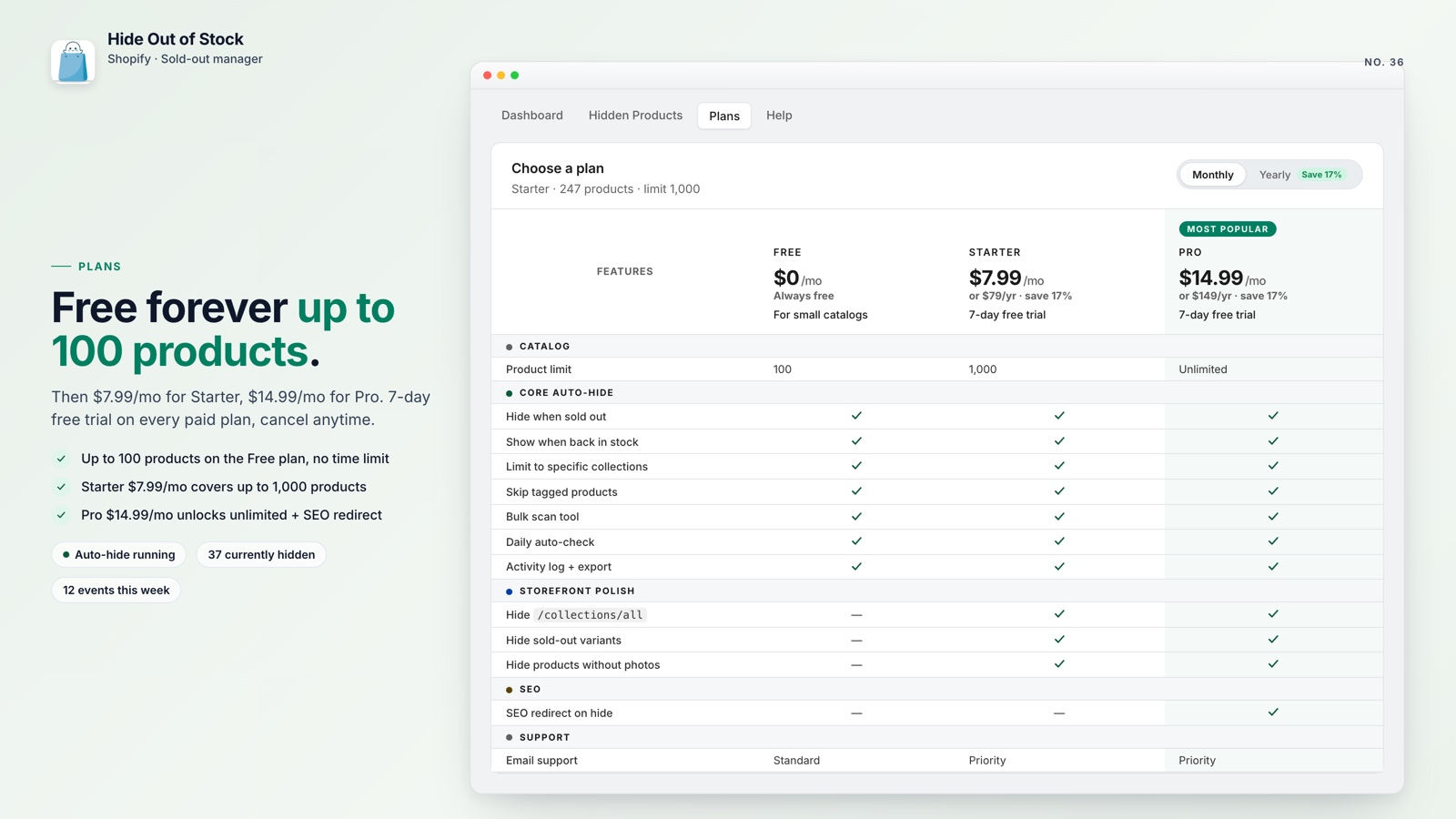
Hide Out of Stock starts free for smaller stores. The Pro plan is $14.99 per month, covers unlimited products, and adds the SEO redirects that help protect visibility during stockouts. Compare the plan details with the cost of letting products and customers fall through the cracks.