You arrange a collection carefully, then come back two days later to find Shopify has reset the order. And even when it holds, a fixed order goes stale as sales shift and new products arrive. A scheduled re-sort keeps the collection current on its own.
🎯 Quick Summary
- Shopify's native sort order doesn't auto-update. You re-sort manually, every single time.
- Sortello schedules automatic re-sorts per collection, from every 6 hours to weekly.
- New products can be auto-pinned to position 1 for a set number of days, giving each launch initial visibility.
- Both features are on the Pro plan at $9.99/mo, with a 7-day free trial.
📅 Schedule Automatic Re-Sorts (From Every 6 Hours to Weekly)
A one-time sort is a snapshot. Sales shift, so this week's best seller can be behind by next week, and Shopify does not keep pace on its own. Its built-in best-selling sort ranks by all-time order count, so older products stay on top even after demand drops.
The manual workaround is to open each collection, re-sort, and save, then do it again every time sales or stock change. That does not scale.
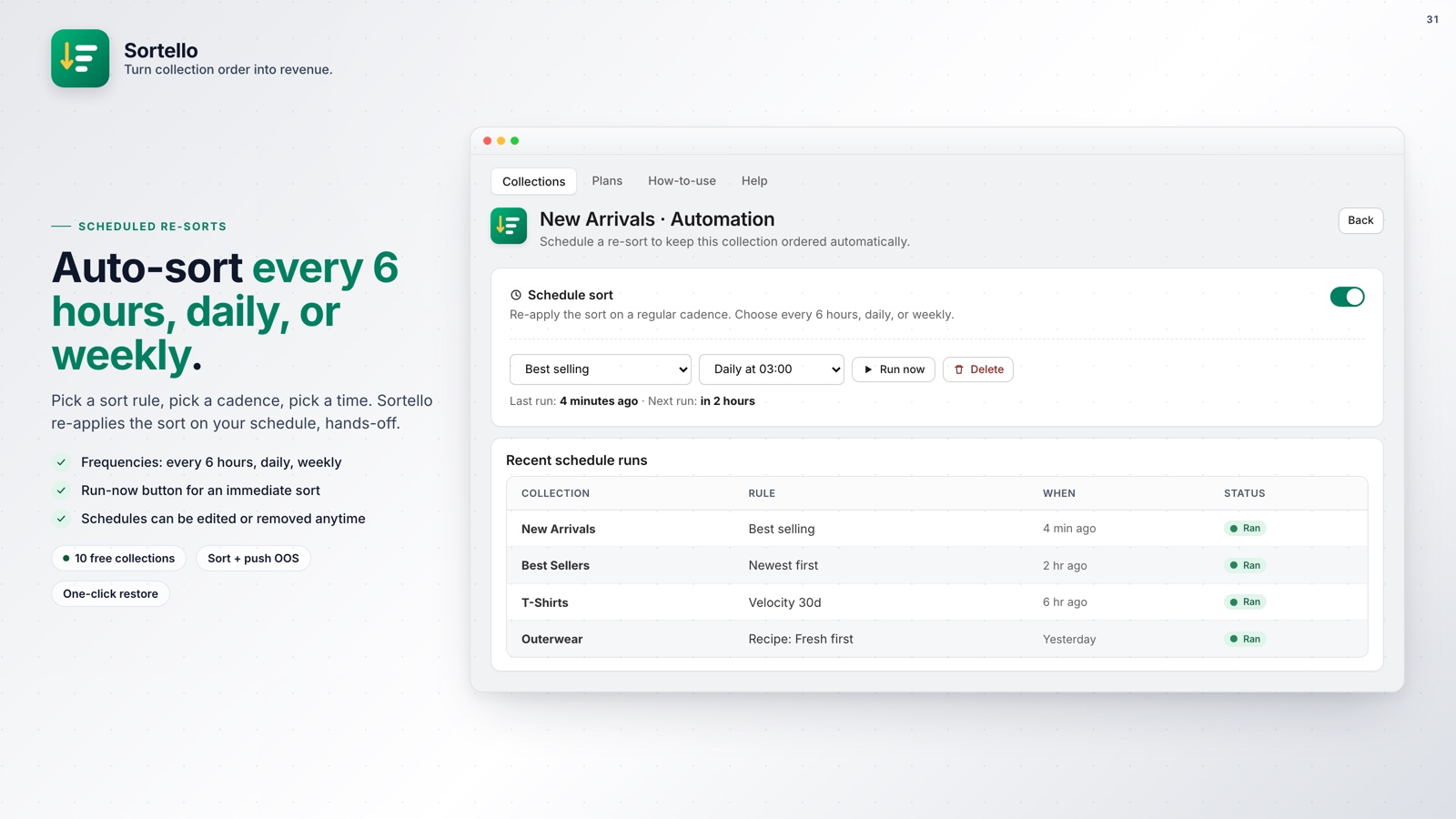
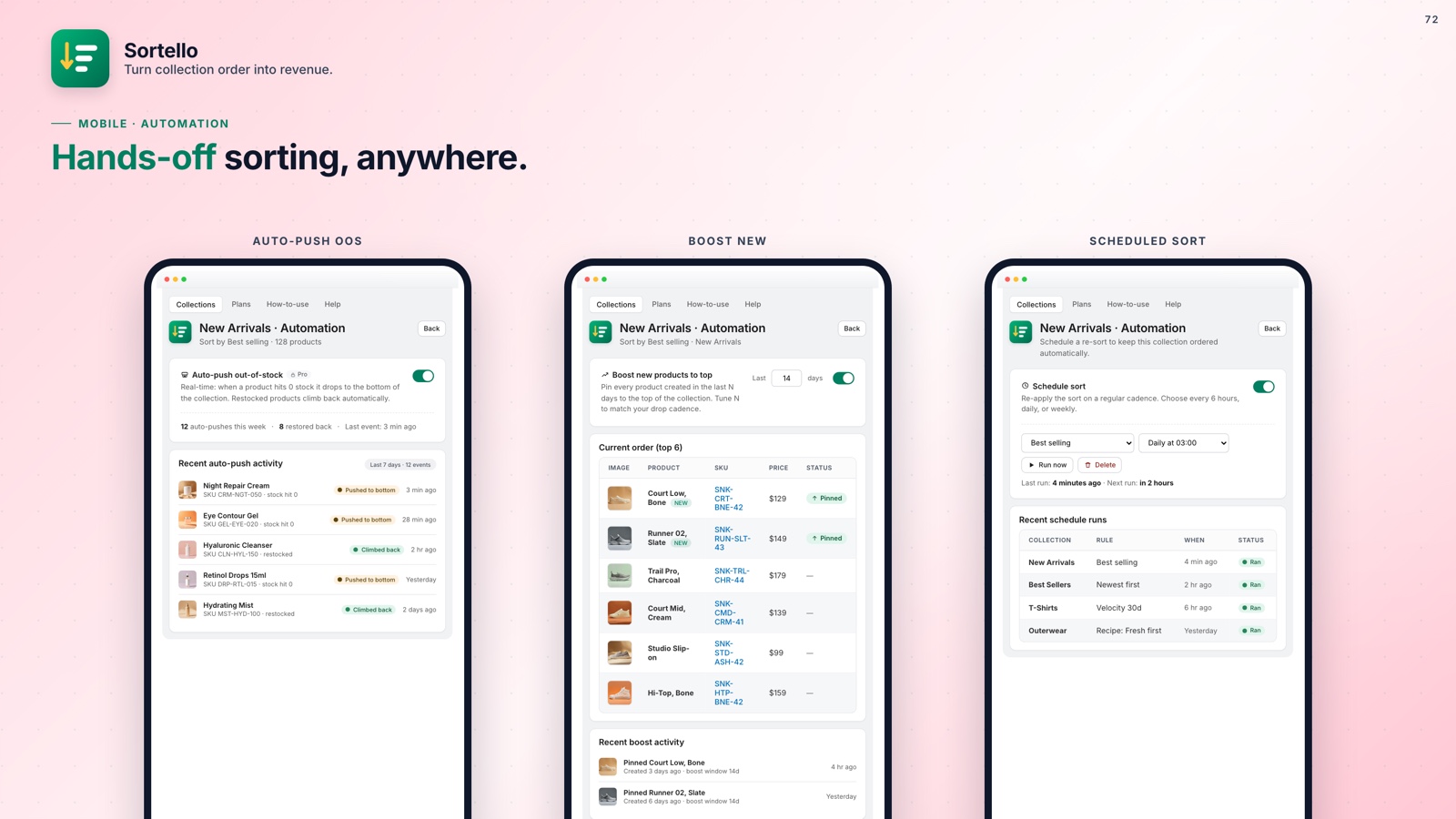
With Sortello, you pick a sort rule and a cadence: every 6 hours, every 12 hours, daily, every 3 days, or weekly. The collection re-sorts on that schedule, run in the cloud, without the app open. Pair it with Sortello's best-seller velocity sort, which ranks by real sales over the last 7, 30, or 60 days, and your top performers stay on top. Scheduled re-sorts are a Pro feature.
For stores with frequent restocks or flash sales, the 6-hour cadence on your highest-traffic collections keeps them current with no manual work.
📌 Auto-Pin Newly Added Products to the Top
You drop a new product. It goes live at 2pm. By 3pm it is sitting on page 4 of your collection because Shopify sorted it by the date the draft was created, not when it actually published.
Your launch email points customers to a product that appears after dozens of others. Moving it to position 1 by hand works once, but not across frequent additions and multiple collections.
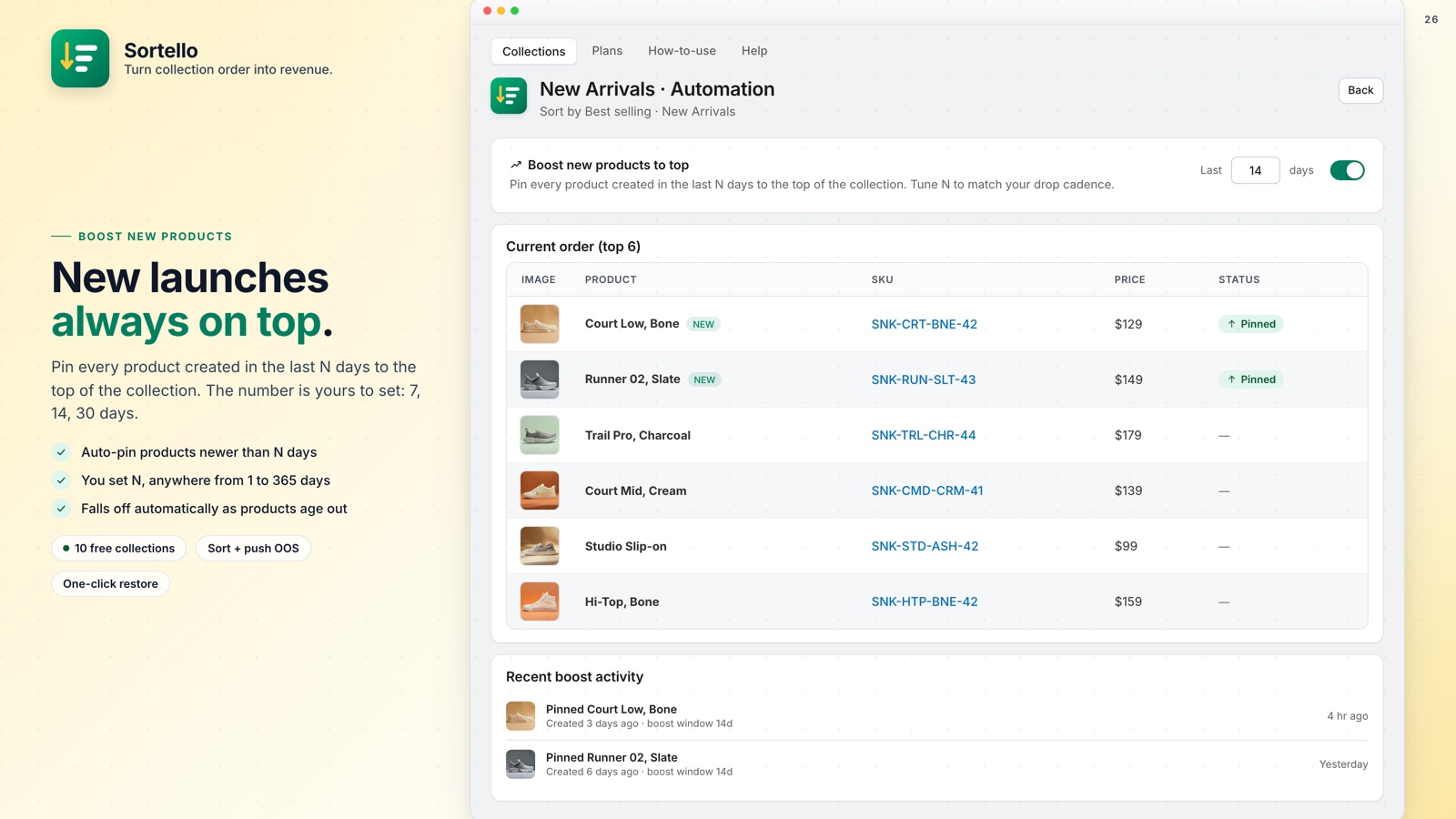
Sortello's auto-pin new products feature (Pro) keeps any newly added product at the top of a collection for however many days you set. Every new arrival gets that placement while it builds sales history, then drops into the active sort rule when the window closes.
This pairs especially well with a scheduled best-seller re-sort. New products receive prominent placement while established sellers remain below them in the list. If you are also locking specific hero products into fixed positions, the pinning and featuring guide covers how featured slots work alongside auto-pin.

Your collections, running on autopilot
Sortello schedules re-sorts, auto-pins new arrivals, and keeps your best sellers visible without daily manual work. 7-day free trial, no theme code needed.
Everything you get, at a glance:
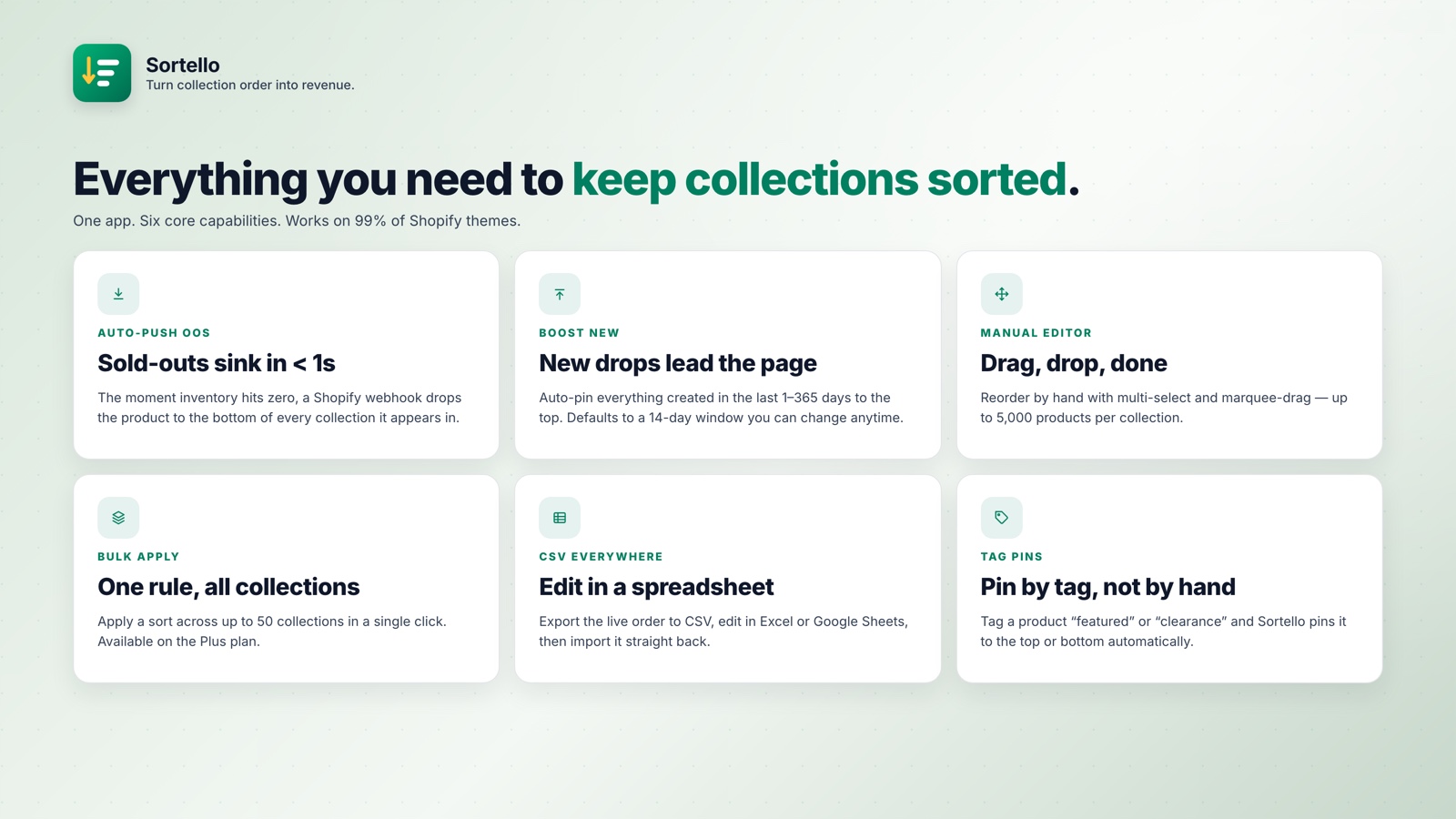
- Schedule re-sorts per collection, from every 6 hours to weekly (Pro)
- Auto-pin new products to the top for a custom number of days (Pro)
- Shopify's seven built-in sort rules plus a random shuffle (all plans); velocity, revenue, stock-level, discount and vendor sorts, plus two recipes (Pro)
- Best-seller sort by sales velocity over the last 7, 30, or 60 days (Pro)
- Real-time push of out-of-stock items to the bottom, then back into your order on restock (Pro)
- Drag-and-drop editor for up to 5,000 products per collection (all plans)
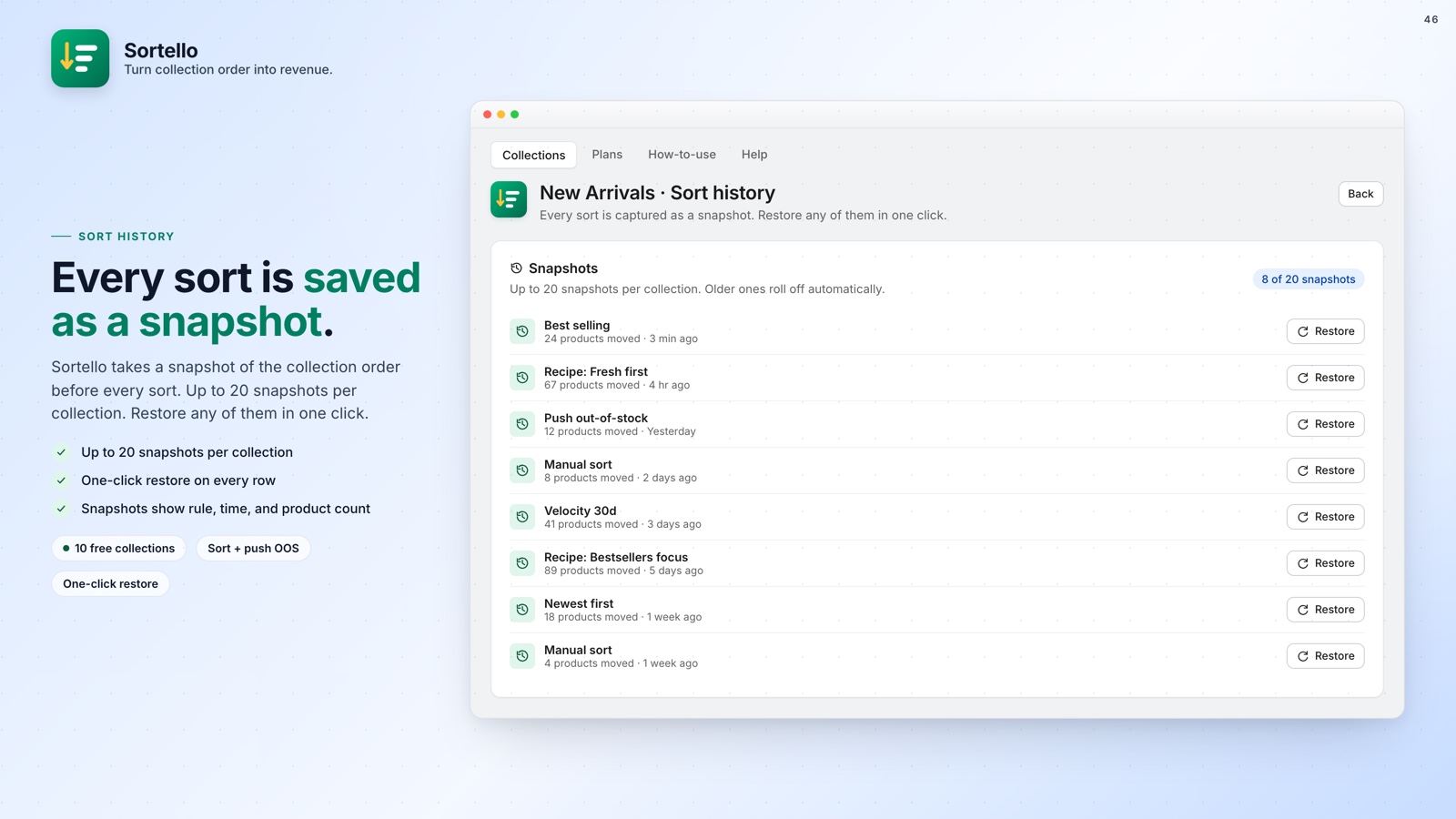
- Sort history: the last 20 versions of each collection, one-click undo (all plans)
- No theme code, changes publish to the live storefront
🚀 Why This Is Worth Your Attention
An outdated collection order can reduce revenue over time. Older products may occupy the top positions, while new arrivals appear too low for shoppers to find them easily.
Shopify has no native scheduled re-sort, so it cannot keep pace with changing sales, new arrivals, or restocks on its own.
Sortello Pro at $9.99 a month handles scheduled re-sorts, auto-pinned new arrivals, and real-time out-of-stock pushes. For how much collection order affects revenue, see this guide on collection order and conversions.